

WordPress Website Design Tips to Create a Professional and User-Friendly Website
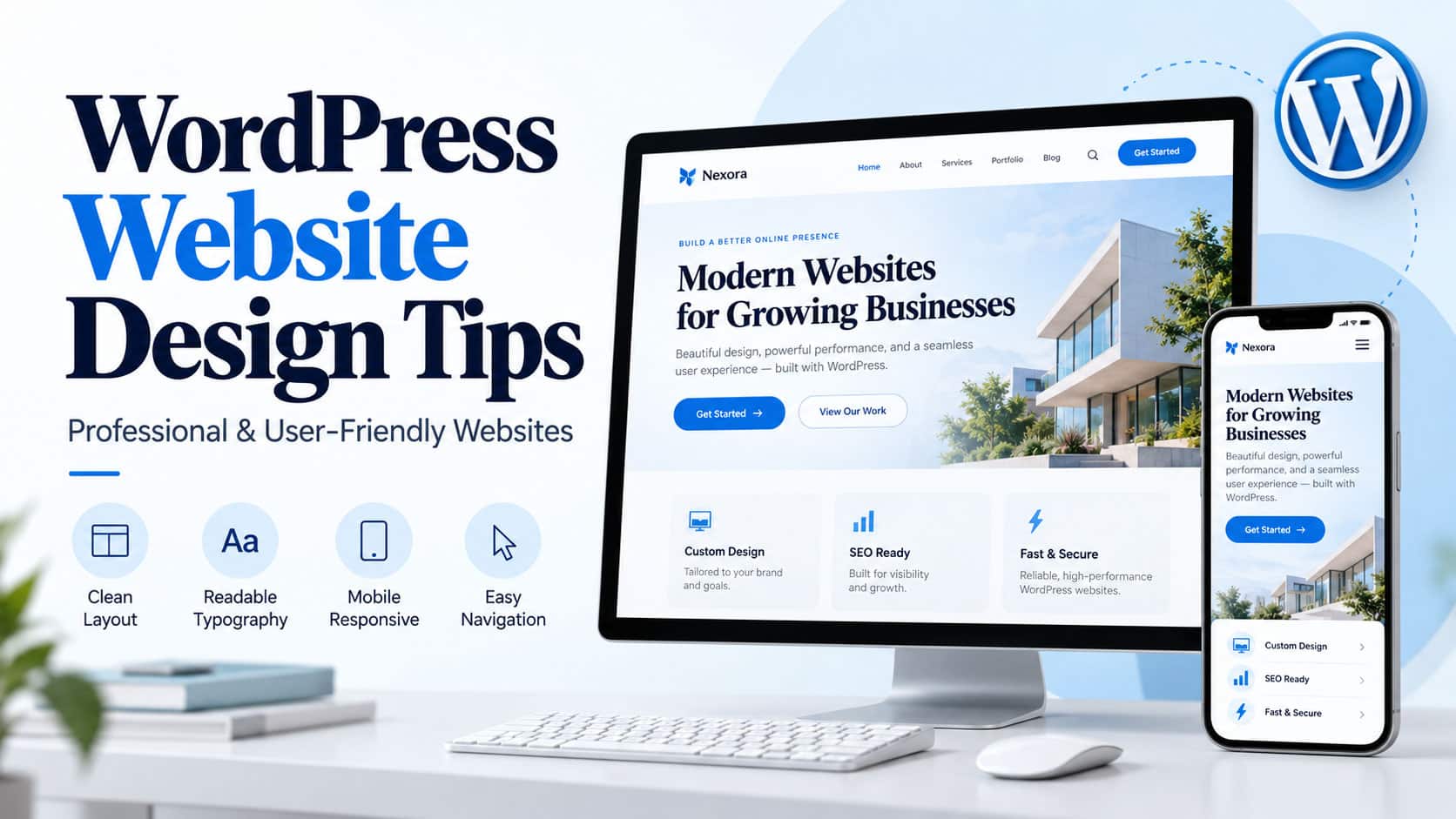
For most businesses, the website is the first handshake. It’s where a potential customer decides, often within seconds, whether a company looks trustworthy enough to call. WordPress has become a favourite for building these sites, thanks to its flexibility, its endless room for customisation and a huge choice of themes and plugins. Installing it is the easy bit, though. A site that actually works for people needs good design, menus that make sense, pages that load quickly and content worth reading.
The same principles hold for a small local business, an online shop or a personal brand. Smart WordPress website design is what turns a bare install into something polished that pulls its weight. Nobody remembers a website for its plugins. They remember whether it was easy to use.
1. Choose the Right WordPress Theme
Everything starts with the theme. It shapes the look, the layout and the underlying design structure of every page, so getting it right early saves a great deal of fiddling later. A good fit keeps the visual identity consistent and makes customisation far less of a chore.
The site’s purpose and its audience point the way. A business site tends to need service pages, contact forms and testimonials, while an online shop lives or dies by its product displays and checkout. A bakery taking cake orders needs something very different from an accountant.
The best themes are responsive, lightweight and updated regularly. Core plugins and the well-known page builders need to run on them without a fight. With a clean design and flexible settings, a site owner can end up with something polished without ever opening a line of code.
2. Focus on Simple and Clear Navigation
Navigation is how visitors find their way around. When an important page is hard to track down, people rarely go hunting. They simply close the tab and try a competitor instead.
A simple menu covering the essentials works best: Home, About Us, Services, Blog and Contact. Bigger sites can tuck pages into sensible categories or dropdowns.
The structure needs to stay the same on every page. Clear labels beat clever ones. Getting back to the homepage ought to take one click.
Tidy navigation makes a site easier to use, and visitors who find things easily tend to stay and look around for longer.
3. Use a Responsive Website Design
Plenty of browsing now happens on phones and tablets rather than desktop computers, often on a bus or in a queue at the supermarket. That makes responsive design essential if visitors are to get the same experience whatever screen they’re holding.
A responsive WordPress theme reshapes page layouts, images, menus and text to suit each device on its own, so a menu that sits neatly across a laptop folds into a tidy button on a phone.
Testing on several devices before launch catches a lot of problems. Buttons need to be easy to tap with a thumb, paragraphs need to be comfortable to read, and menus need to open and close properly. Oversized images and anything that makes people scroll sideways are best left out. Nobody enjoys pinching and zooming just to read a price.
Mobile-friendly design can help with SEO, too, because search engines index and rank sites based on their mobile version.
4. Improve Website Loading Speed
Speed matters to visitors and to the bottom line alike. Slow pages drive people away, especially on mobile devices or patchy connections. A page still loading after five seconds has usually lost its visitor.
It starts with dependable hosting and a theme that doesn’t carry extra weight. Images can be compressed before upload, and modern formats such as WebP often make a big difference where they suit the content. A single uncompressed photo from a modern phone can weigh more than the rest of the page put together.
Caching tools cut down on repeated processing, and a content delivery network (CDN) helps when an audience is spread across different regions. Trimming unnecessary plugins, flashy animations and heavy scripts lightens the load further.
Sites that lean on advanced AI tools or churn out lots of digital content may also need the right computing power behind them. For example, businesses exploring specialized hardware can review CryptoGPUs AI workstations to learn about workstation options for AI-related workloads. The right choice comes down to the jobs at hand, the budget and the technical requirements involved.
Google PageSpeed Insights and similar tools reveal how a site really performs, pointing out oversized images, rendering delays and other slow spots. Guesswork becomes a clear to-do list.
5. Maintain a Consistent Visual Identity
A professional site carries the brand’s personality through steady use of colours, fonts, images and design elements. When everything matches, the site becomes easier to recognise and feels more trustworthy, much like a shop with a tidy, familiar window display.
Two or three main brand colours are usually plenty, used the same way across every page. Fonts need to be easy to read, with a clear difference in size and weight between headings, subheadings and body text.
Good-quality images that genuinely relate to the business work far better than generic stock photos of people shaking hands. Too many fonts, colours or decorative touches quickly make a page feel cluttered. Restraint looks more professional.
When the homepage, service pages, blog posts and contact page all feel like part of the same family, visitors get a smoother, more polished experience.
6. Create Useful and Readable Content
Design is there to support content, not to steal attention from it. Visitors want to know straight away what the business offers, who it’s for and how it can help them.
Long articles read much better broken into short paragraphs with clear headings. Bullet points work well for features, benefits and step-by-step instructions, since most people skim before they read.
AI-powered writing tools are handy for sparking article ideas, shaping outlines and sharpening a rough draft. Those exploring different subscription options can learn more about ChatGPT plans at AIwithBitcoin to understand available plans and identify which features may suit their content creation workflow.
Anything an AI tool produces still needs a careful human read for accuracy, originality, relevance and readability. Real insights and practical examples are what make content worth reading. Generic filler that doesn’t answer an audience’s actual questions rarely brings anyone back.
Keywords belong in page titles, headings, meta descriptions and body content, but only where they fit naturally. Stuffing them in makes the writing clumsy and drags down its quality.
Every page needs a clear job. An informational article answers questions, while a service page explains the benefits and makes it easy to get in touch.
7. Make Your Website Accessible
Accessibility makes a site easier to use for people with different abilities. It also tends to make the whole design better for everyone.
Text that stands out clearly from its background helps more than many owners realise, especially for someone squinting at a phone in bright sunlight. Informative images need meaningful alt text, links need descriptive wording rather than a vague “click here”, and every interactive element needs to work with a keyboard alone.
Headings need to follow a sensible order, and every form field deserves a plain label. Colour on its own is never enough to carry important information, since not every visitor sees red and green the same way.
Small fixes like these make pages easier to follow and welcome a wider range of visitors. Good access is good design.
8. Add Clear Calls to Action
A call to action (CTA) nudges visitors towards the next step. Depending on the business, that might be requesting a quote, booking an appointment, signing up for a newsletter or buying a product.
Punchy, active wording does the job best, like “Contact Us,” “Get a Free Quote,” or “Explore Our Services.” These buttons belong where visitors are most likely to want them, such as beside a service description or at the end of a helpful article.
Each CTA button needs to catch the eye without shouting over everything around it. It also has to lead to the right place and work properly on a phone. A “Book Now” button that goes nowhere is worse than no button at all.
9. Keep WordPress Secure and Updated
Security is a big part of looking professional online. Outdated themes, plugins and WordPress installations can leave doors open to attackers, often without the owner ever noticing.
Regular updates to WordPress, themes and plugins close many of those gaps. Strong passwords, two-factor authentication wherever it’s available and plugins only from trusted, reputable sources add further protection. A password like “admin123” is an open invitation.
Regular backups mean a site can be restored quickly if something goes wrong. An SSL certificate matters as well. It switches the site to HTTPS and keeps details shared by visitors safer in transit.
An occasional review of installed plugins is worthwhile, with anything no longer in use removed. Old plugins tend to be forgotten long before they stop being a risk.
Conclusion
A professional, user-friendly WordPress website comes from careful planning, consistent design and steady upkeep. The right theme, clearer navigation, faster loading and responsive layouts all go a long way towards giving visitors a better experience.
Accessible content, clear calls to action, solid security and genuinely useful information all add to that, building a site that keeps supporting a business for years.
Put these WordPress website design tips to work, and businesses and site owners end up with a presence that looks the part, treats visitors well and leaves plenty of room to grow. The best websites feel effortless to use. That ease usually takes careful work behind the scenes.
