

13 Ways to Improve SEO on Your WordPress Website
There is a particular kind of frustration that comes from building a beautiful website and then hearing almost no footsteps at the door.
You write, design, publish, refresh your analytics, and wonder where everybody went. A WordPress website can look wonderfully
polished and still remain almost invisible in search results, which feels a little like opening a bright shop on a street where nobody walks.
The good news is that search engine optimization (SEO) doesn’t have to mean turning your website into a strange collection of keywords.
Good WordPress SEO is really about helping search engines understand your pages while making those pages genuinely useful to people.
When those two things meet, things usually start moving in the right direction, even if SEO rarely gives instant results.
Below are 13 practical ways to improve SEO on a WordPress site. Some are technical, some are about content,
and a few are the unglamorous little improvements that website owners often skip because, well, they aren’t terribly exciting. They still matter.
| # | SEO Improvement | What to Do |
| 1 | Site Structure | Keep navigation simple and logical. |
| 2 | Quality Content | Create useful content matching search intent. |
| 3 | Titles & Meta Descriptions | Write clear, keyword-relevant titles and descriptions. |
| 4 | Internal Linking | Link related pages and articles together. |
| 5 | Page Speed | Optimize images, scripts, and loading time. |
| 6 | Caching | Use caching to improve WordPress performance. |
| 7 | Themes & Plugins | Choose lightweight, reliable options. |
| 8 | Image Optimization | Compress images and use descriptive alt text. |
| 9 | Mobile Optimization | Make your site fast and easy to use on phones. |
| 10 | Analytics | Monitor traffic and search performance. |
| 11 | Technical SEO | Fix broken links, redirects, and indexing issues. |
| 12 | Credible Content | Add original, accurate, trustworthy information. |
| 13 | Update Old Content | Refresh outdated posts and improve existing pages. |
1. Improve SEO on Your WordPress Website by Choosing a Clear Site Structure
A search engine should not have to play detective to figure out what your website is about. Your navigation, categories, pages, and URLs should create a sensible path from one topic to the next, rather than sending visitors wandering around like they’ve misplaced their car in a giant parking lot.
Start by deciding what your most important pages are. A service business might have Home, Services, About, Contact, and several focused service pages.
A blog could use broad categories with useful supporting articles underneath them. This kind of structure improves website usability as well as helping search engines understand how your content relates.
A few simple principles can help:
- Keep your main navigation short and understandable.
- Group closely related articles under sensible categories.
- Avoid creating dozens of tiny categories with one lonely post each.
- Use descriptive URLs rather than long strings of numbers or random words.
- Make important pages reachable within a few clicks.
- Remove or redirect outdated pages that no longer serve a purpose.
- Check your menus on mobile devices, because a menu that works beautifully on desktop can become a tiny maze on a phone.
Think of your website as a house. The search engine needs a floor plan, and your visitor needs to know where the kitchen is without asking three people first. That’s basically good SEO optimization in everyday language.
2. Create Helpful Content Around Real Search Intent

One of the most reliable SEO best practices is also one of the easiest to misunderstand: don’t write for keywords alone. Write for the reason someone typed those words into Google in the first place.
If someone searches “how to improve WordPress website performance,” they probably don’t want a paragraph repeating that phrase twelve times.
They want explanations, steps, examples, maybe tools, and a realistic sense of what they should do first. Search intent is the invisible question behind the visible query.
Before writing a post, ask yourself what the reader is actually trying to accomplish. Are they comparing options?
Looking for instructions? Trying to solve a problem? Searching for a particular product or service? Your content should answer that underlying need.
Useful content often includes:
- Clear explanations instead of vague claims.
- Examples that show how an idea works.
- Original observations from real experience.
- Practical steps readers can actually follow.
- Answers to likely follow-up questions.
- Updated information when circumstances change.
- A natural writing voice that doesn’t sound like it was assembled by a keyword blender.
The best content doesn’t merely attract a click. It gives the visitor a reason not to immediately click away.
3. Write Better Page Titles and Meta Descriptions
Your page title is one of the first things a searcher sees, so it needs to communicate value quickly. A title such as “Services” tells very little. Something more specific, such as “WordPress Website Design for Small Businesses,” gives both people and search engines a clearer idea of what the page contains.
Meta descriptions don’t magically push a page to number one, but they can influence whether someone chooses your result when it appears. Treat the description like a tiny invitation rather than a keyword dumping ground.
For each important page, aim for a title that is:
- Specific to the page.
- Easy to understand.
- Naturally connected to the main topic.
- Distinct from the titles of other pages.
- Written for humans first.
Then create a useful meta description that tells readers what they’ll find. A little personality is fine too. Search results don’t need to sound like tax forms.
4. Improve WordPress SEO With Strong Internal Linking
Internal links are the quiet roads connecting the different neighborhoods of your website. When you publish a new article, don’t let it sit alone. Look for older, relevant pages that can point toward it, and add links from the new article to useful existing resources too.
For example, if you publish an article about page speed, it could naturally link to another article about image optimization, hosting, or WordPress caching. This creates context for visitors and helps search engines discover relationships between your pages.
Good internal linking means:
- Linking where the connection is genuinely useful.
- Using descriptive anchor text.
- Pointing important pages from other relevant pages.
- Revisiting older posts when new content makes a useful connection.
- Avoiding excessive links that make the page feel cluttered.
There’s no prize for putting 47 internal links into a 900-word article. Sometimes one excellent link does more than ten awkward ones.
5. Make Page Speed a Serious SEO Priority
A slow website can test the patience of even the kindest visitor. You click a page, stare at a blank screen, check whether your internet has died, and then quietly leave. That tiny drama happens millions of times across the web.
Page speed matters because performance affects the visitor experience, and search engines also use various performance-related signals when evaluating pages. Improving loading speed is therefore both an SEO technique and a sensible usability improvement.
Start with the basics:
- Compress unnecessarily large images.
- Remove plugins you no longer use.
- Choose reliable hosting.
- Keep themes and plugins updated.
- Reduce unnecessary scripts.
- Use browser and server-side caching where appropriate.
- Test performance on mobile as well as desktop.
You don’t need to make your website absurdly minimal. A useful site can still have personality. The goal is to stop unnecessary waiting, not turn every website into a blank white rectangle.
6. Use Caching and Performance Optimization Wisely

Caching deserves its own mention because it can make a surprisingly noticeable difference to a WordPress site. Instead of generating every page from scratch for every visitor, caching can allow frequently requested content to be delivered much faster.
Tools such as WP Rocket are designed around page speed and caching, alongside other performance features.
The exact settings you should use depend on your hosting environment, theme, plugins, and website setup, so blindly switching every option on isn’t always clever.
A sensible performance optimization process includes:
- Testing your current loading speed before changing anything.
- Enabling appropriate caching.
- Checking whether minification or script optimization causes visual problems.
- Clearing caches after major changes.
- Testing forms, menus, checkout pages, and interactive elements.
- Comparing mobile and desktop performance.
- Measuring the result rather than assuming a setting helped.
Optimization is a little like adjusting a bicycle. You want it to roll smoothly, not tighten every bolt until the wheels refuse to turn.
7. Choose WordPress Themes and Plugins With Care
Your choice of WordPress themes and WordPress plugins can quietly affect SEO, even when they don’t advertise themselves as SEO tools.
A bloated theme can add unnecessary code, while an overloaded collection of plugins may create conflicts or slow down the site.
This doesn’t mean you should install nothing. Plugins are one of WordPress’s greatest strengths. It means every addition deserves a small question: “Do I actually need this?”
When choosing a theme or plugin, consider:
- Whether it is actively maintained.
- Whether it comes from a reputable developer.
- Whether it adds unnecessary features you won’t use.
- Its compatibility with your WordPress version.
- Its effect on website performance.
- Whether another plugin already performs the same job.
A website with 38 plugins isn’t automatically bad, just as a website with six plugins isn’t automatically excellent. Quality, compatibility and necessity matter much more than the number itself.
8. Optimize Images Without Making Them Ugly
Images can make an article welcoming and memorable, but giant image files can make a website crawl. The trick is not to remove visual content; it’s to deliver the right image at the right size.
Before uploading an image, resize it to something appropriate for the space where it will appear. Use modern formats when your setup supports them, compress files sensibly, and avoid uploading a 5,000-pixel photograph just to display it in a 700-pixel content area.
Also pay attention to accessibility. Meaningful alt text can describe important images for people using screen readers, while decorative images generally don’t need elaborate descriptions.
Good image optimization combines:
- Sensible dimensions.
- Appropriate file formats.
- Descriptive filenames where useful.
- Helpful alt text for meaningful images.
- Lazy loading where appropriate.
- Responsive image delivery.
Your visitors should see a crisp photograph, not wait half their lunch break for it to arrive.
9. Make Your Website Excellent on Mobile
A large portion of modern website traffic comes from mobile devices, and even when the exact percentage differs by audience, the lesson is pretty universal: your website needs to work on a small screen.
Don’t just shrink the desktop version and call it done. Open the site on an actual phone. Tap the buttons. Try the contact form. Read a long paragraph.
Open the menu. See what happens when a cookie banner appears. These tiny experiments often reveal problems that automated tools don’t make emotionally obvious.
Strong mobile website usability includes:
- Readable text without zooming.
- Buttons large enough to tap comfortably.
- Menus that don’t become confusing.
- Forms that work without excessive scrolling.
- Images that fit the screen.
- Fast loading on ordinary mobile connections.
- Content that doesn’t disappear behind pop-ups.
A technically responsive website can still be unpleasant to use. Test it like a visitor, not like its proud owner.
10. Use Analytics to Understand Your Website Traffic

SEO without measurement can become a guessing game. You publish an article, hope it works, wait, and then publish another one based on a completely different guess. Eventually you have 100 articles and very little idea why five of them are doing all the work.
Website analytics can give you clues. Look at which pages attract visitors, where those visitors come from, what queries bring search traffic, and which pages appear to keep people engaged.
You can use traffic analysis to ask better questions:
- Which pages are gaining organic visibility?
- Which articles attract visitors but fail to satisfy them?
- Are some pages receiving impressions but very few clicks?
- Which topics consistently bring relevant visitors?
- What content deserves an update?
- Where do visitors appear to leave the site?
Don’t obsess over every number. Analytics are useful when they help you make decisions, not when they become a daily horoscope.
11. Keep Your WordPress Website Technically Healthy
Technical problems can undermine otherwise excellent content. Broken links, accidental noindex settings, duplicate pages, redirect chains, missing pages, and other issues can create unnecessary obstacles for search engines and visitors alike.
Set aside some time every month or two for a basic technical check. You don’t need to become a developer overnight. A simple routine can catch plenty of problems before they become larger ones.
Look for:
- Broken internal links.
- Pages returning unexpected errors.
- Important pages accidentally blocked from indexing.
- Duplicate or near-duplicate content.
- Incorrect redirects.
- Missing important pages.
- Outdated plugins or themes.
- Security and backup issues.
SEO is partly about discovery, but it’s also about housekeeping. A tidy website has fewer little traps waiting for everyone who visits it.
12. Build Trust With Original, Credible Content
Search engines are getting better at recognizing whether content genuinely helps people, and readers are certainly good at recognizing bland content.
If your article says what 500 other articles say, using the same examples and the same predictable phrases, there isn’t much reason for anyone to remember it.
Add experience wherever you can. Explain what you’ve learned. Mention limitations. Give examples. If a strategy worked for a particular type of website but didn’t work elsewhere, say so. Honest nuance often makes content more useful than exaggerated certainty.
For a stronger SEO strategy, consider including:
- Author information where appropriate.
- Clear evidence for important claims.
- First-hand examples.
- Relevant references.
- Updated information.
- Original photographs, data, tests, or observations when possible.
- A clear explanation of who the content is intended to help.
Trust isn’t a decorative badge you place at the bottom of a page. It grows from hundreds of small signals that tell readers, “Someone actually cared about getting this right.”
13. Refresh Old Content Instead of Always Chasing New Content
There is a strange obsession online with publishing more, more, more. But sometimes your best SEO opportunity is sitting inside an article you published two years ago and forgot about.
Review your older posts. Some may still be excellent. Others might contain outdated statistics, broken links, weak introductions, or information that could now be explained much better. Updating those pages can be more productive than endlessly creating new ones.
When refreshing content, consider:
- Updating outdated information.
- Improving weak sections.
- Adding useful examples.
- Strengthening internal links.
- Replacing obsolete screenshots.
- Improving titles and introductions.
- Removing information that no longer helps.
- Checking whether the search intent has changed.
Imagine your old articles as rooms in a house. Before building another room, it might be worth fixing the ones where the ceiling is leaking.
How to Build a Practical WordPress SEO Routine
You don’t need to implement all 13 improvements on a frantic Saturday night. In fact, please don’t. WordPress optimization works better when changes are made deliberately and measured over time.
Start with the biggest weaknesses. If your site takes eight seconds to load, obsessing over a tiny wording change in one meta description probably isn’t your first move.
If your website is lightning fast but contains thin, confusing content, performance isn’t the only thing needing attention.
A simple routine might look like this:
- Check website performance once a month.
- Review important pages and update outdated information.
- Look for broken links and technical errors.
- Study website traffic and search performance.
- Add internal links when publishing new content.
- Review your plugins and remove unnecessary ones.
- Test important pages on mobile.
- Refresh successful older articles.
- Compare results over several months rather than several hours.
SEO is rarely a dramatic before-and-after transformation. More often, it behaves like gardening. You fix the soil, plant thoughtfully, remove weeds, water things consistently, and then one morning you notice that something has actually grown.
Common WordPress SEO Mistakes to Avoid
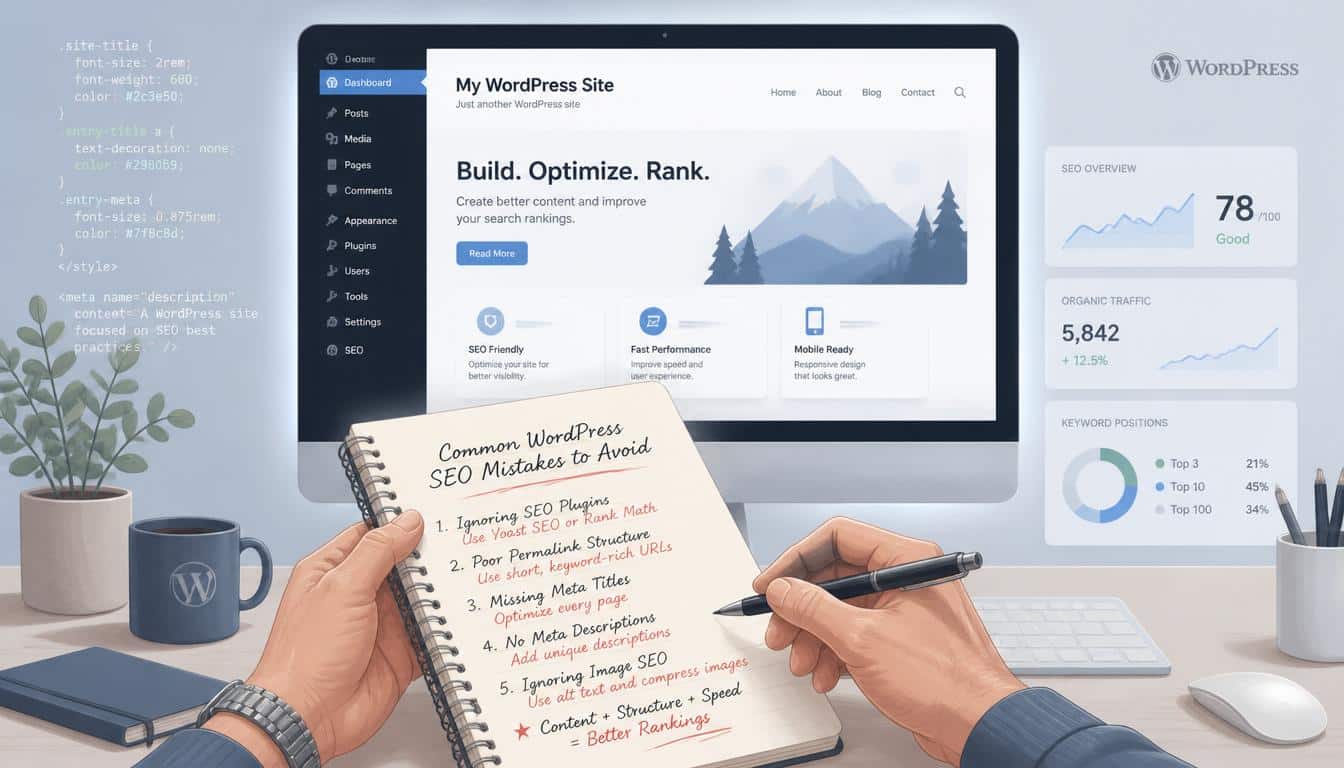
Some SEO problems are created by trying too hard. Keyword stuffing is an obvious one. Repeating the same phrase until the paragraph sounds unnatural doesn’t make content more authoritative. It usually makes it painful to read.
Another mistake is installing every SEO plugin and enabling every setting without understanding what those settings do. More tools do not automatically equal better search engine optimization.
It’s also easy to focus exclusively on rankings. A number-one position is lovely, of course, but a ranking that brings irrelevant visitors, poor conversions, or frustrated readers isn’t necessarily a business victory.
Avoid these habits:
- Writing primarily for search engines.
- Publishing content with no clear audience.
- Ignoring mobile visitors.
- Choosing plugins solely because they have thousands of installations.
- Treating page speed as an afterthought.
- Never updating old content.
- Making major technical changes without testing.
- Judging SEO results after only a few days.
The web rewards patience rather more than people would like. That’s not very exciting advice, but it tends to be the honest kind.
A More Human Way to Think About WordPress SEO
At its heart, SEO for WordPress is not really about pleasing an algorithm. It’s about reducing confusion.
Help the search engine understand what your page is about. Help the visitor understand where they are. Help them find the next useful piece of information. Help the website load before their patience wanders off somewhere else.
That means good SEO optimization, website performance, and user experience are not separate little boxes. They overlap. A faster page helps visitors.
Clear navigation helps visitors and search engines. Better content earns attention. Internal links help people discover related information. Useful analytics help you understand what needs fixing next.
And that’s why the strongest ways to improve WordPress SEO are often surprisingly ordinary. Make the site clearer. Make it faster. Make the content better. Keep it maintained. Listen to what your visitors are telling you through their behavior.
Read This Blog: https://gracethemes.com/best-wordpress-gallery-plugins/
Final Thoughts: Make Your WordPress Website Worth Finding
There is no single button that says “Make My Website Rank.” If there were, the internet would be considerably less interesting, and probably much more expensive.
Instead, improve SEO by making a collection of sensible improvements that reinforce one another. Build a clear structure. Create genuinely useful content. Strengthen internal links. Improve page speed and caching.
Be selective with themes and plugins. Watch your analytics. Maintain the technical foundations. Then give the work enough time to reveal its results.
Most importantly, don’t forget the human being on the other side of the search box. They aren’t a traffic statistic. They’re someone with a question, a problem, a curiosity, or five spare minutes and a very low tolerance for nonsense.
If your WordPress website SEO optimization helps that person find a clear answer, you’ve already done something worthwhile.
And if you’ve tried any of these techniques, share what worked for your website, what didn’t, or which SEO improvement surprised you most.
Sometimes the most useful SEO lessons aren’t hidden in another giant checklist; they’re hiding in somebody else’s real-world experience, which is usually a bit messier and much more interesting.
