

Top Creative AI Tools for Enterprise
Today, there are numerous AI creative tools available that are built specifically for creative workflows.
Whether you need to generate images for product marketing campaigns or create UGC videos for social media, these tools can produce high-quality assets in minutes. They also give you full control over the generation and editing process. Best of all, you don’t need extensive design skills or complex prompts; your ideas are enough to get started.
Below, we’ve rounded up the 6 best AI creative tools for enterprises. While they share some core capabilities, each offers unique features that are applied for different creative needs.
| Tools | Key Features | Choose for |
| Krea.ai |
|
|
| Runway AI |
|
|
| Pollo AI |
|
|
| DaVinci |
|
|
| Leonardo AI |
|
|
| Gamma |
|
|
7 Best Creative AI Tools for Enterprises Reviewed
1. Troop Messenger
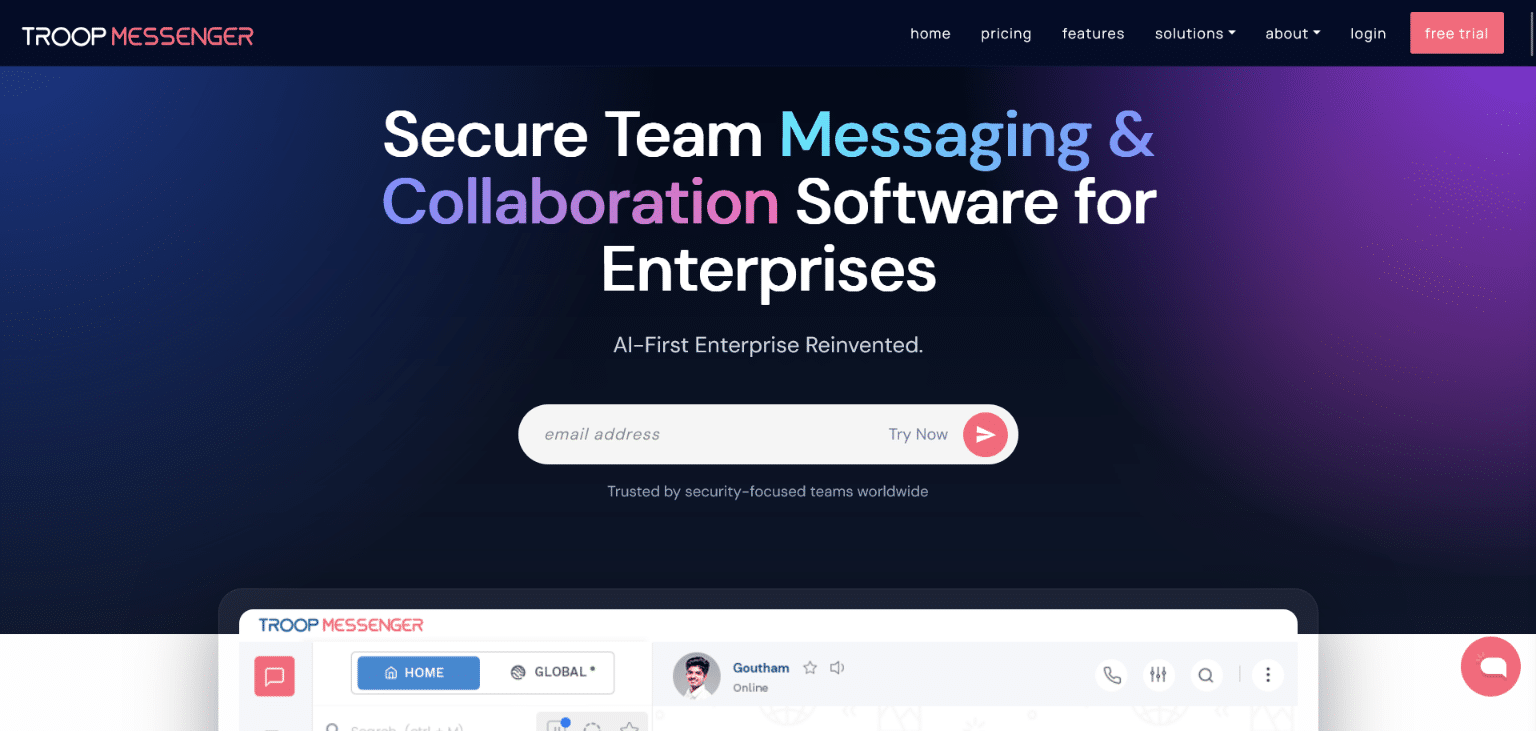
Troop Messenger is a team collaboration platform combining messaging, calling, and file sharing in one dashboard, available as cloud (SaaS) or on-premise deployment. Since March 2026, it’s added an AI suite — an AI File Analyzer that summarizes shared documents and generates FAQs so users can ask questions and get answers without reading the full file, plus AI Smart Suggestions, AI Rewrite, and AI Translate for faster, cleaner messaging.
Key features:
- Instant Messaging & Group Chat
- Audio & Video Calling, Screen Sharing
- AI File Analyzer (summaries, FAQs, Q&A on documents)
- AI Rewrite, Smart Suggestions & Translate
- On-Premise & Cloud Deployment
- Live Location Sharing, Self-Destructing Messages
Pricing:
Premium: $2.5/user/month
2. Krea.ai
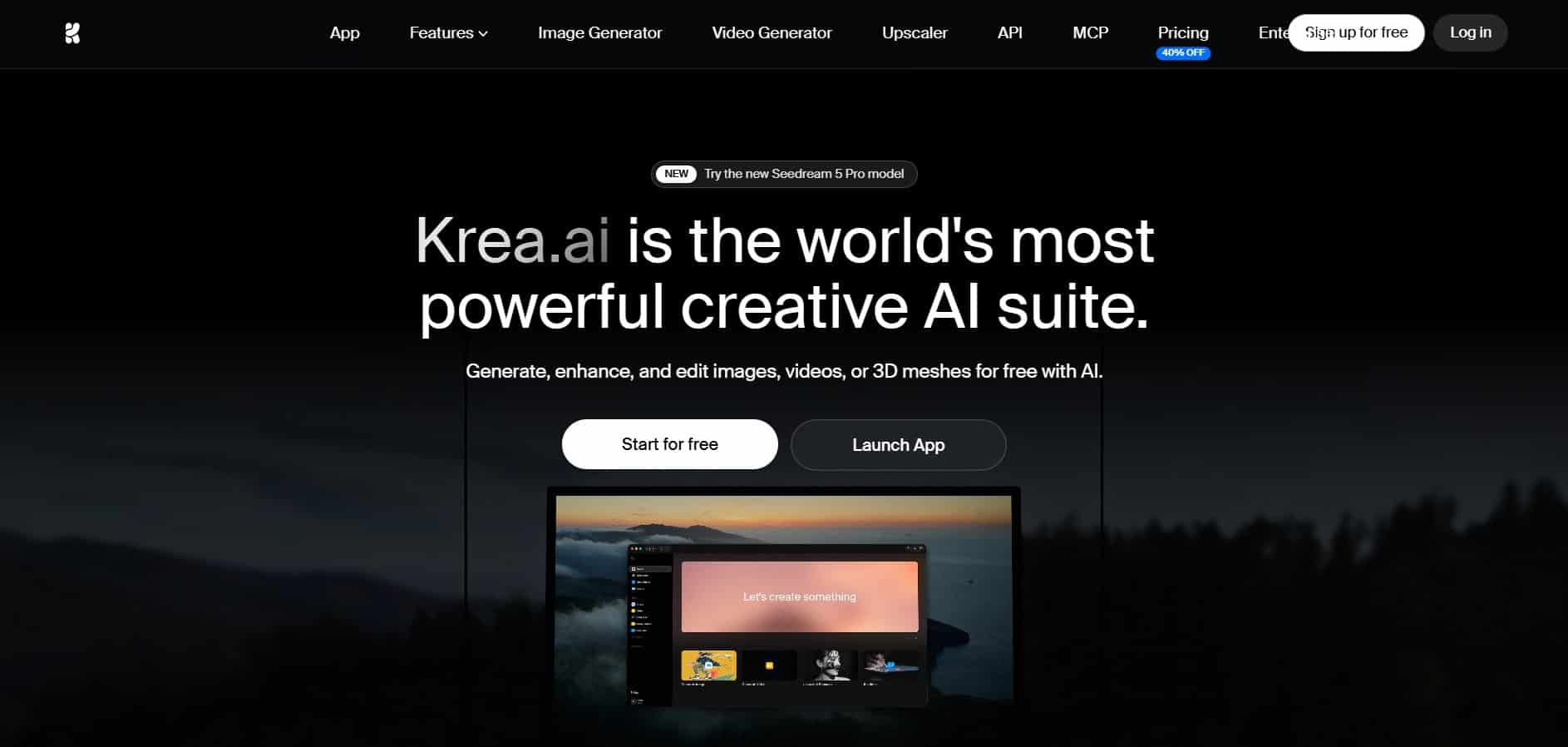
Krea.ai is a comprehensive AI creative suite for generating images and videos, suited to use cases ranging from social media campaigns to full animations. Its dashboard keeps the entire process in one place: enter a prompt, generate the asset, and edit it directly in the browser, no additional software required.
Under the hood, Krea draws on a range of leading image and video models, including Krea 2, Nano Banana 2, Seedance 2.5, Veo 3, and Kling, giving teams access to multiple generation engines without leaving the platform.
Krea.ai’s key features:
- AI Image Generation
- Image Upscaling
- Real-time Image Generation
- AI Video Generation
- LoRA Fine-tuning
- Video Upscaling
- AI 3D Generation
Pricing:
- Free: 100 daily units
- Basic: $9/ month (5000 units/ month)
- Pro: $35/ month (20000 units/ month)
- Max: $105/ month (60000 units/ month)
Choose for:
- An all-in-one image and video creation workflow, instead of juggling separate tools
- A real-time, prompt-driven editing dashboard
- Built-in image and video enhancement, from upscaling to detail refinement
- An affordable entry point, with a free tier that scales into paid plans as usage grows
3. Runway AI
Runway is a comprehensive AI creative suite for generating and editing video, images, and audio, positioned as the all-in-one platform behind its broader Real-World Intelligence.
Its Creative Suite keeps generation and editing in a single cloud-based workspace, with no separate software needed. Runway runs on its own foundation models, including Gen-4.5, described as the company’s most advanced video model for motion quality, prompt adherence, and visual fidelity.
Runway AI’s key features:
- Text to video creation
- Prompt-based image generation
- Image to video creation
- Video editing
- Content localization
Pricing:
You can start using Runway AI for free with 125 credits a month, and upgrade to its paid plans starting at $15/ month (625 credits/ month) if you need more features.
Choose for:
- Generating and editing videos, images, or audio in a cloud environment, without switching to additional tools
- API access for building custom creative pipelines.
4. Pollo AI
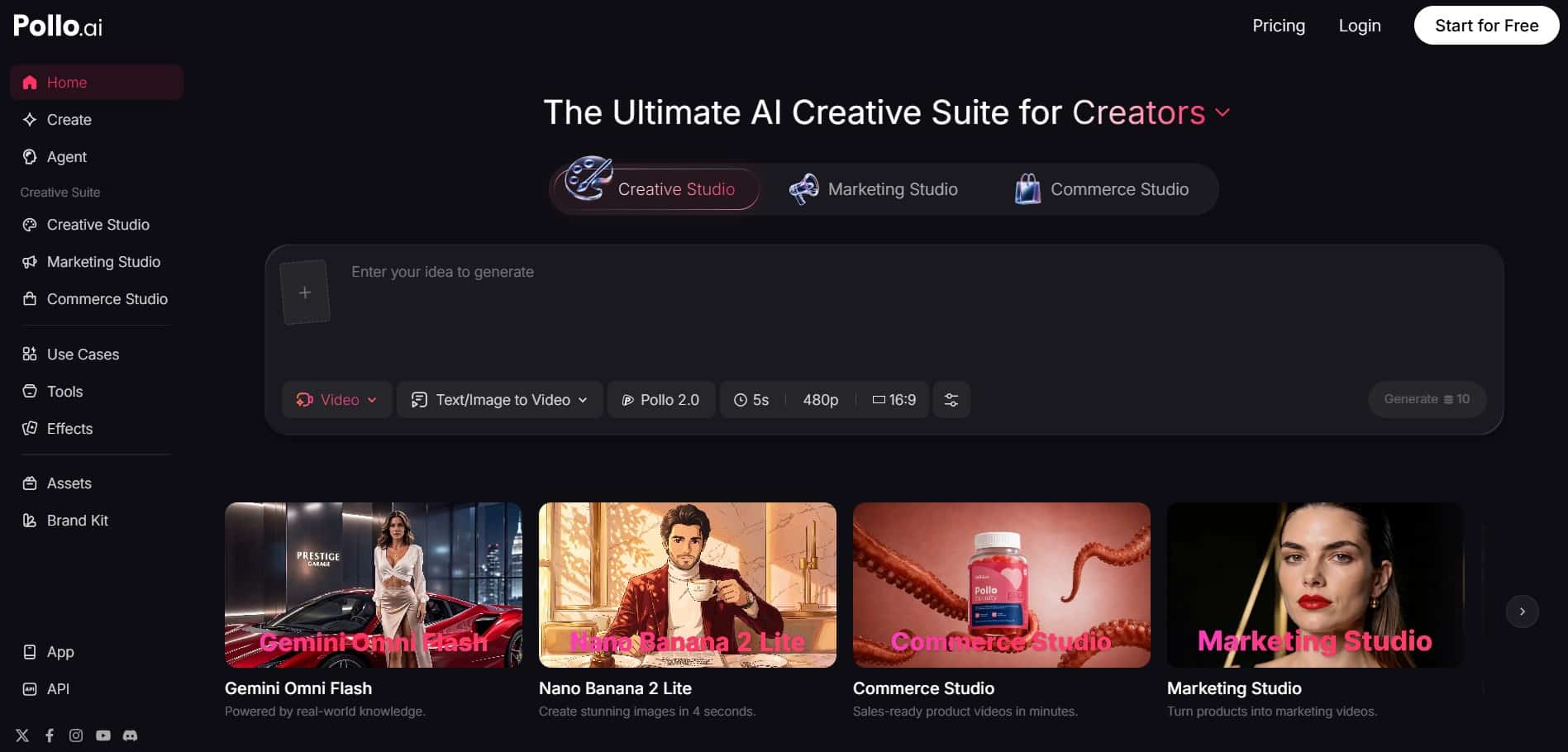
Pollo AI is an online AI creative studio for generating images, videos, avatars, and audio, organized around use cases like marketing, e-commerce, social media, and music. Its Creative, Marketing, and Commerce studios keep everything, from general content generation to ad creation and product visuals, in one workspace.
Its video AI agent, Pollo Agent, builds ads, stories, and UGC videos directly from a product URL or script, with no manual editing required. Featured models include Pollo 2.5, Seedance 2.5, and others, giving users a choice of engines depending on the task.
Pollo AI’s key features:
- AI Video Generator
- AI Image Generator
- AI Photo Editor
- AI Video Editor
- AI Voice Generator
- Photo to Video Avatar
- Mimic Motion
- Video to Video AI
Pricing:
The paid plans start at $15/ month with 300 monthly credits.
Choose for:
- Combined marketing, commerce, and creative workflows in one platform
5. DaVinci
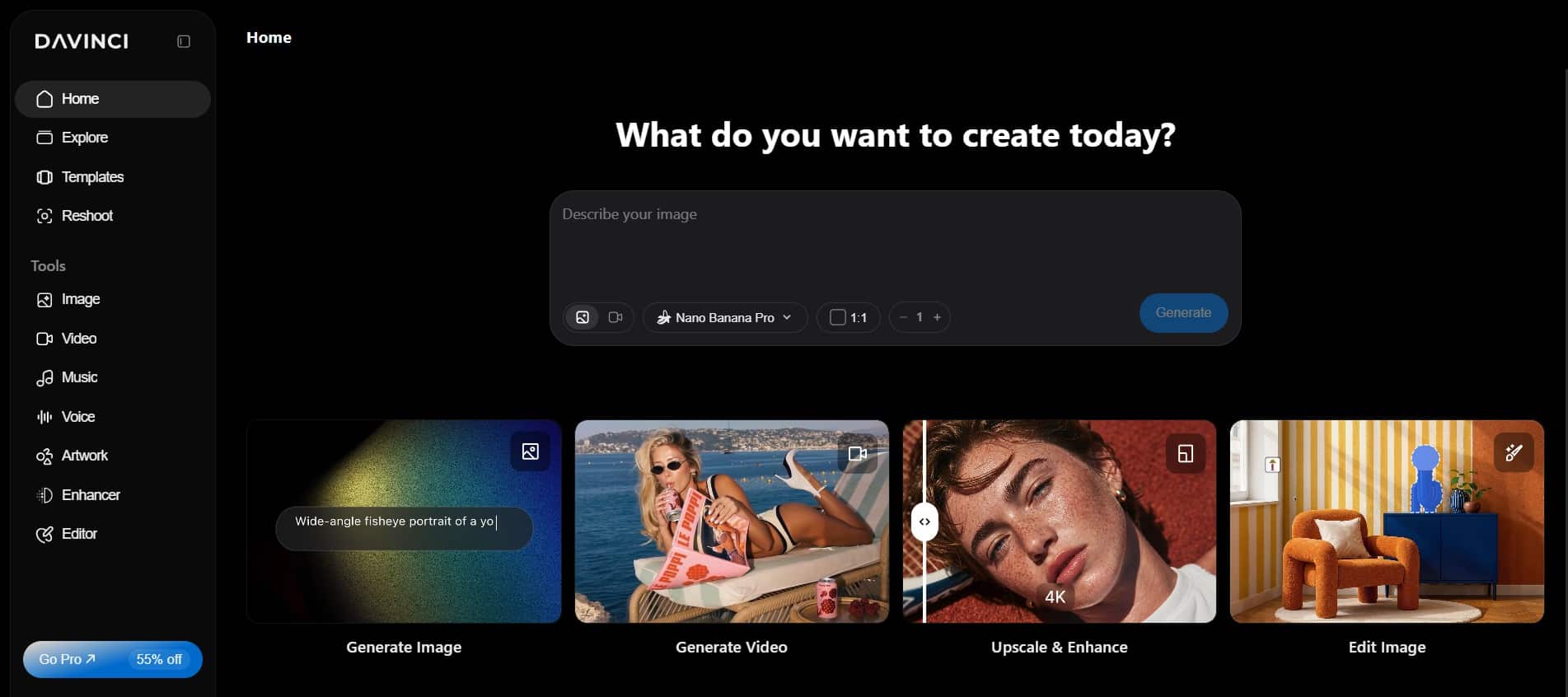
DaVinci is an all-in-one AI creative suite for generating and editing images and video materials, built for creative teams, marketers, and designers producing campaign visuals for social, ads, and branding.
Available models include Nano Banana, Nano Banana Pro, DaVinci Ultra, Sora, and Kling, spanning text to image, image to image, text to video, and image to video generation, so users can match the right model to each specific creative task.
DaVinci’s key features:
- Image to video
- Text to video
- Text to Image
- Image to Image
- Image Upscale
- Spotlight
- Change Background
- Restyle, Relight, Resize Image
Pricing:
The paid plans start at $39.99/ month billed annually (5000 monthly credits).
Choose for:
- Built-in editing tools like background/object replacement, relighting, upscaling, and platform auto-resize
6. Leonardo AI
Leonardo AI is a full creative suite covering image generation, video creation, editing, and custom model training for marketers, designers, animators, photographers, and artists.
Leonardo runs on a mix of first-party and third-party models. Its own lineup includes Phoenix 2.0 as the flagship model for prompt adherence and complex scenes, Lucid Origin and Lucid Realism for photorealism, alongside third-party models like Veo 3.
Leonardo AI’s key features:
- AI Image Generator
- AI Video Generator
- Image Upscaler
- Image and Video Editor
- Train Your Own Model
Pricing:
The paid plans for solo creators start at $12/ month, while for teams, the pricing starts at $72/ month (3 user seats). A free plan is also available to start testing Leonardo AI’s features.
Choose for:
- Comprehensive editing and control, with custom model training.
7. Gamma
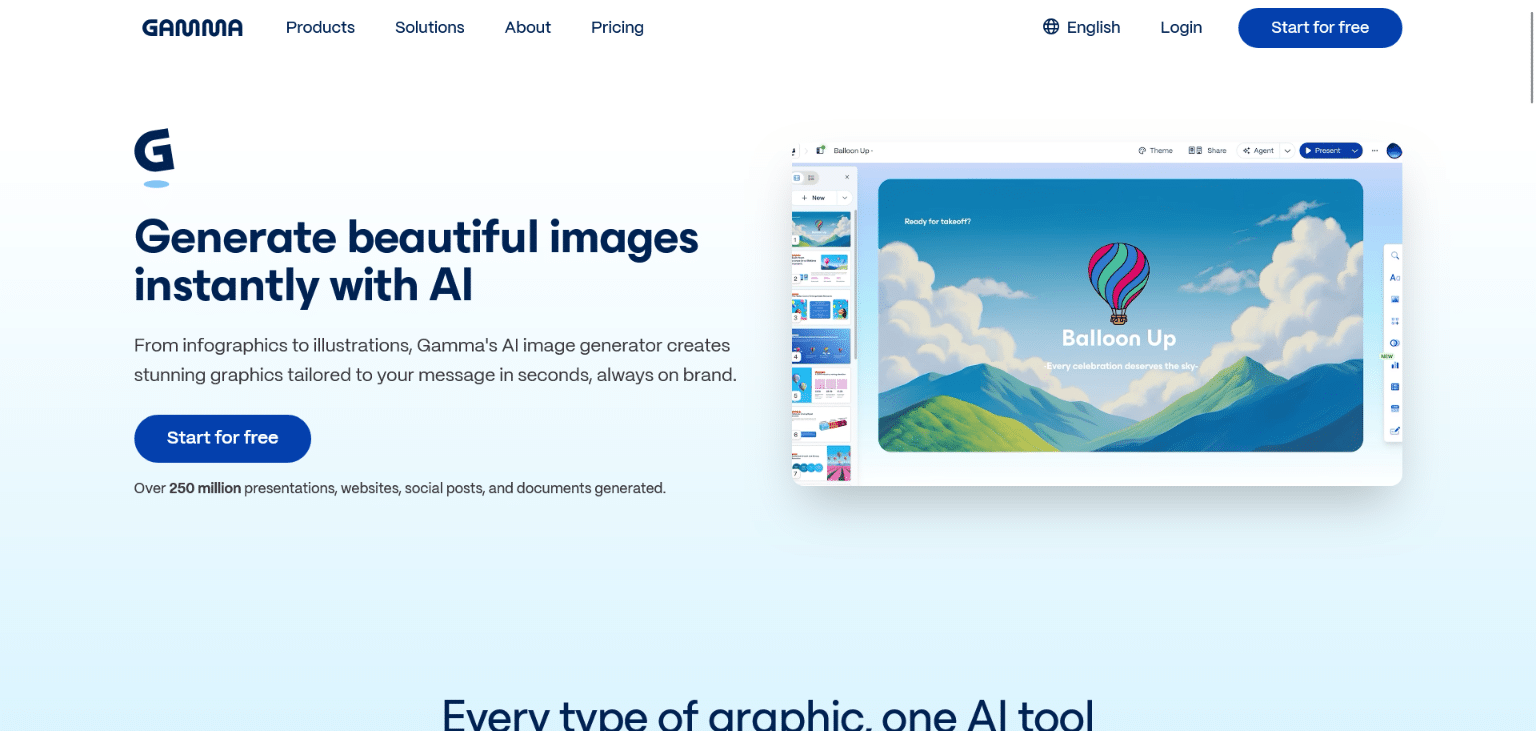
Gamma is an AI graphics generator built into a broader content platform, producing logos, illustrations, posters, backgrounds, and thumbnails from a single text prompt. Unlike a standalone image generator, it keeps output on-brand by referencing your prompt or a sample image, then drops the result straight into a deck, document, or webpage without switching tools.
Gamma’s key features:
- AI Image Generation (logos, art, posters, backgrounds, thumbnails)
- Brand-consistent styling from prompts or reference images
- Multi-format output sized for slides, social posts, and websites
- Iterative refinement through follow-up prompts
- Built-in export into presentations, documents, and webpages
Pricing:
Free plan available; paid plans start at $8/month (Plus), rising to $18/month (Pro) for premium image models and custom branding.
Choose for:
- Teams that need on-brand graphics generated directly inside their decks and documents, instead of as a separate design step
Final Thoughts
No article can tell you how a tool feels until you actually use it. The best way to pick one is to try it yourself.
Grab a couple of these tools and put them to work on something real, a task you’d normally hand off, or a piece you actually need this week.
- See how fast you get from your idea to something you can use.
- See how much extra work it takes to fix or clean up what comes out.
- See if the pricing matches how much your team really creates, not just how it looks on paper.
Reading about these tools gets you halfway there. Testing them gets you the rest of the way.
