

The Role of Photo Editing Technology in Modern Digital Photography
Introduction
Digital photography has worked its way into almost every corner of daily life. People take photos to hold on to memories, show friends where they’ve been, build professional portfolios and keep in touch through social media, often all in the same afternoon. Smartphone cameras keep getting sharper and editing tools keep getting smarter, so a quick touch-up has become a normal part of taking a picture. Plenty of people now tweak a shot before they’ve even left the restaurant table. Small adjustments can clean up a blurry detail, fix lighting that looked fine at the time but dull on screen and help the image look more like the moment actually felt.
Of all the changes in photo editing, portrait retouching has drawn the most attention. Features that fade temporary blemishes, even out skin tones and lift overall image quality let people polish their photographs without any advanced technical skill. It’s easy to go too far, though. Knowing how these tools actually work, and when to leave them alone, makes all the difference between a portrait that looks fresh and one that looks like a waxwork.
Understanding Modern Photo Editing Technology
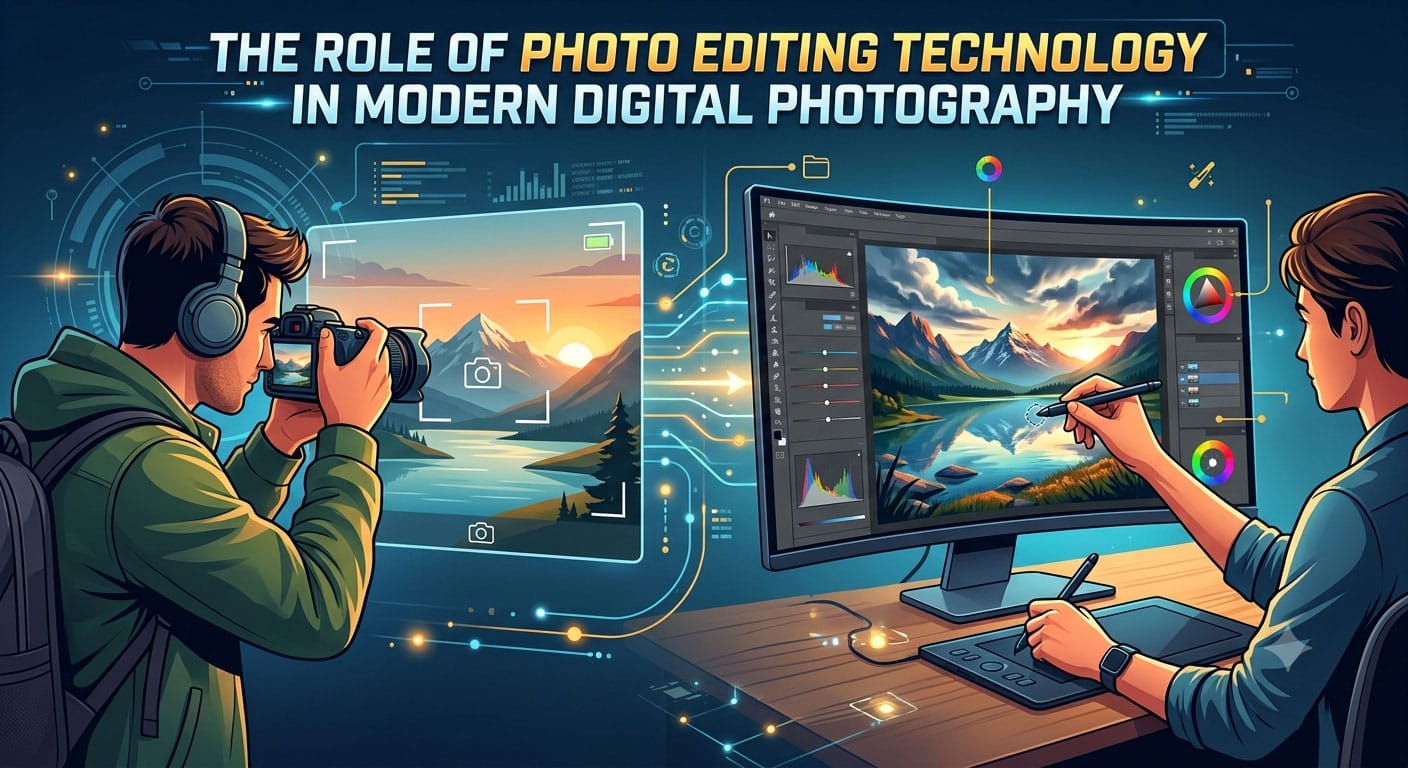
Photo editing has come a long way from the days of traditional image manipulation software. Not so long ago, getting a decent result meant learning layers, brushes, selection tools and colour adjustments, usually through a lot of trial and error and the odd YouTube tutorial at midnight. Modern apps lean more and more on artificial intelligence (AI) to recognise objects, pick out facial features and handle the repetitive jobs automatically.
AI-powered editing systems study what’s in an image and make targeted changes based on the chosen function. A portrait tool, for instance, can find the face and tell skin apart from hair, eyes, clothing and the background. That means one small area can be adjusted while the rest of the photo stays exactly as it was. Nobody’s eyebrows get accidentally smoothed into oblivion.
Automation is a real time-saver, especially when there are dozens of portraits to get through after a family wedding or a school event. It isn’t flawless. Lighting, skin texture, image resolution and camera quality can all throw the results off. A careful look at the edited photo, followed by a few extra tweaks where needed, still matters a great deal.
How Portrait Retouching Works
Portrait retouching means adjusting selected parts of a photograph while making sure the person still looks like themselves. The usual steps include correcting exposure, cutting down visual distractions, balancing colours and sharpening the image overall. A good retouch tends to go unnoticed. People simply think the photo came out well.
One of the most common jobs involves temporary skin imperfections. A photographer might want to soften a single spot that turned up the morning of a big event, while keeping the natural texture of the skin around it. Tools that help users remove acne from photo images usually rely on image analysis and small, localised corrections to blend that area in with its surroundings.
Depending on the software, that can mean replacing pixels, smoothing tiny irregularities or rebuilding detail based on nearby areas of skin. AI-based systems can handle some of this automatically, which makes portrait refinement far more approachable for beginners who have never touched an editing brush.
The hard part is keeping it real. Too much smoothing wipes out pores and other natural details, and the skin starts to look plastic. Holding back usually works far better than turning every slider up to the maximum. The best edits are the ones nobody can point to.
The Importance of Natural-Looking Results
Photographs say more when they keep hold of what makes the subject who they are. Retouching can certainly help an image look its best. Overdo it, though, and the person in the picture can end up looking like a stranger, which is an odd thing to see on a friend’s profile.
Natural-looking portrait editing tends to involve small, targeted fixes, not sweeping changes across the whole face. Skin texture, the shape of the face, shadows and highlights all play a part in making a photograph feel real. Take one of them away, and the image starts to look slightly wrong, even if nobody can say exactly why.
The purpose of the image matters too. A casual snap shared with friends leaves plenty of room for creativity, while a professional headshot for a company website usually calls for a lighter touch. Images used for journalism, scientific records, official identification or evidence come with their own authenticity requirements, and those leave very little room for creative freedom.
A simple habit helps a lot here: flicking between the original and the edited version before saving. It makes it much easier to spot anything that looks unnatural, or any detail that has quietly disappeared when it ought to have stayed.
Choosing the Right Editing Tools
The right editing software depends on experience, budget and what the finished image needs to achieve. Beginners often get on best with simple apps that have clearly labelled controls and helpful automatic corrections. Experienced photographers usually want tools that give them much finer control over colour, contrast, retouching and image layers.
A few factors make the choice much easier:
- Ease of use: A clear, intuitive interface shortens the learning curve and makes routine edits quicker.
- Editing precision: Localised adjustments make it possible to fix small areas without changing unrelated details.
- Image quality: Good export settings keep enough resolution and avoid needless compression.
- Privacy: It’s worth knowing how an app handles uploaded photographs and whether images are stored or kept.
- Cost and limitations: Some features sit behind a subscription, an account or a paid upgrade, and that’s better discovered early.
Someone fixing one portrait before posting it, for example, may be perfectly happy with a dedicated online editing tool. A photographer working through hundreds of professional images after a corporate shoot is likely to need a much fuller workflow. The right tool is simply the one that fits the job.
Ethical Considerations in Digital Retouching
Photo editing raises real questions about honesty, representation and the expectations people carry around with them. Fading a temporary spot can be a perfectly ordinary creative choice. Seeing heavily altered portraits day after day, however, can slowly shape unrealistic ideas about what natural skin and appearance actually look like.
These concerns matter most on social media, where edited photos are often posted with no hint that anything has been changed. Viewers scrolling past rarely stop to think about how much flattering light, camera settings, makeup and digital processing went into the finished picture. Real skin has texture. Many feeds quietly suggest otherwise.
Responsible editing means thinking about who will see a photograph and why it exists. Personal creative projects usually allow plenty of flexibility. Advertising, editorial photography and documentary work, on the other hand, often call for much greater transparency. When an image could influence an important decision, any changes have no business misleading the people looking at it.
Privacy matters just as much. Editing or sharing someone else’s portrait is best done with their permission, especially if the photo is going to be published publicly or used to sell something. A friend who’s happy with a touched-up group photo in a private chat might feel very differently about seeing it in an advert.
Practical Tips for Better Portrait Editing
A good edit almost always starts with a good original photograph. Soft, even light, such as the glow from a window on an overcast day, cuts down harsh shadows and makes skin tones far easier to work with. A steady camera and the right focus setting help keep fine details sharp, which gives the editing tools more to work with later.
Once the photo is taken, exposure and white balance are best sorted out before any detailed retouching begins. Small imperfections are easier to handle one at a time, with gentle adjustments, and it helps to keep checking the image at its normal viewing size instead of zoomed in at four hundred percent. Keeping an untouched original is a simple safety net. It provides a reference point and means any edit can be revisited later.
Exporting at the right resolution for the job matters too. A photo meant for social media often needs different dimensions from one heading for a printed album or a professional portfolio, and getting it wrong can leave a carefully edited portrait looking soft or oddly cropped.
Conclusion
Modern photo editing technology, mixing traditional methods with AI-powered automation, makes it much more achievable to make a portrait look better. The drudgery is taken out of routine corrections with these tools, allowing people to produce clear, polished images without years of technical training.
But software has its limits. “A responsible edit is based on a judicious judgement, an eye for detail, respect for privacy and a commitment to authenticity. Photographers who keep their improvements subtle and their natural features intact can get the most out of digital devices and, at the same time, retain the very things that make each portrait worth looking at.
