

Speech to Text AI: What to Look for Before You Trust a Transcript
Audio and video content keeps piling up faster than most teams can process it manually, and that is part of why Speech to Text AI has moved from a nice-to-have into a core part of everyday content workflows. Podcast networks, customer support teams, legal offices, and marketing departments are all leaning on some form of automated transcription to turn raw recordings into searchable, editable, and repurposable text.
According to Fortune Business Insights, the global speech and voice recognition market is projected to reach $23.70 billion in 2026 and grow past $104 billion by 2034, a compound annual growth rate above 20%. That kind of growth reflects a simple reality: manual transcription does not scale, and businesses are increasingly comfortable trusting machines with a task that used to require a human typist listening to every second of a recording.
How Speech to Text AI Works Today
At a basic level, every automated transcription tool takes an audio waveform and converts it into text using a trained acoustic model. The meaningful differences between tools show up in the details: how well they handle accents and background noise, whether they can tell speakers apart, and what they output besides plain text.
Modern voice-to-text models are trained on far larger and more varied datasets than the systems from five or six years ago, which is part of why accuracy on conversational, multi-speaker audio has improved so much. Speech recognition technology, or ASR, used to struggle badly with overlapping speech and informal language. That gap has narrowed considerably, though it has not disappeared entirely, especially with heavy accents, cross-talk, or poor recording conditions.
Still, raw accuracy is only part of the story. The more useful question for anyone evaluating audio transcription engines is what happens after the words land on the page.
Where Plain Transcripts Stop Being Useful
A wall of undifferentiated text is only marginally more useful than the original recording. Most teams need at least a few things beyond raw words:
- Speaker labels, so a two-person interview does not read like a monologue
- Timestamps, so a specific moment can be located quickly
- An export format that fits the next step in the workflow, whether that is subtitles, a CMS import, or a custom data pipeline
- Some sense of tone or delivery, since a transcript that strips out pauses, emphasis, and emotional context loses information a listener would have picked up naturally
That last point is where most AI transcription software still falls short, and it is a good filter for judging any Speech to Text AI tool: does it capture how something was said, or only what was said. Plain text transcripts flatten a nuanced conversation into a monotone document, which is fine for a quick reference but not ideal for anyone editing a podcast, building show notes, or producing an audiobook from the recording.
A Practical Example: Filling the Gaps in a Transcript
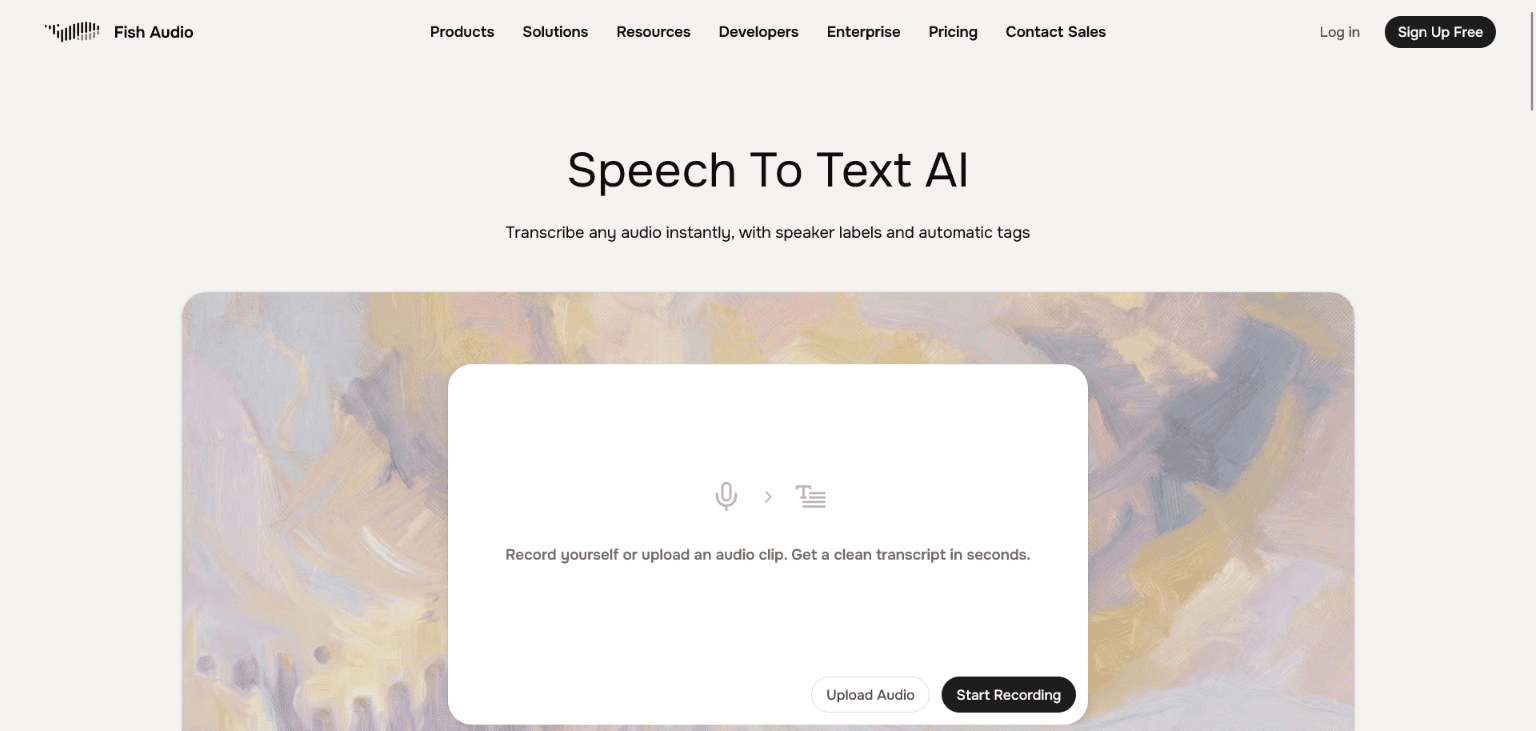
Fish Audio‘s transcription tool is a useful example of how this gap is being addressed. Rather than stopping at speaker-labeled text, it tags paralanguage and emotional cues, such as pauses, laughter, sighs, or a shift in tone, directly inline with the transcript, and it separates speakers automatically without requiring manual cleanup. Transcripts can be exported as SRT, VTT, or JSON depending on whether the next step is subtitling a video, embedding captions on a website, or feeding structured data into another tool.
For teams that also produce audio, tagging emotional and paralinguistic detail at the transcription stage means that information is not lost if the transcript later needs to be turned back into speech, since the same tags are compatible with text to speech generation. It is a small detail, but it saves a re-annotation step that most workflows would otherwise need to do by hand.
None of this replaces human review entirely. Automated transcription tools, Fish Audio included, still benefit from a quick pass to catch homophones, industry jargon, or unusual names. But the amount of manual cleanup required has dropped substantially compared to even a couple of years ago.
Accessibility and Compliance Are Part of the Equation
Transcripts and captions are not just a convenience feature anymore. Accurate captions make video and audio content usable for deaf and hard-of-hearing audiences, and they are increasingly expected under accessibility guidelines for public-facing content. A transcription engine that exports clean, properly timed SRT or VTT files removes a real barrier here, rather than leaving teams to caption everything by hand after the fact.
There is a searchability angle too. Transcribed content is indexable in a way raw audio and video are not, which is part of why podcast networks and course creators publish transcripts alongside episodes, not just for readers who prefer text, but for organic search traffic that a transcript can pick up on its own.
Choosing the Right Speech to Text AI for Your Workflow
Not every use case needs the same feature set. A few questions tend to narrow the decision quickly:
- How many speakers are typically in your recordings, and does the tool separate them reliably?
- Do you need subtitle-ready exports, or just a searchable document?
- Does pricing scale sensibly with volume, or does it break down once you are processing hours of audio a week?
- Is there a free tier substantial enough to actually test the tool on real content, rather than a two-minute sample?
Cost is worth checking closely. Pricing across this category varies widely, from tools billed per minute of audio processed to flat monthly plans with usage caps, and the difference matters once volume increases. It is worth running the numbers against actual monthly audio volume rather than comparing headline prices alone.
Where This Is Headed
As Speech to Text AI continues to mature, the more interesting developments are not about raw accuracy alone, most major tools are already good enough for everyday use. The more interesting shift is in what happens to the transcript afterward. Tools that connect transcription to captioning, content repurposing, or voice production are starting to close the loop between recording, transcribing, and republishing content in new formats, rather than treating transcription as a dead-end output.
For teams still relying on manual transcription or a bare-bones tool that only outputs plain text, it is worth taking a fresh look at what current-generation ASR options offer. The category has moved quickly, and the tools that once required significant manual cleanup now handle most of that work automatically.
