

How to Optimize Your WooCommerce Store for Meta Ads
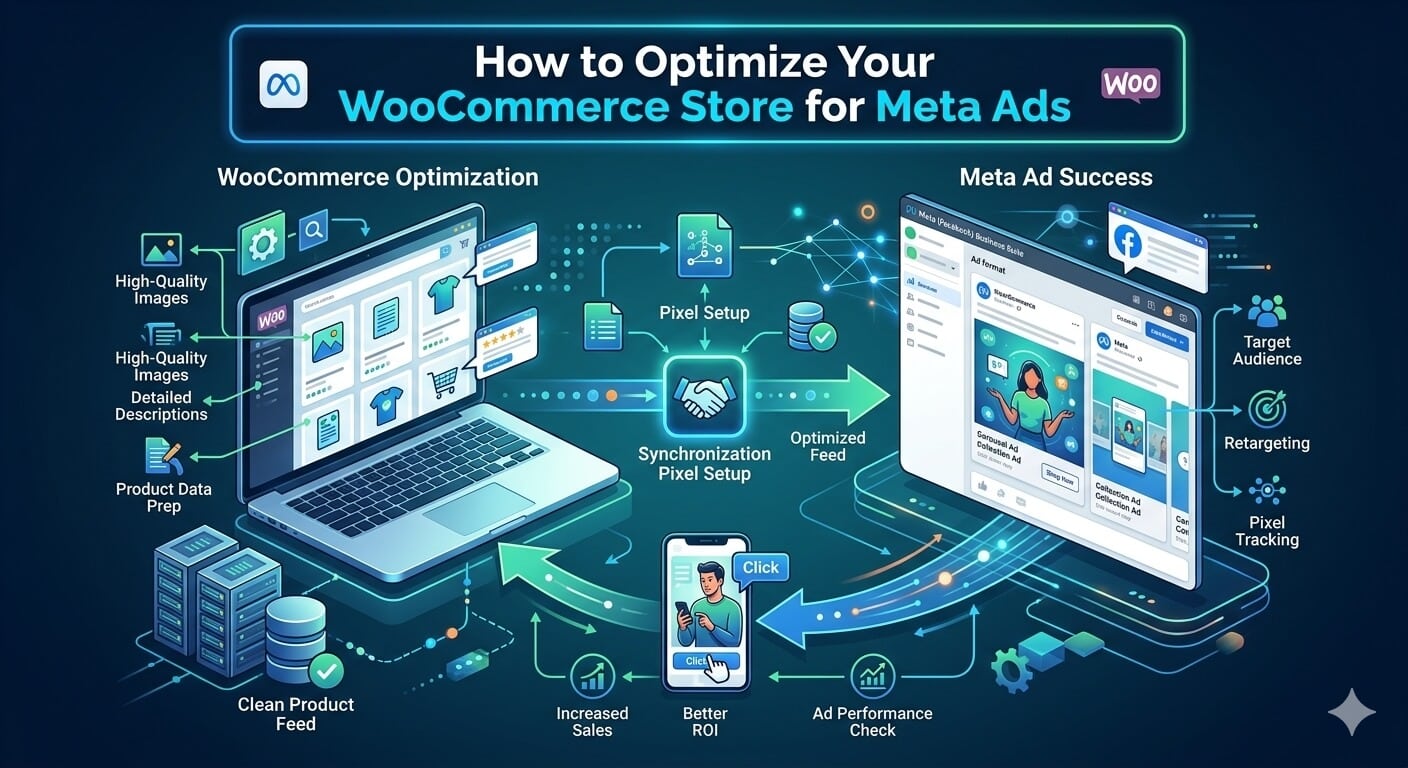
Running Meta Ads for a WooCommerce store is not just about finding the right audience or producing better ad creatives. Your website plays an equally important role in whether those campaigns turn into profitable sales.
You can have compelling Facebook and Instagram ads, but if your WooCommerce store loads slowly, tracking is incomplete, or product pages fail to convert, your advertising budget will be working much harder than it needs to.
Brands looking to scale often work with a specialist Meta ads agency to improve campaign structure and creative strategy, but your WooCommerce store still needs a strong technical and conversion foundation.
Here are the most important areas to optimize before increasing your Meta Ads budget.
Improve Your Store’s Page Speed
Meta users often browse on mobile devices, so slow-loading landing pages can quickly hurt campaign performance.
Every additional second someone waits for a product page to load creates another opportunity for them to leave before purchasing.
Start by reviewing the most significant performance issues in your WooCommerce store.
Common improvements include:
- Compressing oversized product images
- Using next-generation image formats such as WebP
- Removing unnecessary WordPress plugins
- Implementing page caching
- Using a content delivery network
- Choosing reliable WooCommerce hosting
- Minimizing unnecessary scripts
Pay particular attention to the pages receiving paid traffic. Your homepage speed matters, but product pages and campaign-specific landing pages should receive even more attention.
Install the Meta Pixel Correctly
Accurate tracking gives Meta the data it needs to optimize campaigns.
Your Meta Pixel should track important ecommerce events throughout the customer journey, including:
- ViewContent
- AddToCart
- InitiateCheckout
- Purchase
WooCommerce plugins can simplify Pixel installation, but you should still test events through Meta Events Manager.
Make sure purchases are recording the correct values and currencies. Duplicate events can also distort your reporting, especially when using both browser and server-side tracking.
Without reliable conversion data, Meta’s algorithm has less information to decide which users are most likely to purchase.
Use the Conversions API
Browser-based tracking has become less reliable as privacy restrictions and tracking protections have increased.
Meta’s Conversions API provides another way to send conversion information directly from your WooCommerce store to Meta.
Using both the Pixel and Conversions API can improve the quality of the data available for campaign optimization.
Several WooCommerce integrations and plugins support server-side tracking. After implementation, review your event match quality inside Meta Events Manager and verify that browser and server events are being deduplicated correctly.
Better data does not guarantee better campaign performance, but it gives Meta a stronger foundation for optimization.
Optimize Your Product Feed
If you run catalog ads, Advantage+ Shopping campaigns, or dynamic retargeting, the quality of your WooCommerce product feed matters.
Each product should contain accurate information, including:
- Product title
- Description
- Price
- Availability
- Product category
- High-quality images
- Correct landing page URL
Avoid automatically pushing poorly formatted WooCommerce product titles into Meta without first reviewing them.
Your titles should clearly describe the product while including key attributes that help customers distinguish one product from another.
Product images should also be clean, visually appealing, and easy to understand when displayed inside Instagram or Facebook feeds.
Strengthen Your Product Pages
Getting someone to click an advertisement is only the first step.
The product page needs to complete the sale.
A strong WooCommerce product page should answer the major questions a potential customer might have without forcing them to search elsewhere.
Include clear product benefits, specifications, high-quality images, shipping information, return policies, and reviews wherever appropriate.
Your primary call to action should also be easy to find.
Avoid cluttering the page with excessive pop-ups, navigation elements, or unrelated offers that distract users from making a purchase.
Create Dedicated Landing Pages for Major Campaigns
Sending every advertisement to your homepage rarely creates the strongest experience.
Instead, match your landing pages to the message used in your ads.
For example, if you are advertising a specific product category, send visitors directly to that collection. If you are promoting a seasonal offer, create a dedicated landing page to explain it.
Maintaining consistency between the ad and landing page reduces confusion and gives visitors a clearer path toward conversion.
Simplify the Checkout Process
Checkout friction can quickly turn an otherwise successful Meta campaign into an expensive one.
Reduce unnecessary form fields and allow customers to check out as guests whenever possible.
You can also offer familiar payment methods such as credit cards, PayPal, Apple Pay, or Google Pay, depending on your audience.
Make shipping costs and expected delivery dates clear before the final checkout step. Unexpected fees are one of the easiest ways to lose customers who were otherwise prepared to buy.
Test Before Scaling Your Meta Ads
Before increasing your advertising budget, test the complete customer journey yourself.
Click through your ads, visit the landing page on mobile, add a product to the cart, complete checkout, and confirm that your tracking records the purchase correctly.
Meta Ads perform best when your advertising campaigns and ecommerce store operate as one connected system.
Improving page speed, tracking, product feeds, landing pages, and checkout usability can increase the value of every visitor your campaigns generate. Once those foundations are in place, you can scale your Meta Ads with greater confidence and give each advertising dollar a better opportunity to generate revenue.
