

How to Make Your WordPress Site Easier for AI Search Engines to Find, Understand and Cite
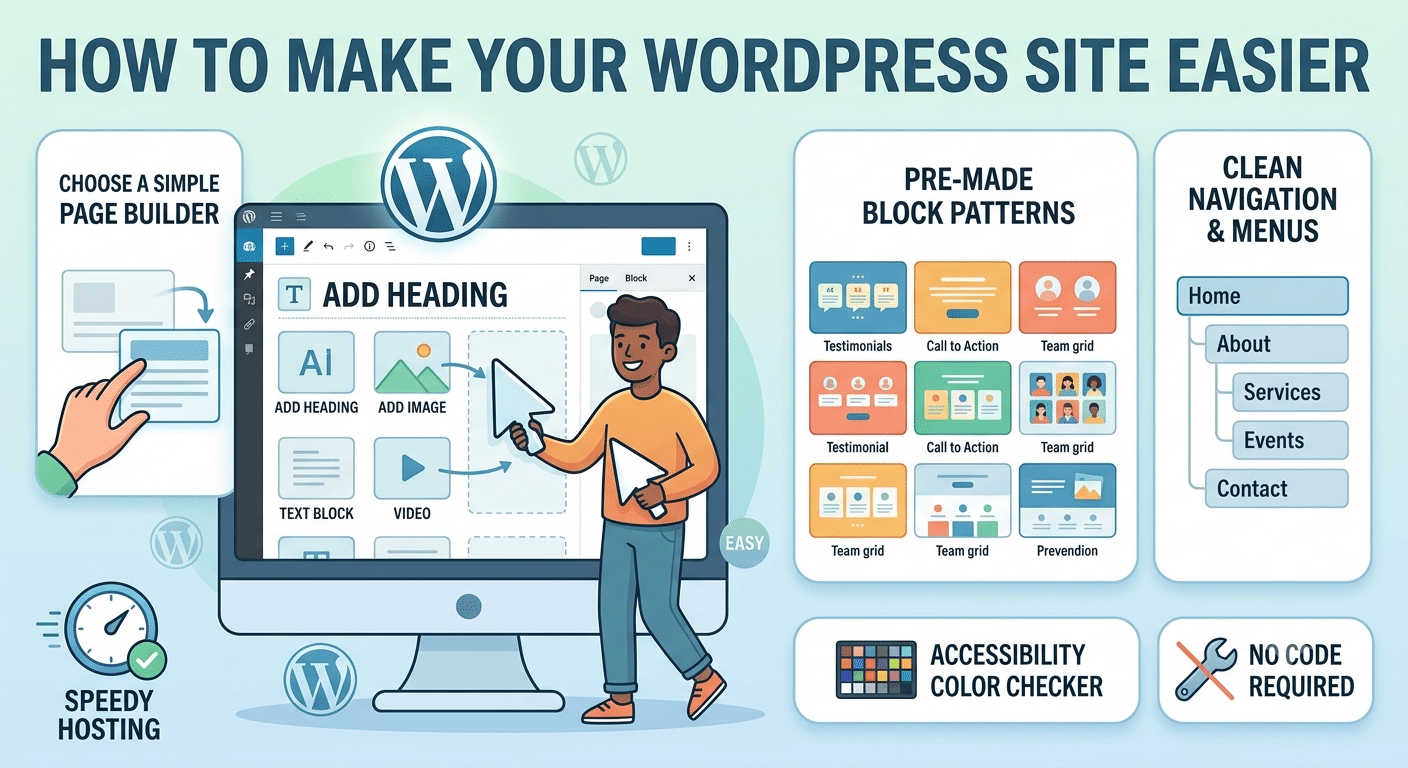
A practical technical and content checklist for Google AI Overviews, AI Mode and ChatGPT search
AI search has changed the route people take to a website, but it has not made the fundamentals of WordPress SEO obsolete. Google explicitly says there are no special technical requirements for appearing in AI Overviews or AI Mode beyond being eligible for Search itself. A page still needs to be crawlable, indexable and useful. OpenAI gives similarly practical advice for ChatGPT search: public pages can appear, but sites should not block OAI-SearchBot if they want their content discovered and cited.
That is good news for WordPress site owners. You do not need an exotic “AI file,” a new schema vocabulary or a complete rebuild. What you do need is a site that machines can access, a content structure they can interpret, and pages that offer enough original value to deserve a citation. The following checklist focuses on the changes that actually improve those conditions.
The key idea: AI visibility is usually the result of solid crawlability, clear information architecture, useful content and strong external evidence – not a single “AEO trick.”
Quick checklist
- 1. Confirm that important pages are crawlable and indexable
- 2. Check access for AI search crawlers
- 3. Keep important information in accessible HTML text
- 4. Strengthen internal linking and topical structure
- 5. Use structured data accurately, not excessively
- 6. Create pages worth citing, not just pages built to rank
- 7. Keep WordPress performance healthy
- 8. Keep commercial and entity information consistent
- 9. Measure actual AI answers instead of guessing
1. Confirm that important pages are crawlable and indexable
Start with the unglamorous checks. Google says a page must be indexed and eligible to appear in Search with a snippet before it can be shown as a supporting link in AI Overviews or AI Mode. At the minimum, Googlebot must not be blocked, the page should return a successful HTTP status, and the page must contain indexable content.
- Use Google Search Console URL Inspection on your most valuable service, product, category and guide pages.
- Check that WordPress is not set to “Discourage search engines from indexing this site.”
- Review robots.txt after migrations, staging launches or security-plugin changes.
- Look for accidental noindex tags added by SEO plugins or page templates.
- Fix chains of redirects, soft 404s and broken canonical tags before worrying about AI-specific tactics.
2. Check access for AI search crawlers
Search engines and AI products do not all use the same crawler. For ChatGPT search, OpenAI recommends allowing OAI-SearchBot if you want content to be discoverable, surfaced and clearly cited. WordPress security tools, CDNs and bot-protection systems can also block legitimate crawlers even when robots.txt looks correct.
Practical WordPress check: review your robots.txt, Cloudflare or other firewall rules, and any security plugin that blocks automated traffic. If a crawler receives 403 responses, a perfectly written page may never be evaluated.
User-agent: OAI-SearchBot
Allow: /
3. Keep important information in accessible HTML text
A beautiful WordPress page can still be difficult to interpret if the important facts are trapped inside images, sliders or scripts. Google recommends keeping important content available in textual form. This is particularly relevant for modern WordPress builders, where key details are sometimes rendered late, hidden in tabs, or placed inside image graphics.
- Write product features, service details, prices, locations and guarantees as real text – not just text inside images.
- Give comparison tables proper headings and labels.
- Use descriptive H2 and H3 headings so sections make sense out of context.
- Make FAQs useful to readers; do not create hundreds of thin question-and-answer blocks purely for search.
- Ensure JavaScript-heavy elements still expose the core information to crawlers.
4. Strengthen internal linking and topical structure
Internal links help more than navigation. They explain how pages relate to one another. Google specifically recommends making important content easy to find through internal links, and the same structure helps AI-driven retrieval systems understand the broader context around a page.
A WordPress business site might connect a core service page to:
- an in-depth explainer of the problem the service solves;
- a comparison or alternatives article;
- a pricing or process page;
- an FAQ or implementation guide;
- relevant case evidence, research or customer examples.
The goal is not to manufacture hundreds of internal links. It is to create a coherent information network around the questions real buyers ask.
5. Use structured data accurately, not excessively
Schema is useful, but it is not a magic AI Overview switch. Google states that there is no special schema.org markup required for AI Overviews or AI Mode. Structured data should accurately match the visible content on the page and should be used where it genuinely helps search engines understand entities, products, organizations, articles, breadcrumbs or other supported content types.
Avoid the common mistake: adding markup for claims or attributes that a visitor cannot actually see on the page. Structured data should describe the page, not invent a better version of it.
6. Create pages worth citing, not just pages built to rank
This is where many WordPress content strategies need the biggest change. AI-generated answers can summarize generic material very easily. A page becomes more useful as a source when it contains something specific, verifiable or difficult to reproduce from ten other sites.
Examples of citation-worthy content include:
- first-party research, surveys or benchmark data;
- clear product specifications and limitations;
- original screenshots, tests and demonstrations;
- expert commentary with a named author and relevant experience;
- transparent pricing, methodology or process information;
- comparisons that explain trade-offs rather than declaring one option “best” without evidence;
- updated statistics with a visible source and date.
Google’s current guidance for generative AI search repeatedly emphasizes unique, useful, people-first content. That is a useful filter for WordPress publishers: if a paragraph could be swapped onto a competitor’s site without anyone noticing, it probably adds little retrieval value.
7. Keep WordPress performance healthy
Speed is important, but it should not be sold as a direct ticket into AI answers. Google recommends a good page experience and says Core Web Vitals are used by its ranking systems, while also making clear that no single page-experience metric guarantees top rankings. For WordPress, the practical goal is a fast, stable, usable site that allows users and crawlers to reach the main content without unnecessary friction.
- Use a lightweight theme and remove plugins that add little value.
- Compress and properly size images rather than uploading full-resolution originals.
- Use caching and a CDN where appropriate.
- Limit intrusive pop-ups and interstitials that obscure the main content.
- Test mobile templates separately; many performance issues only appear on smaller screens.
- Watch for page-builder widgets that add large JavaScript bundles for simple effects.
8. Keep commercial and entity information consistent
AI systems often have to reconcile information from several places. If your WordPress site says one thing while review sites, business profiles, marketplaces and third-party articles say something else, the model has to decide which version to trust. Keep brand names, product names, company descriptions, pricing claims, locations and key attributes consistent across the web.
For ecommerce sites, also keep Merchant Center data and on-page product details aligned. For local businesses, make sure the website, Google Business Profile and major directories do not contradict each other.
9. Measure actual AI answers instead of guessing
Traditional analytics cannot tell you the full story. Google Search Console can help you diagnose indexing and Search performance, but teams increasingly also need to observe the AI answers themselves: whether the brand is mentioned, which competitors appear, what sources are cited, and how that changes across prompts and models.
A platform such as Llumo can be used as a measurement layer for this work, tracking brand visibility, citations and competitor presence across multiple AI systems. The important point is not the tool itself; it is establishing a repeatable prompt set and measuring the same questions over time instead of relying on occasional manual searches.
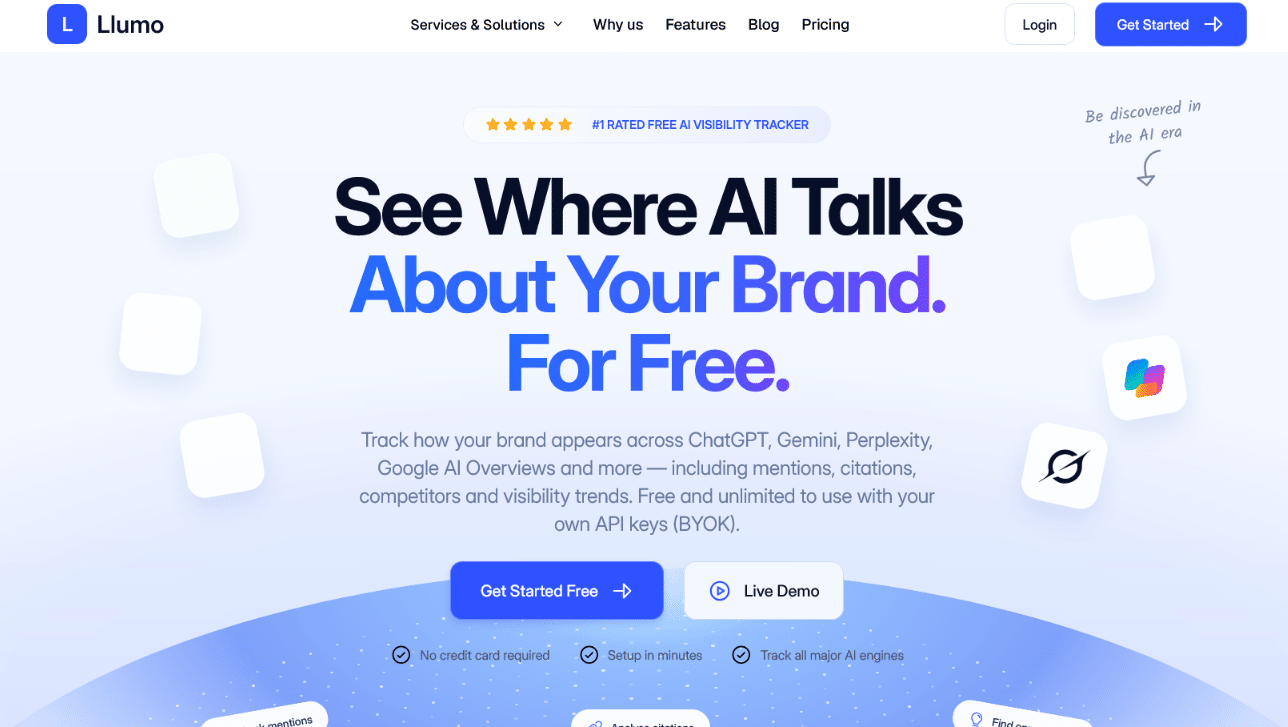
Example: an AI visibility platform can show brand mentions, citations and competitor coverage across different AI engines.
A simple 30-day WordPress AI visibility workflow
| Week | Focus | What to do |
| Week 1 | Technical access | Audit indexability, robots.txt, crawler access, canonicals, status codes and mobile rendering. |
| Week 2 | Content structure | Improve headings, internal links, page intent, author information and important facts in visible text. |
| Week 3 | Citation value | Add original evidence: screenshots, examples, data, comparisons, expert commentary or clearer product information. |
| Week 4 | Measurement | Re-run the same buyer prompts across Google AI features and major AI assistants. Compare mentions, citations, competitors and source patterns. |
Three myths WordPress owners can ignore
“I need special AI schema.” Google says no special schema is required for AI Overviews or AI Mode. Use supported structured data accurately where it helps describe the visible page.
“A perfect Core Web Vitals score will make AI cite me.” Performance matters for users and Search, but it is not a citation guarantee. Relevance, usefulness, indexing, source quality and the query all matter.
“Publishing more AI-written articles automatically creates AI visibility.” More pages are not automatically more useful. Thin or repetitive content can dilute a site. Prioritize distinctive information that adds value beyond what is already easy to find.
Final thoughts
The most effective WordPress strategy for AI search is not really “AI-first.” It is clarity-first. Make important pages accessible. Build a logical site structure. Publish information worth citing. Keep the site fast and usable. Maintain consistent facts across the web. Then measure how AI systems actually represent the brand and iterate from evidence.
That approach is less exciting than chasing a secret AEO hack, but it is also much harder for the next algorithm update to make obsolete.
