

How to Build a WordPress City Guide for Two-Person Relocation Decisions
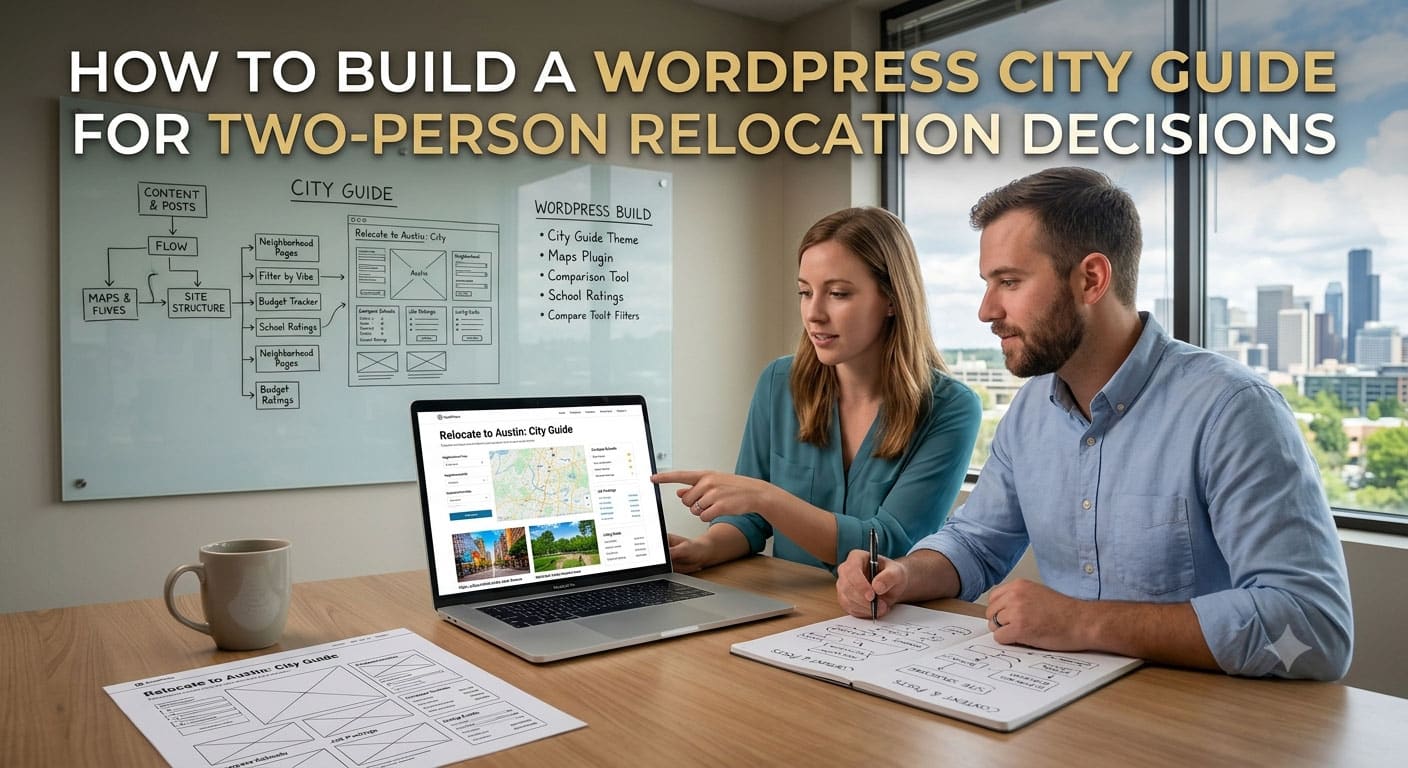
A WordPress relocation site can publish detailed pages about rent, jobs, schools, transport, and neighborhoods yet still leave its readers with the hardest question unanswered: how should two people compare the same cities when their priorities differ?
Most city guides assume one reader with one goal. A couple may instead be balancing a stronger job market for one person against a steadier home life for the other. Housemates may agree on a budget but want different social environments. A family may need to weigh career options against healthcare and access to relatives. The page needs a structure that keeps both perspectives visible.
A two-person relocation map gives that discussion a clearer starting point. Astrocartography Chart uses both people’s birth details and the same shared goal to compare selected cities. Instead of naming a place that is supposedly “best” for one person, it shows where both people may benefit, who carries more pressure, and what the compromise may require.
The solution begins with the content model rather than a new theme or plugin. Build the WordPress page around a shared decision, keep personalized interpretation separate from editorial facts, and require practical verification before a city moves to the top of the shortlist.
Define the decision before designing the page
Start by writing the question the guide should help answer. “Is this a good city?” is too broad. “Could this city support both careers while giving us a stable home base?” is specific enough to organize the content.
Use the same question for every city in the comparison. Otherwise, one city may be judged for career growth while another is judged for lifestyle, and the page will produce an attractive but incoherent result. A clear goal also tells the editor which facts deserve space and which details belong in a general destination guide.
Four practical goal labels cover many shared moves:
- Overall fit
- Career growth
- Relationships and social life
- Home and settling down
Treat the selected goal as page context, not as a decorative filter. Display it near the title and repeat it above the final comparison so readers remember what the page is evaluating.
Build one reusable comparison pattern
Create a WordPress block pattern for every city under review. A useful pattern has four layers: each person’s perspective, the shared view, the pressure or compromise, and the facts that still need checking.
| Content layer | Question it answers | WordPress treatment |
| Person one | What could this city support or complicate? | Short heading and two concise lists |
| Person two | What could this city support or complicate? | Matching structure in the same order |
| Shared view | Where do the priorities overlap? | Highlighted summary block |
| Reality check | What must be confirmed before deciding? | Checklist with source and review date |
Keep the two personal sections visually equal. If the first person receives a large summary while the second is reduced to a note, the layout quietly turns one preference into the default. Matching headings and list lengths make imbalance easier to notice during editorial review.
Use ordinary HTML headings, lists, and tables inside the pattern. Key conclusions should remain readable when custom styles, scripts, or interactive elements fail. That also gives editors a stable structure they can reuse without rebuilding each comparison from scratch.
Keep personalized calculation outside the editorial facts
A WordPress guide should not invent personalized conclusions from generic city information. Cost of living, transit, climate, and visa rules are editorial facts. A birth-data-based comparison is a separate input that changes for every pair of people.
Astrocartography Chart can compare as many as six selected cities or discover candidates within a region. It separates supportive themes and cautions for each person before showing shared strengths, uneven pressure, and the trade-offs behind a priority tier.
Do not copy a personalized result into a permanent WordPress article as if it applied to every visitor. Instead, explain the method, give readers a clearly labeled example, and send them to create their own comparison. The article remains useful to search visitors, while the personal result stays tied to the correct birth details.
Accurate birth time matters. If one person does not know it, the page should say that the shared recommendation is limited. It should never fill the gap with a default time merely to produce a cleaner result.
Show the difference between a result and a decision
Consider a hypothetical pair using Astrocartography Chart to compare City A and City B for overall fit. The result shows City A as more supportive for one person’s career but more demanding for the other person’s home priorities. City B gives the second person a steadier base while leaving the first with workable, although less obvious, career options.
The WordPress page should not announce a winner at this point. It should turn the result into two sets of follow-up questions.
For City A:
- Is the career opportunity confirmed or only possible?
- Which neighborhood or routine could reduce the home-related pressure?
- Would the person carrying more pressure still choose the city after a trial visit?
For City B:
- Are the alternative work options specific enough to verify?
- Does the stronger home fit remain after checking housing costs and commute time?
- Which compromise would need to be accepted for at least the first year?
This is the article’s real information gain. It converts a personalized comparison into an editorial research plan. Readers leave with questions they can investigate rather than a prediction they are expected to trust.
Add practical evidence with dates and scope
Every reality-check item should name its source and review date. Housing costs, transport schedules, immigration rules, school access, and employment conditions can change. A figure without a date can look precise while being unusable.
Separate facts from judgments in the editor. For example, “the train journey takes 42 minutes on the current weekday timetable” is a fact with a scope. “The commute is manageable” is a judgment that may differ between two people. Publish the first with a source and invite both readers to answer the second.
If your site covers several countries, do not force every city into the same checklist. Visa status may be decisive for an international move and irrelevant for a domestic one. Keep a small required core, then add conditional sections for schools, healthcare, language, taxes, or family access when the situation calls for them.
Test the WordPress page in three states
Review the comparison in three states before publishing: the full desktop layout, the narrow mobile layout, and the plain-content state with nonessential styling or scripts unavailable.
On mobile, the two personal perspectives should stay in the same order for every city. Avoid placing them in a wide table that forces horizontal scrolling. Stack the sections and keep the shared summary after both individual views so the conclusion does not appear before the evidence.
In the plain-content state, confirm that headings still describe the decision flow, links have meaningful text, and no conclusion exists only in a color, icon, map marker, or image. A reader should be able to understand who benefits, where the pressure sits, and what needs verification without interpreting a visual legend.
Finally, test the call to action. It should tell readers what to prepare: two accurate sets of birth details, one shared goal, and two or three realistic cities for the first comparison. That is more useful than a generic “learn more” button.
Publish only when the compromise is visible
A useful relocation guide does more than rank destinations. It shows how the ranking was framed, gives both people equal space, separates personal interpretation from changing local facts, and exposes the compromise behind the preferred city.
Before publishing, ask one final question: could both people point to the page and explain why a city remains on the shortlist? If one person’s needs disappear inside a single score or generic conclusion, revise the structure. When the trade-off is visible and the next research steps are specific, the WordPress page has done its job.
To build the first comparison, prepare two accurate sets of birth details, choose one shared goal, and shortlist two or three realistic cities. Use Astrocartography Chart to identify the support, pressure, and compromise for each option, then bring those questions back into the WordPress research checklist before making a decision.
