

How to Build a Research Lab Website with WordPress (and Fill It with Visuals That Explain Your Work)
A research lab website has a tough job. It has to impress prospective PhD students, give collaborators a quick sense of what you study, show off publications, and still look professional on a phone. Yet many lab sites end up as a wall of text: long paragraphs about methods that only make sense to people who already work in the field.
WordPress is a great fit for academic sites because it is flexible, easy to update, and does not require a developer every time you add a new paper or team member. In this guide, we will walk through how to set up a clean lab website and, just as importantly, how to create the research visuals that make it worth visiting.
1. Start with a Clean, Responsive Theme
Your theme sets the tone for everything else. For a research lab, look for a theme that is:
- Minimal and readable, with plenty of white space and clear typography, since your content is information-heavy.
- Fully responsive, because many visitors, including students browsing between classes, will find you on mobile.
- Lightweight and fast-loading, so image-rich pages do not slow down.
- Flexible with page templates, such as full-width layouts for figures and sidebar layouts for news and publications.
A business, portfolio, or education theme often works better than a dedicated “science” theme. What matters is clean structure and room for visuals.
2. Plan the Pages Every Lab Website Needs
Before you start designing, sketch out your site structure. Most successful lab websites include:
- Home: a one-sentence summary of your research mission plus one strong visual.
- Research: an overview of your main projects, ideally one section per research theme.
- Publications: a list of papers with links to PDFs or DOIs.
- Team: photos and short bios of the PI, postdocs, and students.
- News: conference talks, awards, new papers, and lab events.
- Join Us: open positions and what you look for in applicants.
3. Fix the Weakest Part of Most Lab Sites: Visuals
Here is where many academic websites fall short. The Research page often describes a complex mechanism or pipeline in dense paragraphs, with maybe a screenshot of a figure from a paper. Visitors who are not specialists, including the prospective students you want to recruit, quickly lose interest.
A good overview figure can do what three paragraphs cannot. A clear diagram of your experimental workflow, a model architecture, or a biological pathway lets visitors grasp your research in seconds. The problem is that most researchers are not designers, and creating these figures in PowerPoint or Illustrator takes hours.
4. Create Research Figures with AI
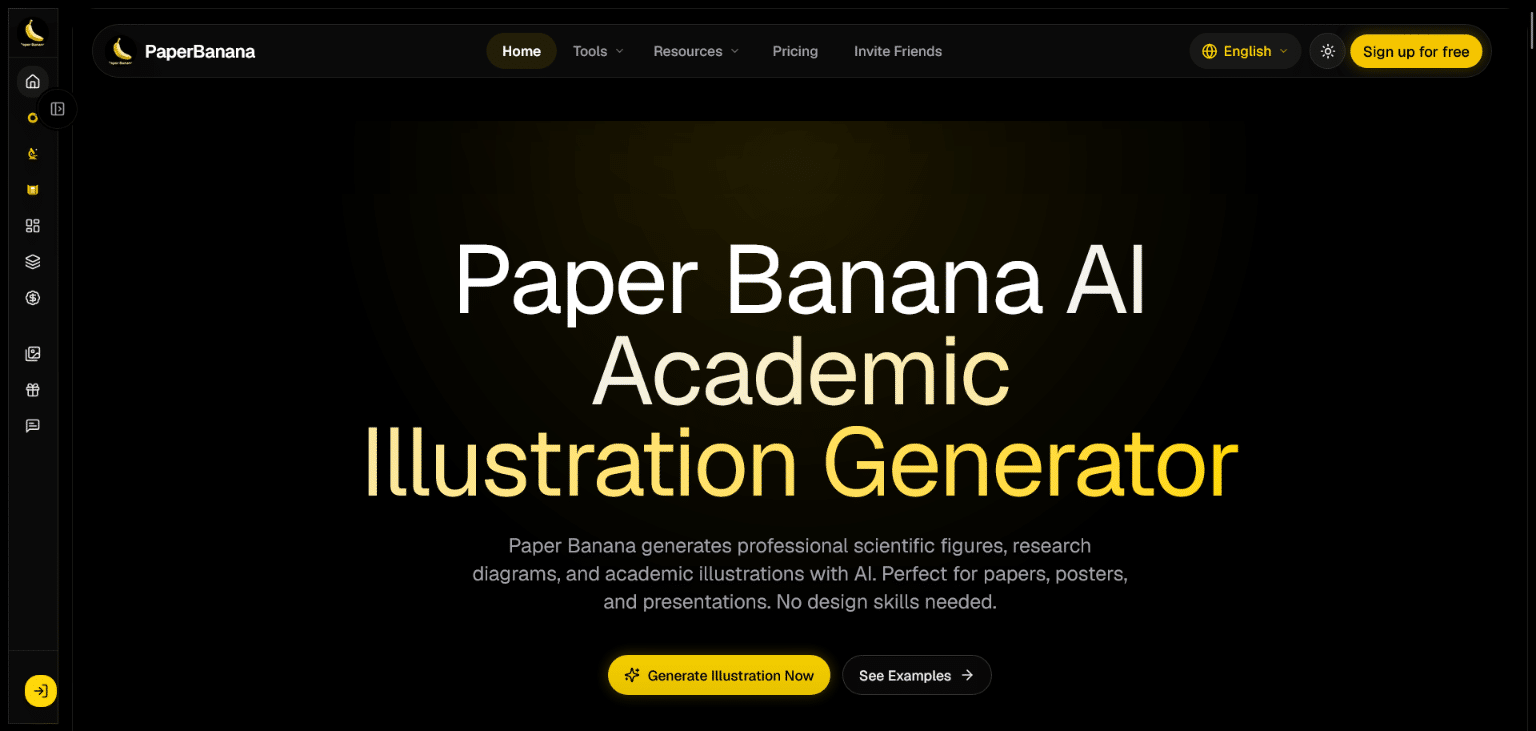
This is where AI tools have become genuinely useful. Paper Banana is an AI academic illustration platform built for researchers who need professional visuals without design skills. Instead of drawing boxes and arrows by hand, you describe what you want to show in plain language, and it generates a polished figure in seconds.
Its AI scientific figure generator is especially handy for website content, for a few reasons:
- Text to figure: Type a description such as “a workflow showing sample collection, sequencing, and data analysis,” and get a ready-to-use illustration.
- Editable SVG output: Figures are exported as structured SVG files, so you can adjust labels, colours, and layout later instead of regenerating everything.
- Reference-based style: Upload an existing figure from one of your papers to guide the visual style and keep your website consistent with your publications.
- Multiple styles: Choose from diagrams, flowcharts, architecture figures, concept maps, and schematics depending on the project.
Paper Banana also offers a template-based Scientific Diagram Maker with exports in SVG, PDF, PPTX, and PNG, and a Scientific Poster Maker that turns a PDF paper into a conference poster layout. That poster can double as a featured image for a “We presented at…” post on your News page.
5. Tips for Adding Figures to WordPress
Once your visuals are ready, a few practical steps will help them look and perform their best:
- Check SVG support. WordPress does not allow SVG uploads by default for security reasons. Use a trusted plugin that sanitizes SVG files, or export a high-resolution PNG instead.
- Optimize file sizes. Compress PNGs or convert them to WebP so image-heavy research pages still load quickly.
- Write descriptive alt text. Describe what the figure shows, for example “Diagram of the lab’s single-cell sequencing pipeline.” This helps accessibility and search visibility.
- Use full-width blocks for key figures. Overview diagrams deserve space. Cramming them into a narrow column makes the labels unreadable.
- Keep a consistent visual style. Use the same colour palette and fonts across all figures so the site feels unified.
6. Keep the Site Alive
A lab website is only useful if it stays current. Assign one team member to update the News and Publications pages every month or two, and add a short summary and one clear figure to the Research page whenever a new paper comes out.
Final Thoughts
Building a research lab website with WordPress is easier than most academics expect. Choose a clean, responsive theme, plan a simple page structure, and invest in visuals that explain your work at a glance. With AI handling the heavy lifting on figures, you spend less time in design software and more time on the research itself.
