

Days Until Date Calculator – Find How Many Days Until …?

There is a funny little moment when a future date starts feeling real. Maybe it is a birthday circled on the calendar, a wedding people keep talking about, the first day of school, or simply a holiday you have been waiting for since, well, forever.
You look at the calendar and think, “Okay, but how many days until it actually happens?” Suddenly a date is no longer just a date. It becomes a countdown.
A Days Until Date Calculator turns that small question into a clear answer. Enter a start date, enter an end date, and the calculation tells you the total days between them.
It sounds almost too simple, but date counting gets surprisingly slippery when months have different lengths, leap years appear out of nowhere, or you’re trying to count working days instead of ordinary calendar days.
One tiny mistake and your countdown is off, and nobody wants to discover that two days before the big day.
That is why a days until calculator is more than a little digital convenience. It is a practical way to calculate a date difference, check a date range, measure elapsed time, and turn an upcoming event into something you can actually see getting closer.
Lets look at how it works, when to use it, and how to get the right number without wrestling with a calendar.
What Is a Days Until Date Calculator?
A Days Until Date Calculator is an online tool designed to determine the number of days until a date or the number of days separating two dates.
In its simplest form, you provide a beginning date and a future date, and the calculator performs the date arithmetic for you. No counting little boxes on a wall calendar, thankfully.
You can think of it as a date calculator, days calculator, or date countdown calculator depending on the exact tool.
Some calculators focus only on calendar days, while others can show business days, weekends, holidays, months, weeks, or a broader time duration. The basic idea stays the same: two dates go in, a useful result comes out.
The important thing is knowing what the result means. If a calculator says there are 20 days between March 3 and March 23, it is measuring the interval between those dates.
It may not mean that you should count both March 3 and March 23 as full included days. This little distinction causes plenty of calendar confusion, honestly.
How Many Days Until a Date?
When someone searches how many days until a date, they normally have one specific future date in mind. Perhaps it is March 22, June 15, August 29, or another day that has somehow become very important.
A number of days until a date is usually calculated from today, or from whatever start date you choose. So if today is September 19, 2026,
and your target is a future date, the calculator compares September 19 with that specific date and reports the remaining days. The answer changes every midnight, which is why a countdown can feel almost alive.
For example, imagine you are planning an event for March 3, 2027. You could enter the current date as the starting point and March 3, 2027 as the end date.
The calculator then returns the days remaining. If you check it tomorrow, naturally, the number should be one smaller. Unless your calendar has decided to become dramatic.
The same approach works for birthdays, vacations, examinations, school breaks, anniversaries, project deadlines, and other moments people like to anticipate. A simple countdown timer can then turn that result into something more visual.
Why Use a Days Until Calculator Instead of Counting Manually?
Manual date counting looks easy until you actually do it. March has 31 days, April has 30, February has 28 most years and 29 in a leap year, and then there are months sitting in the calendar looking innocent while quietly ruining your arithmetic.
Suppose you want to calculate the days from March 10 to May 15. You need to account for the remaining part of March, all relevant days in April, and the days through May 15.
You can absolutely do it by hand, but a days between dates calculator removes the repetitive work.
There is another benefit too: consistency. An online calculator for days between dates applies the same calculation every time, while manual counting can
accidentally include the starting day in one calculation and exclude it in another. That matters when dates are being used for schedules, deadlines, reservations, or planning.
A calculator also helps when the dates cross months or years. Counting from December into January is where many perfectly confident humans suddenly become less confident humans. It happens.
Days Between Dates: Understanding the Basic Calculation
At the heart of a days between dates calculator is a straightforward idea: find the difference between the two dates. If you are calculating ordinary calendar days, the result represents the elapsed day count separating the start date and end date.
For a simple example, suppose your dates are March 10 and March 22. You are asking for the number of days between two dates, not the number of calendar squares you can point at while counting both endpoints.
The distinction should be decided before you start, otherwise your answer can be one day different from someone else’s.
This is also why terms such as date difference, date interval, and elapsed days are useful. They describe the space between two points in time rather than simply naming the dates themselves.
If the target date has already passed, the same concept can be used to calculate days since a date. Instead of asking “How many days until my birthday?”
you might ask “How many days since my birthday?” The mathematics is closely related, although the direction of the interval changes.
How to Calculate Days Manually
You do not always need software. If the dates are close together, calculate days manually and you may finish faster than opening an app. For dates in the same month, the calculation is particularly easy.
Take March 3 and March 22. Subtract 3 from 22, and you get 19 days between the two dates under the ordinary exclusive interval interpretation. For dates in different months, break the calculation into smaller pieces, which makes the whole thing much less headache-ish.
For example, imagine March 10 to April 25. You can count the remaining days after March 10, then the days in April up to April 25, taking care to use the correct length of each month. The method works, but it requires attention.
When the date range crosses a year boundary, manual calculation becomes even more tedious. A date difference calculator is usually the sensible shortcut because it handles month lengths and year transitions automatically.
Calendar Days vs. Business Days
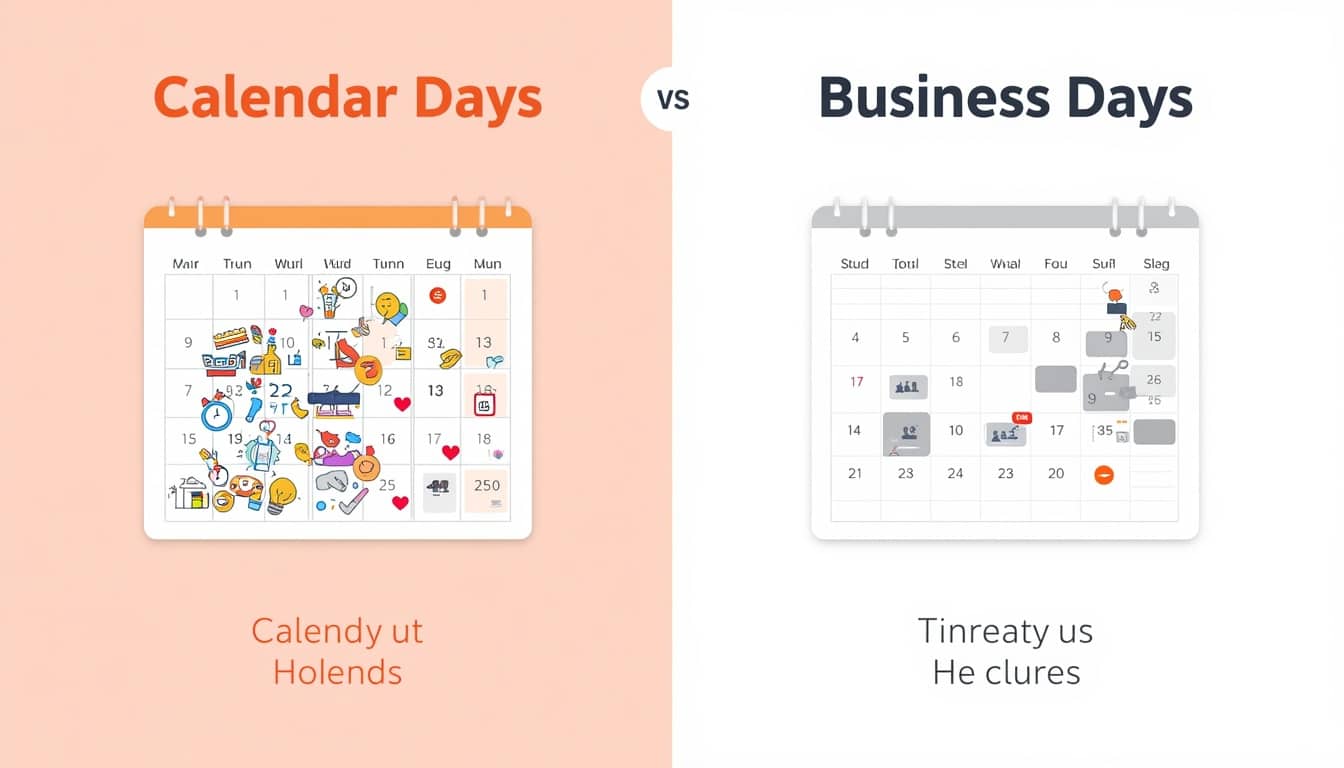
Not every countdown needs ordinary calendar days. Sometimes you actually want business days or working days between dates, meaning days when work is normally performed.
A calendar-day calculation may include Saturdays and Sundays. A business-day calculation can exclude weekends and, depending on the tool, specified holidays.
This difference is important for project deadlines, delivery estimates, invoices, applications, and workplace schedules.
For example, if a task is due in 10 working days, simply adding 10 calendar days could produce the wrong date. A business days calculator is designed for this kind of situation.
In Excel, functions such as NETWORKDAYS are specifically intended to calculate whole workdays between dates, while WORKDAY can calculate a date a specified number of working days before or after another date.
So before trusting any result, ask yourself a tiny question: “Do I mean every day, or only working days?” That one question saves a surprising amount of calendar chaos.
How Many Days Are Between Two Dates in Excel?
If you already use Microsoft Excel, you can calculate dates without a separate online tool. Excel stores dates as sequential values, allowing date arithmetic and functions to operate on them. One of the clearest options is the Excel DAYS function. Its basic structure is:
DAYS(end_date, start_date)
The function returns the number of days between the supplied end date and start date. Microsoft documents the two arguments as the required end_date and start_date, respectively.
You can also subtract one date cell from another when you simply need the difference. For example, if A2 contains the earlier date and B2 contains the later date, a basic formula can calculate the interval using date subtraction.
Excel’s own documentation notes that dates are stored as sequential numbers, which is what makes this kind of arithmetic possible.
If Excel gives you an unexpected result, check how the dates were entered. Text that looks like a date is not always interpreted as a valid date, and mismatched regional formats such as mm/dd/yyyy versus dd/mm/yyyy can cause problems.
Days Until Date Calculator for Birthdays
Birthdays are probably the most cheerful reason to use a countdown calculator. Someone asks, “How long until my birthday?” and suddenly everyone becomes a part-time mathematician, counting months on their fingers.
A birthday countdown is especially useful for children. The difference between “your birthday is in three weeks” and “your birthday is 21 days away” can feel enormous to a child. The second version somehow makes the cake feel closer.
You can use a days calculator online to find the exact number of days remaining, then create a daily or weekly countdown. For milestone birthdays, the calculation can become part of the celebration itself, with a calendar where one day is crossed off at a time.
Days Until Date Calculator for School and Important Deadlines
Students can use a days until a date tool for school endings, examination dates, assignment deadlines, holidays, or the first day of a new term. A long school year feels less giant when it becomes a number that keeps shrinking.
For example, you might calculate the days until school ends, then check the number every Monday. It gives a simple visual sense of progress, although teachers may not be especially impressed by someone announcing “only 47 days left” during class.
The same idea works for professional deadlines. A project manager can calculate the number of days until a date, compare it with the work still required, and create smaller milestones. In this situation, however, it is useful to distinguish calendar days from actual workdays.
Days Until Date Calculator for Weddings and Celebrations
A wedding date has a special talent for making calendars feel personal. Months suddenly become “only 120 days,” then “only 60,” then “wait, why is it next month already?”
A date countdown can help couples organize invitations, fittings, venue arrangements, travel, and other tasks around a fixed date. Friends and family can also use the countdown simply because anticipation is half the fun.
The same applies to anniversaries, graduations, festivals, family reunions, vacations, and other celebrations. A countdown timer does not create the occasion, of course, but it gives the waiting period a shape you can see.
Days Until Date Calculator for Baby Due Dates
Expecting parents often have a date that suddenly becomes the center of the calendar. A days until calculator can show how many days remain until an expected due date, making the long wait easier to picture.
This should be treated as a calendar-planning tool rather than a medical prediction. A due date is an estimate, and actual birth timing can differ. The calculator simply answers the calendar question: how far apart are today and the date entered?
For family members, a countdown can also be a sweet way to share anticipation. Grandparents may mark the days, siblings might make their own little paper countdown, and someone will inevitably say, “It feels like yesterday we were at 100 days.” Time does that sneaky thing.
What Happens When a Countdown Crosses Months?
This is where a date calculator becomes especially handy. Months do not all contain the same number of days, so a statement like “two months equals 60 days” is not universally correct.
March has 31 days, April has 30, June has 30, and other months follow their own patterns. February is the little troublemaker, with 28 days in an ordinary year and 29 in a leap year.
For that reason, a proper calendar days calculator should work from the actual dates rather than assuming every month has a fixed length. When your date range crosses several months, let the calculator handle the calendar arithmetic instead of guessing.
What About Leap Years?
Leap years matter whenever your date range passes through February in a leap year. February can have 29 days instead of 28, adding one extra calendar day to relevant intervals.
This is a small detail, but it is exactly the kind of detail that makes manual date calculations annoying. If you are calculating a long period across multiple years, checking leap years one by one can turn a two-minute task into a tiny research project.
An automated date calculation handles the actual calendar structure, which is one reason people use online tools instead of performing every calculation on paper. Your brain has better things to do, probably.
How to Use a Days Calculator Online Correctly
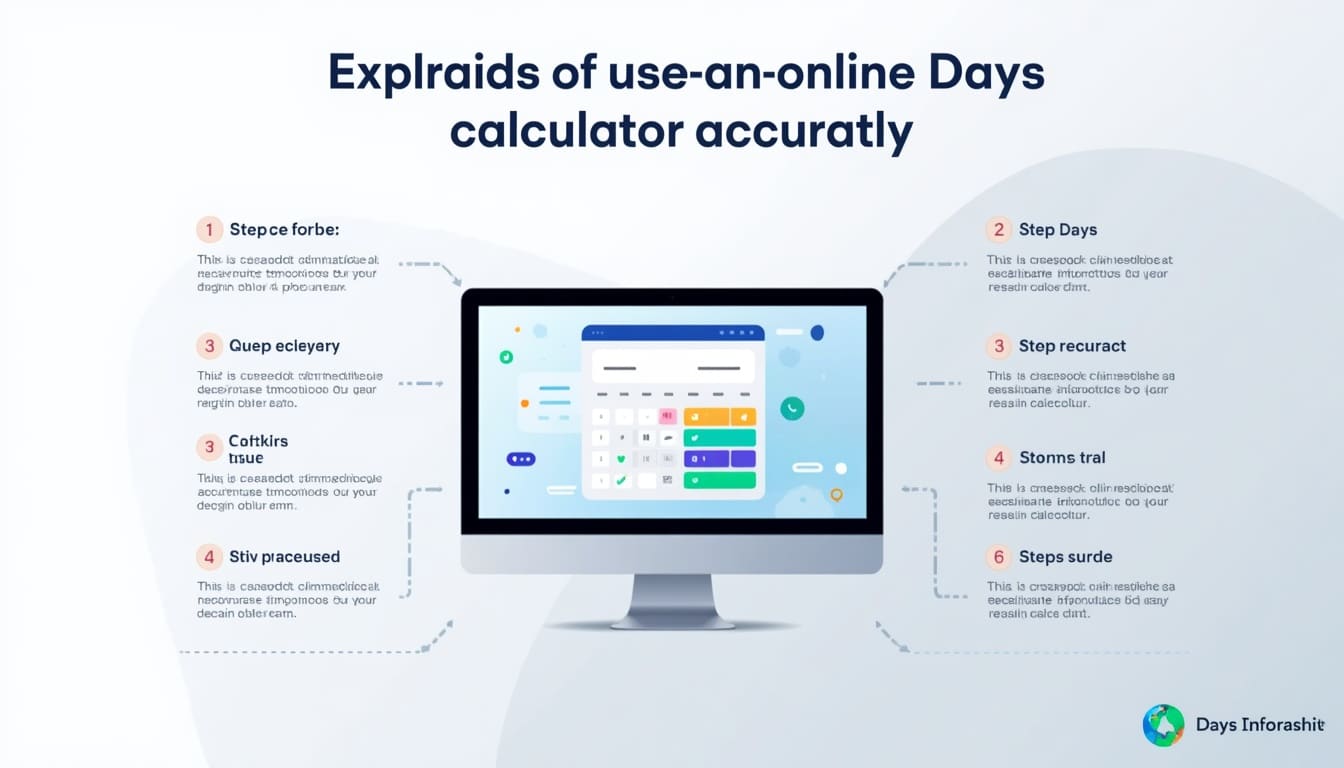
Using an online days calculator is normally simple, but getting a useful result starts with entering the right information. First, decide what the starting point is. Then identify the exact target date, including the month, day, and year.
Next, check the date format. Some tools use mm/dd/yyyy, while others use dd/mm/yyyy. This matters a lot because 03/10/2026 can mean March 10 in one system and October 3 in another.
Finally, look at what the calculator actually counts. Does it include weekends? Does it exclude holidays? Does it calculate calendar days, business days, or another type of interval? The number itself is only useful when you understand what it represents.
Common Mistakes When Calculating Days Between Dates
One common mistake is counting both the start and end date when the intended calculation measures the interval between them. Another is forgetting that the month changes length, particularly around February.
A second problem is mixing calendar days with business days. Ten days and ten workdays are very different things when a weekend sits in the middle. Holidays can widen the difference even further.
Date format confusion is another classic. If a calculator expects mm/dd/yyyy but you enter a date as dd/mm/yyyy, the tool may interpret it differently or reject it altogether. Excel documentation similarly warns that date text and regional settings can create errors.
The easiest habit is to read the labels before pressing calculate. It takes perhaps five seconds, which is less time than arguing with a calendar afterward.
A Simple Way to Think About Start Date and End Date
Think of the start date as the place where your timeline begins and the end date as the place where it arrives. The calculator measures the distance between those two points.
If you enter March 10 as the start and May 15 as the end, you are asking for the number of days between two dates. If you replace March 10 with today, you are asking for the number of days until a date.
If the target is already behind you, the same framework can become a days since calculation. So one tool can answer several related questions without changing the basic concept.
Practical Examples of Date Countdown Questions
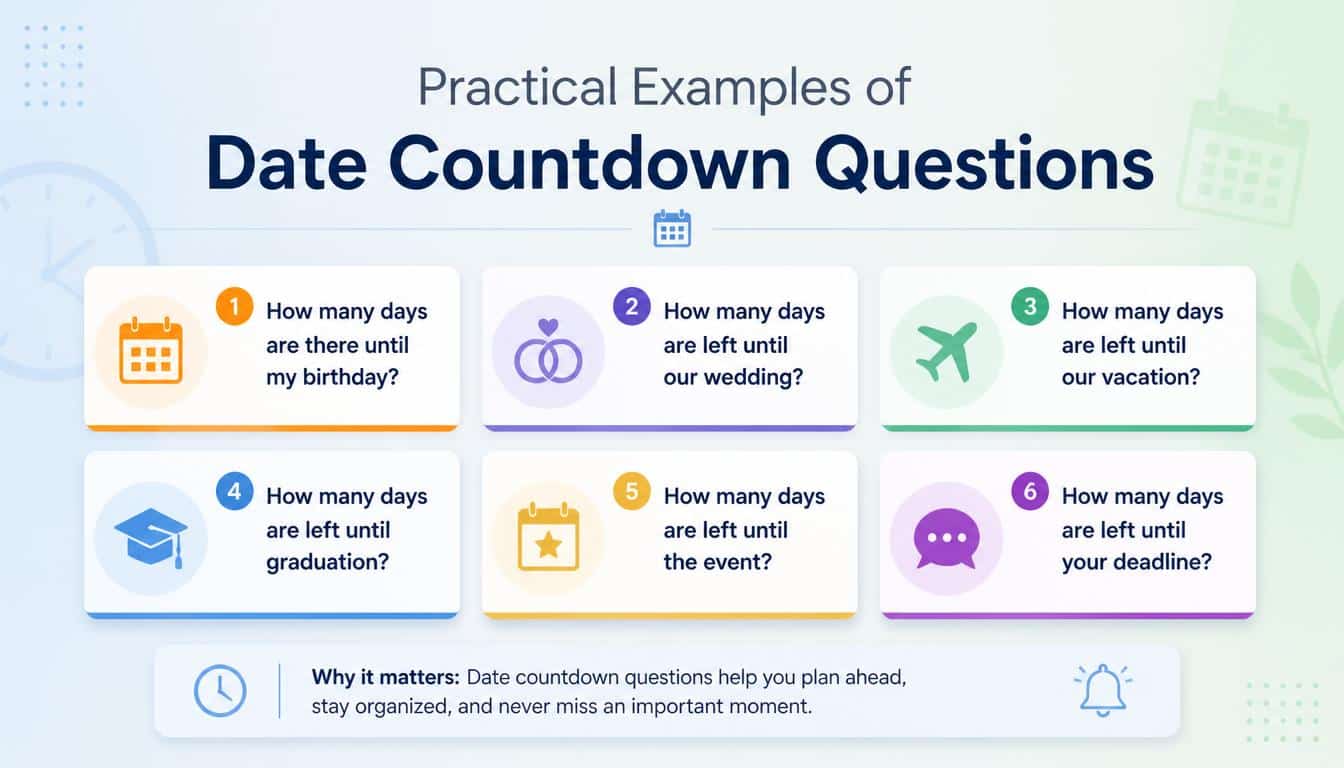
People use a countdown calculator for remarkably ordinary things, and that is part of its charm. You do not need a grand event to justify knowing the exact day count.
- “How many days until my birthday?” is a classic personal countdown.
- “How many days until our wedding?” turns anticipation into a visible number.
- “How many days until school ends?” can make a long term feel more manageable.
- “How many days until vacation?” is perhaps the most motivating calendar question ever invented.
- “How many days until the project deadline?” helps turn a vague deadline into a measurable interval.
- “How many days until the baby’s due date?” gives families a simple calendar countdown.
- “How many days since we started the business?” turns an old date into a small milestone.
- “How many days between these two appointments?” helps compare schedules without guesswork.
- “How many working days are left?” is useful when weekends and holidays should not count.
- “How many days until the end of the month?” is handy for planning bills, reports, and monthly goals.
Each question sounds slightly different, but underneath them is the same idea: compare dates and understand the distance between them.
Making the Result More Useful Than Just a Number
A good days calculator gives you a number, but you can do more with that number. If an event is 75 days away, you might break those 75 days into weekly milestones instead of staring at the number and waiting.
For a wedding, you could create checkpoints for invitations, clothing, travel, and final arrangements. For a school deadline, you could divide the available days among research, drafting, revision, and submission.
This turns a date countdown into a planning tool. The calendar stops being something that merely tells you when something happens and becomes part of how you prepare for it.
A Few Final Checks Before Trusting Your Date Calculation
Before accepting a result, make sure the start date and end date are correct. A surprisingly large number of date mistakes are not mathematical at all; somebody simply typed the wrong year.
Then check whether you want calendar days or working days. If holidays need to be excluded, confirm that the calculator or spreadsheet has been given the appropriate holiday dates.
If you are using Excel, verify that the cells contain actual dates rather than text that merely looks like dates. Microsoft specifically notes that invalid or mismatched date values can cause errors in the DAYS function.
And finally, decide whether the start day should be treated as part of the count. There is no universal “one number fits every situation” rule here. The meaning of the interval should come first.
Why a Simple Countdown Can Feel So Satisfying
There is something oddly comforting about seeing “43 days” instead of “sometime next month.” The number gives an approaching you promised yourself you would finally start something.
Either way, every important date begins as a little square on a calendar, and then one day, somehow, it becomes event edges and corners. It becomes measurable.
A time duration calculator does something similar for longer periods, while a countdown timer can make a short wait feel immediate. Both are ways of turning time, which normally slips past unnoticed, into something we can observe.
Maybe that is why date calculators remain useful even when calendars are everywhere. We are not really asking only for arithmetic. Sometimes we are asking, “How long until this thing I care about finally arrives?”
Frequently asked Questions
How many days until the 26th
There are 7 days until the 26th if today is the 19th. Use a days-until calculator to get the exact result for any date.
How many days till the 29th
There are 10 days until the 29th when counting from the 19th. The exact number can vary depending on the current date.
How many days till the 19th
If today is the 19th, there are 0 days until the 19th. If you mean the next 19th, the calculation depends on the current month.
How many days until the 22nd
There are 3 days until the 22nd when today is the 19th. This can be calculated by finding the difference between the two dates.
How many days until february 25
The number of days until February 25 depends on today’s date and whether February 25 is in the current or next year. A date calculator can provide the exact countdown.
Read this Blog: https://gracethemes.com/what-time-was-it-10-hours-ago/
Final Thoughts on Using a Days Until Date Calculator
A Days Until Date Calculator is a small tool with a surprisingly broad purpose. It can calculate a date difference, show days remaining, compare two dates, support a project schedule, or create a cheerful countdown toward a birthday, wedding, vacation, school break, or family milestone.
The key is to know exactly what you are counting. Use the right start date, enter the correct end date, check the date format, and decide whether you need calendar days or business days.
If you need a spreadsheet solution, Excel provides date functions such as DAYS and workday-oriented functions for more specialized calculations. M
And perhaps the nicest part is that the answer is never really just a number. “Thirty days left” can mean thirty mornings until a holiday, thirty evenings before a wedding, thirty school days before freedom, or thirty small steps toward something you have been waiting for. A calendar counts the days, but people give those days their meaning.
If you have a favorite way to use a days until calculator, share it with others. Maybe your countdown is for a birthday, a long-awaited trip, a family celebration, or simply the day you promised yourself you would finally start something.
Either way, every important date begins as a little square on a calendar, and then one day, somehow, it becomes the day everyone was waiting for.
I kept the requested keyword coverage natural rather than stuffing every supplied phrase into every section, and used Microsoft’s current Excel documentation for the technical spreadsheet details.
