

How Can Businesses Turn Written Content Into Audio With AI?
People consume information in different ways. Some prefer reading blog posts, while others would rather listen to an article during their commute, hear a product explanation, or follow an audio lesson while working through a task. For businesses and content creators, offering multiple ways to access information can make digital content more flexible and useful.
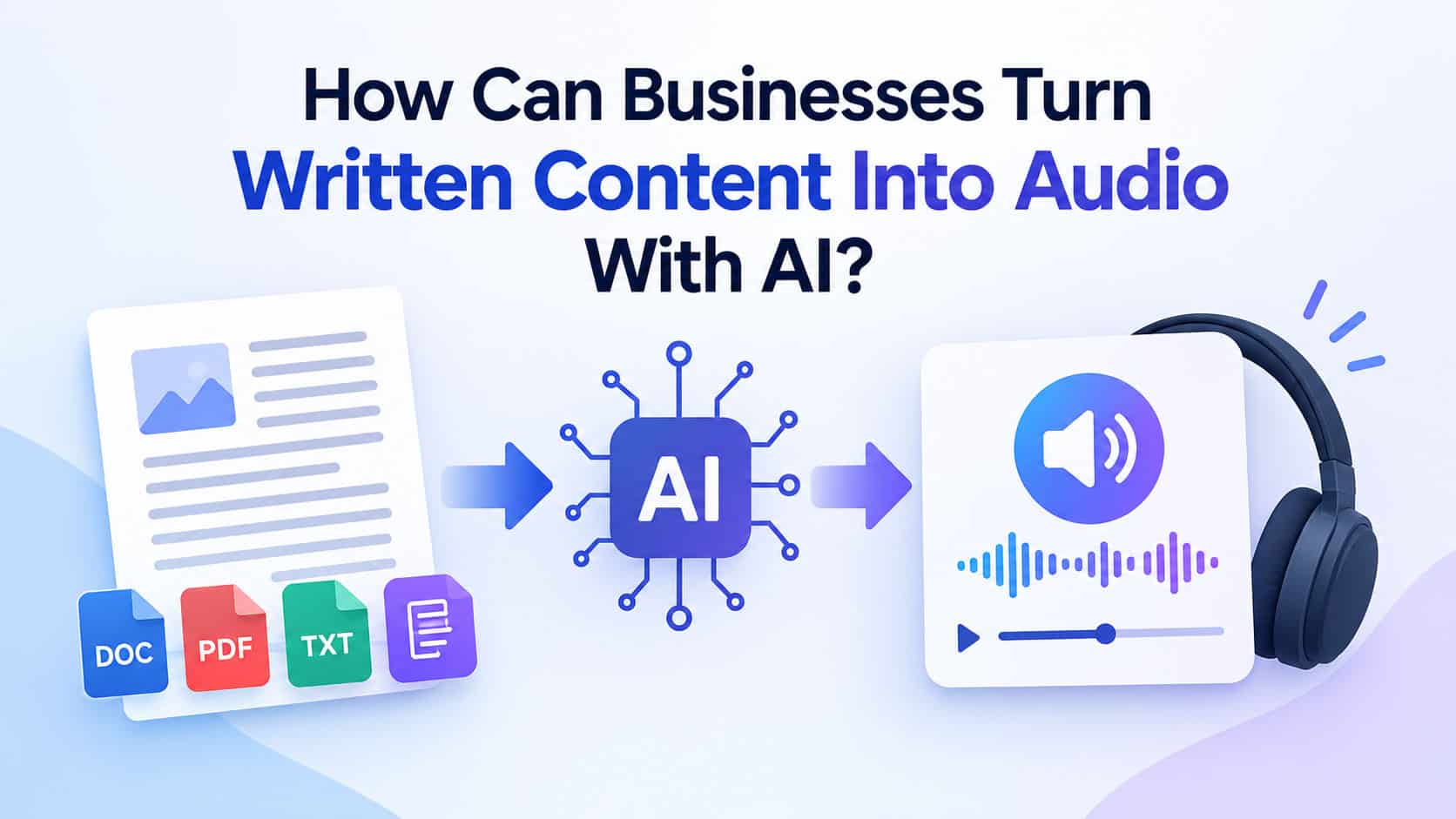
Artificial intelligence is making this easier through technologies that transform written material into spoken audio. With AI text to speech, creators can convert scripts, articles, educational resources, and product information into voiceovers without recording every sentence manually.
But how can businesses use this technology effectively? From repurposing blog posts into audio content to producing multilingual training materials, this guide explores practical applications, common limitations, and ways to build a reliable AI-powered audio workflow.
What Is AI Text to Speech?
AI text to speech is a technology that converts written words into spoken audio using a synthetic voice. Modern systems use machine learning to interpret text and generate speech with varying levels of naturalness, pacing, pronunciation, and expression.
Depending on the platform, users may be able to select different voices, adjust speaking speed, choose supported languages, and customize how the narration sounds.
Unlike traditional voice recording, which requires someone to speak the script into a microphone, an AI-powered workflow can generate audio directly from approved text. This can be particularly useful when content needs frequent updates or must be produced in multiple versions.
However, generated speech still requires review. Names, technical terms, abbreviations, and unusual sentence structures may not always sound correct on the first attempt.
How Can Businesses Use AI Text to Speech?
The value of AI-generated narration extends beyond simply reading a document aloud. Businesses can use it to make existing content available in new formats and streamline recurring production tasks.
1. Turn Blog Posts Into Audio Content
A detailed blog post can continue providing value after its initial publication. By converting an article into narration, a business can offer readers another way to consume the same information.
For example, a software company could transform a tutorial into an audio guide. A marketing agency could create narrated versions of educational articles, while an industry publisher could offer audio summaries of selected reports.
The process usually involves adapting the written article for listening, generating the narration, checking the pronunciation, and exporting the final audio file.
One important detail is that written content does not always sound natural when read aloud. Long sentences, complicated headings, and dense lists may need to be rewritten before generating the audio.
2. Create Voiceovers for Marketing Videos
Marketing teams frequently need narration for product demonstrations, advertisements, explainer videos, and social media campaigns.
An AI voiceover can help teams test different scripts before producing a final version. For example, a business launching a new product might generate several narration options with different tones and lengths, then choose the version that best matches the campaign.
The resulting audio can be combined with product footage, screen recordings, animations, or AI-generated visuals.
The key is to ensure that the voice complements the content rather than distracting from it. A professional software tutorial may benefit from clear, measured narration, while a short promotional video may require a more energetic delivery.
3. Develop Online Courses and Training Materials
Educational content often requires narration across multiple lessons. Recording every module separately can become time-consuming, particularly when course material changes frequently.
AI-generated narration provides an alternative for software tutorials, employee onboarding, instructional presentations, and other structured learning resources.
Suppose a company updates its internal software every month. Instead of recording an entirely new training video, the team may be able to revise the relevant script and regenerate only the affected narration.
Nevertheless, audio alone does not guarantee an effective learning experience. Course creators should also provide accurate captions or transcripts, use clear examples, and ensure that narration explains important visual information.
4. Make Digital Content More Accessible
Audio can provide an alternative way to access written information for people who have difficulty reading on-screen text or prefer listening.
Websites, educational platforms, and digital publishers can consider audio versions of selected content alongside readable text, descriptive headings, captions, and other accessibility features.
It is important to distinguish generated narration from assistive technology. A downloadable audio version of an article can be useful, but it does not replace a properly functioning screen reader or the accessibility features needed to navigate a website.
The strongest approach is to make content usable in different formats rather than assuming one format works for every visitor.
5. Adapt Content for International Audiences
Businesses serving customers in multiple countries may need localized versions of their videos, courses, and product explanations.
AI speech tools can help generate narration in supported languages, making it easier to experiment with localized content. However, translating a script and generating a voiceover are separate tasks.
Before publishing, review the translation for meaning, cultural context, brand terminology, and pronunciation. A voice that sounds natural can still communicate the wrong message if the underlying translation is inaccurate.
For important customer-facing content, native-language review is especially valuable.
How to Create High-Quality AI Voiceovers
Choosing a capable tool is only one part of the process. The script, voice selection, and final audio review all influence the quality of the result.
Step 1: Start With a Clear Script
Write for the ear, not just the page. Use concise sentences, explain unfamiliar terms, and organize the information in a logical sequence.
For instance, a written sentence containing several technical clauses might be easier to understand when divided into two shorter sentences.
If the narration is intended for a video, make sure the script matches the visuals and does not explain something the viewer cannot see.
Step 2: Choose the Right Voice
Consider the audience and purpose of the content before selecting a voice.
A training module may require a calm, clear delivery, while a product introduction may benefit from a more conversational tone. If the content is educational, clarity and correct pronunciation should take priority over dramatic expression.
Listen to a sample before generating a lengthy recording. A voice that sounds appropriate in a short sentence may become tiring during a longer presentation.
Step 3: Check Pronunciation and Pacing
Review names, numbers, abbreviations, product terminology, and words that may be pronounced differently across regions.
If the platform supports pronunciation controls or custom dictionaries, use them to improve consistency. Adjust the script where necessary instead of assuming the system will interpret every phrase correctly.
For long-form narration, also listen for unnatural pauses, rushed passages, and repetitive intonation.
Step 4: Edit the Audio and Match It to the Content
Generated audio may need trimming or minor editing before publication. For video projects, synchronize the narration with the relevant scenes and leave enough time for viewers to understand important on-screen information.
Background music should remain quiet enough that the spoken words are easy to follow.
Step 5: Review the Final Version
Listen to the entire recording before publishing it. Check factual accuracy, pronunciation, pacing, sound quality, and consistency with the written content.
If you are using a generated voice that imitates a real person, obtain the necessary permission and follow the platform’s applicable policies. For content where audiences could reasonably mistake synthetic narration for a real person’s statement, clear disclosure can help maintain trust.
How to Choose the Right AI Voice Tool
Not every platform is suitable for every project. Before committing to a tool, evaluate the features that matter most to your workflow.
Voice quality: Does the narration sound clear and natural over the full length of your script?
Language support: Can it handle the languages, accents, and pronunciation requirements of your audience?
Customization: Can you adjust speed, pauses, emphasis, or voice characteristics?
Export options: Does the platform provide an audio format compatible with your editing or publishing software?
Commercial licensing: Are you permitted to use the generated audio in advertisements, paid courses, client projects, or monetized videos?
Privacy: How does the service handle uploaded scripts, sensitive documents, and voice data?
Cost: Does the pricing model suit your production volume, and are there limits on text length or audio generation?
A small pilot project is often the most practical way to compare tools. Generate the same sample script using your shortlisted options and evaluate the results before scaling up.
What Are the Limitations of AI-Generated Speech?
Although AI narration can simplify production, it is not the best solution for every situation.
Some content depends heavily on a recognizable personal voice, spontaneous conversation, or subtle emotional expression. Interviews, intimate personal stories, and performances may benefit more from human narration.
Synthetic voices can also mispronounce unfamiliar terms or deliver sensitive information with an inappropriate tone. These problems are particularly important in medical, legal, financial, and other high-stakes content, where expert review is essential.
There may also be licensing, privacy, and disclosure considerations depending on the tool, the type of voice used, and the intended application.
The practical lesson is to treat AI narration as a production option rather than an automatic replacement for human judgment.
Can AI Text to Speech Fit Into a Larger AI Content Workflow?
Yes. Audio generation can become one part of a broader content production process.
For example, a creator might develop an article, turn its key ideas into a video script, generate a voiceover, and combine the narration with relevant visuals. A business might adapt the same core information into a tutorial, a social media clip, and an audio resource.
Visual content can also be created with dedicated AI image or video tools. Platforms such as OpenArt can support the visual side of this process, while a separate speech-generation tool handles narration.
Keeping each stage focused on its specific task makes the workflow easier to review and improve. The final result should still be checked for consistency, accuracy, accessibility, and suitability for the intended audience.
Final Thoughts
AI is changing how businesses and creators produce and distribute digital content. By converting written material into spoken audio, AI text to speech can help teams repurpose articles, create video narration, develop training resources, and make information available in additional formats.
The best results come from combining efficient generation with thoughtful preparation and human review. A clear script, an appropriate voice, accurate pronunciation, and careful editing can make the difference between audio that merely reads words aloud and audio that genuinely helps an audience.
Before choosing a tool, identify your primary use case, test a short sample, and review the licensing and accessibility requirements. This approach helps you decide where AI-generated speech can save time while maintaining the quality and trust your audience expects.
