

Best AI Image and Video Generation Tools for Bloggers and Website Owners: XimagineAI and Other Top Picks
A good headline can only carry a blog post so far. What actually stops the scroll — on your homepage, in your featured images, in your social previews — is the visual. And for years, that meant one of two things: paying a designer, or digging through the same recycled stock photos everyone else on the internet is already using.
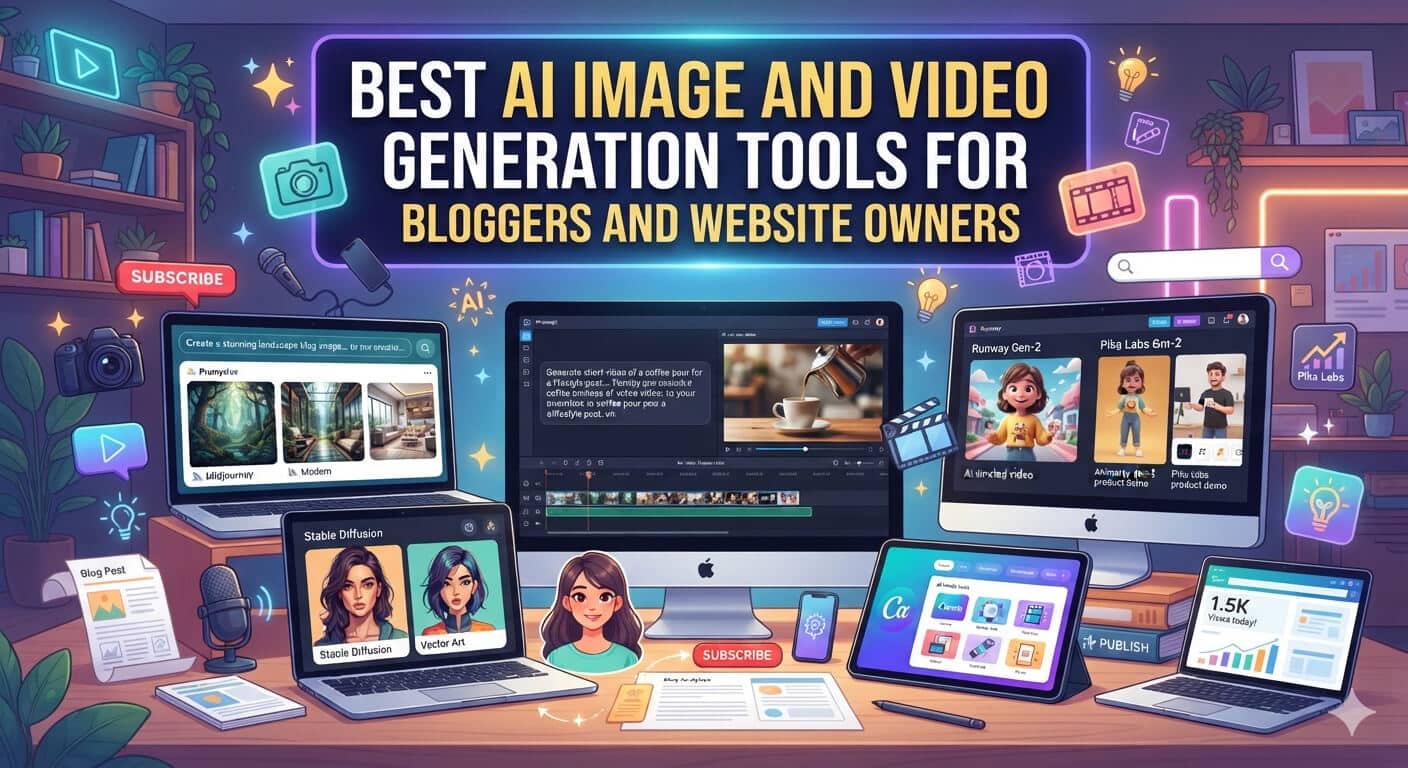
That’s changed. AI image and video generators have gone from novelty to genuinely useful production tools, and they’ve quietly become one of the fastest ways to produce original visuals at scale. Platforms such as XimagineAI now bring together several leading generation models in one dashboard that handles text-to-image, image-to-video, and text-to-video, so a solo blogger publishing three posts a week, an agency mocking up concepts for a client, or a small store owner who needs fresh product imagery can produce professional visuals without a photo shoot or a design team. This guide walks through why visuals matter more than they used to, what to actually look for in a generator, which categories of tools are worth trying, and where AI-generated visuals fit into a WordPress site’s day-to-day content workflow.
Why Visuals Matter More Than Ever
Attention spans on the web keep shrinking, and readers decide whether to stay on a page within seconds. A few things are driving the shift toward AI-assisted visuals:
- Stock photo fatigue. The same handshake-in-front-of-a-laptop photos show up on thousands of sites, and readers notice — even subconsciously, a recognizable stock image reads as generic and lowers trust.
- Short-form video is now expected. Product pages, blog headers, and social previews increasingly use motion, not just static images, and readers have come to expect it.
- Design budgets are tight. Freelance designers and stock subscriptions add up fast for solo bloggers and small teams, especially when you need a steady stream of new visuals every week.
- Search engines reward originality. Unique, purpose-built imagery tends to perform better in image search than generic, widely-reused stock photography, and can support broader on-page originality signals.
- One idea, many formats. A single concept often needs to become a blog header, a square social post, a widescreen video teaser, and an email banner — and generating variations on demand is far faster than commissioning each format separately.
AI-generated visuals can complement email automation by helping businesses create engaging graphics for campaigns and customer communications.
What to Look for in an AI Image or Video Generator
Not all tools are built the same way, and the differences matter once you’re using one regularly rather than just testing it once. Before picking a tool, check for:
- Format flexibility — can it produce both images and video, or just one? A tool that does both saves you from juggling accounts and re-learning prompt syntax twice.
- Model variety — access to multiple underlying AI models means more creative range and better results across different styles (photorealistic, illustrated, cinematic), rather than being stuck with one model’s particular “look.”
- Speed and reliability — no long queues, no failed generations during peak hours, especially if you’re publishing on a deadline.
- No hard platform lock-in — tools that don’t require a separate paid subscription to an unrelated platform just to use the generator.
- A workflow that fits non-designers — simple prompts, in-browser use, no software to install, and a short learning curve.
- Clear usage rights — check the platform’s terms before using generated images commercially. Most mainstream tools grant broad usage rights on paid or credit-based plans, but it’s worth confirming rather than assuming.
Who Actually Uses These Tools
It’s not just bloggers. A few common users:
- Bloggers and content creators who need a fresh featured image for every post without repeating the same three stock photos.
- Small business and e-commerce owners who want product mockups, lifestyle shots, or seasonal banners without booking a photographer.
- Agencies and freelancers who need to mock up visual concepts quickly during the pitch or discovery phase, before committing budget to final assets.
- Marketers producing social ad creative, email graphics, and landing page heroes that need to be swapped out and A/B tested often.
Tools Worth Trying
General-purpose image generators. Tools like Midjourney and other diffusion-based generators remain solid choices for pure image work — concept art, illustrations, and stylized graphics — though most are image-only and require learning prompt syntax to get consistent results. Best for: illustrators, concept art, and highly stylized visuals where video isn’t needed.
All-in-one image-and-video platforms. This is the category that’s grown the fastest recently, and XimagineAI — mentioned above — is one of the platforms leading that shift. Rather than switching between a separate image tool and a separate video tool, XimagineAI combines text-to-image generation, image-to-video animation, and text-to-video creation in a single browser-based dashboard. What makes it useful for site owners specifically is model variety — XimagineAI gives you access to several mainstream generation models under one account, including Grok imagine , Nano Banana and Seedance, so you’re not locked into a single model’s aesthetic and can pick whichever engine suits a given brief, whether that’s photorealistic, cinematic, or illustrated. You can also turn a generated still image directly into a short video clip for use as a header, social teaser, or product showcase without exporting to a third tool. XimagineAI lets you start with free credits, so it’s easy to test output quality across models before committing to a paid plan. Best for: site owners who want one workflow covering both static and motion content, with a choice of underlying models.
Dedicated video generators. If video is your primary need — product demos, animated explainers, social ads — purpose-built video generation tools are worth a look, though they typically don’t offer the same still-image flexibility as combined platforms. Best for: teams whose content strategy is video-first.
The right pick usually comes down to whether you need images only, or a workflow that covers both images and short video from the same set of prompts — and how often you’ll actually be generating new content.
Practical Ways to Use AI Visuals on a WordPress Site
Once you have a tool, the ideas tend to come faster than expected. Common uses worth planning for:
- Blog featured images — a unique header for every post instead of recycled stock photos.
- Landing page heroes — a striking static or short video background for key pages.
- WooCommerce product mockups — lifestyle or context shots for products that don’t have professional photography yet.
- Social thumbnails and Open Graph images — custom previews that stand out in a crowded feed.
- Email newsletter graphics — on-brand visuals without a separate design request each send.
- Short video teasers — quick clips generated from an existing image to promote a new post or product on social platforms.
Frequently Asked Questions
Why use an all-in-one platform instead of a single-model image generator? A single-model tool locks you into one engine’s particular look and limitations. A platform like XimagineAI gives you several mainstream models under one account, so you can match the engine to the brief — photorealistic for product shots, illustrated for editorial headers, cinematic for social teasers — without signing up for multiple separate services.
Does XimagineAI handle both images and video, or just one? Both. XimagineAI covers text-to-image, image-to-video, and text-to-video in the same dashboard, so a still image you generate can be animated into a short clip without switching tools or re-uploading assets elsewhere.
Can I turn a still image into a short video? Yes, with an image-to-video tool. This is one of the main advantages of all-in-one platforms like XimagineAI — you generate a still, then animate it into a short clip without switching tools or re-uploading elsewhere.
Do I need design experience to get good results? No. Most modern AI generators are built around plain-language prompts rather than technical settings, which is part of why they’ve become popular with bloggers and small business owners who don’t have a design background.
Final Thoughts
You don’t need a design degree or a big budget to produce polished visuals anymore. Whether you stick with a single image generator or move to a platform that also handles video, the goal is the same: original content that doesn’t look like it came from the same stock library as every other site in your niche. Start with a couple of tools, test them against your actual content needs, and build the ones that fit into your regular publishing workflow.
