

What Building a WordPress Site and an iOS App Have in Common (And Where They Diverge)
WordPress powers 43.5% of all websites on the internet, according to W3Techs data from 2026.
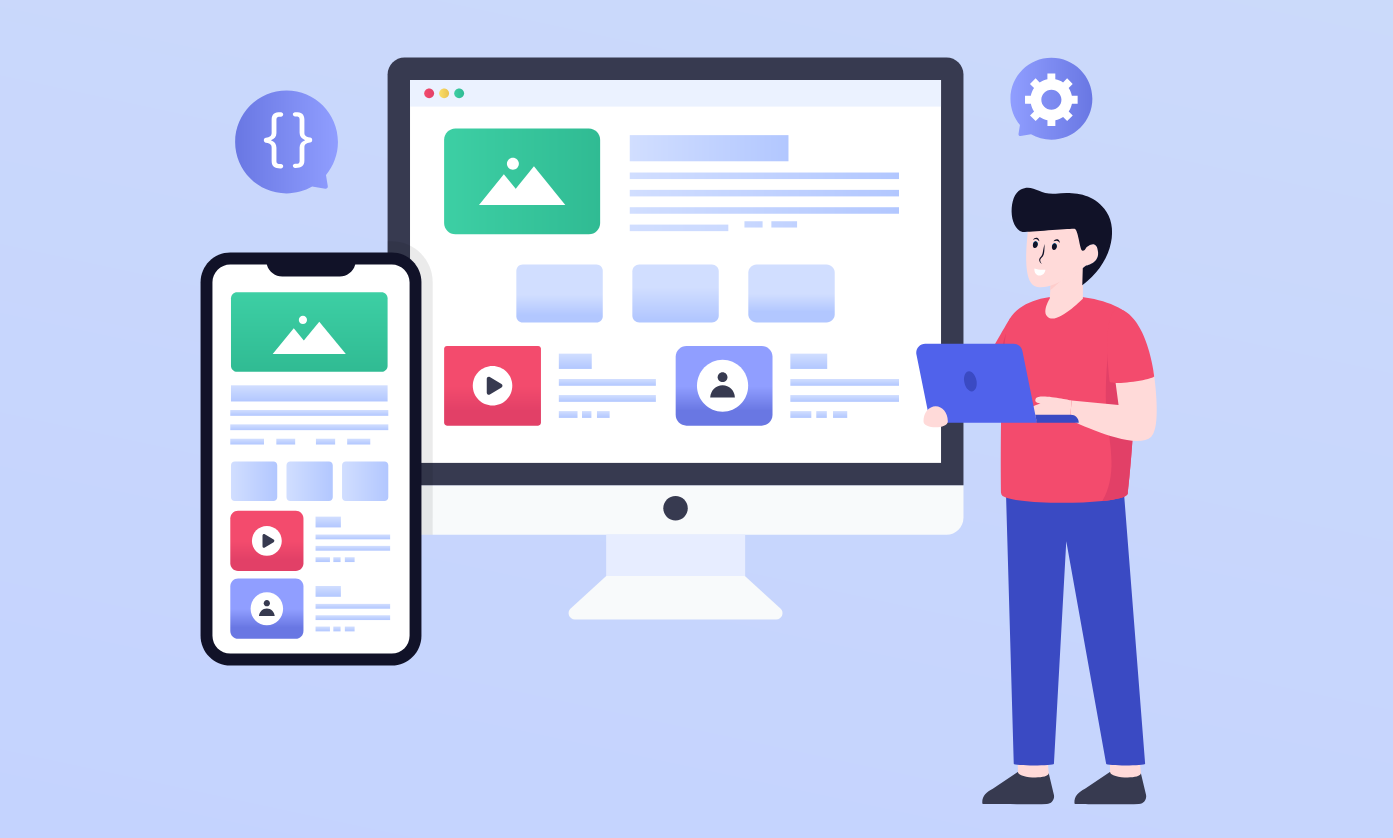
That’s an extraordinary number, and it means a large portion of the world’s web designers, developers, and digital agencies have built their entire craft on top of that platform. If that’s your world, you probably have stronger instincts about what makes a good digital product than you give yourself credit for – and a lot of those instincts carry over further than you’d expect when you start thinking about mobile apps.
But “further than you’d expect” isn’t the same as “all the way.”
Some things translate. Others don’t. And knowing the difference before you wade into an app project – whether for a client or your own business – saves a significant amount of time and money.
Here’s an honest look at both sides.
The UX Foundation Doesn’t Change
If there’s one thing that transfers almost perfectly from WordPress development to mobile app work, it’s how you think about user experience. The core question is always the same: can someone figure out what to do next without stopping to think about it?
Clear visual hierarchy, predictable navigation, fast feedback when a user takes action, error states that help instead of confuse – these principles apply whether you’re building a theme or a native iPhone app. If you’ve ever reworked a navigation menu because users kept getting stuck, or moved a call-to-action button because nobody was clicking it in its original position, that kind of thinking is exactly what separates a polished mobile app from a mediocre one.
Good UX is genuinely platform-agnostic. It’s just good product thinking.
Performance Expectations Are Equally Unforgiving
WordPress developers learn fairly quickly that slow sites bleed visitors. The same holds true for apps, except the tolerance is even lower. Research from Sensor Tower’s State of Mobile 2026 report found that users now spend roughly 90% of their smartphone time inside apps rather than in browsers. That means people’s default experience of software on a phone is a native app, and native apps are fast. When yours isn’t, users notice immediately.
Mobile apps load two to three times faster than mobile websites because they store assets locally on the device rather than fetching them on every visit. That speed advantage raises the baseline expectation. An app that feels sluggish stands out in a way that a slow mobile website doesn’t, because a slow website can at least blame the connection.
The optimization mindset – keep it lean, test on real devices, don’t load what you don’t need – transfers directly from WordPress to iOS. The specific tools are completely different, but the discipline behind them is the same.
Component-Based Design Feels Familiar
If you’ve built a WordPress theme with a consistent set of reusable components – buttons, card layouts, typography scales, color tokens – you’ve essentially been working with a design system. That practice maps naturally onto how iOS development operates.
Apple’s UIKit and SwiftUI both run on component-based logic. The instinct to build modular, reusable UI elements rather than designing everything from scratch on every screen is exactly right. It produces cleaner code, faster iteration, and a more consistent experience.
Where things diverge is in how much flexibility you actually have. WordPress gives you a lot of room to express your design. iOS doesn’t, at least not to the same degree. Apple’s Human Interface Guidelines are specific – touch target sizes, spacing, gesture patterns, how certain elements should behave.
Designers coming from the web sometimes push against those constraints because they’re used to having more freedom. On iOS, that usually produces an app that technically functions but feels slightly off to experienced iPhone users.
iPhone users notice. They’ve been trained for years to expect a particular quality of experience, and when something doesn’t hit that standard, they don’t file a complaint. They delete the app.
Content Management Gets More Complicated
WordPress is, at its core, a content management system. The whole architecture exists to make it easy to create, update, and manage content without touching code. That’s one of its genuine strengths.
iOS apps don’t have a built-in equivalent. If your app needs to display content that changes regularly – articles, listings, user-generated posts, product data – you either build a backend to manage it or connect to one via an API. It’s not complex in concept, but it’s an additional infrastructure layer that WordPress developers don’t usually have to think about because the platform handles it by default.
The good news for anyone bridging WordPress and mobile: the WordPress REST API makes the connection between a WordPress site and a mobile app fairly accessible. Your content layer doesn’t have to be rebuilt from zero. The app itself still needs to be developed natively or with a cross-platform framework, but the content side can live where it already lives.
The Development Environment Is a Different World
This is where the divergence is most pronounced. A WordPress development setup involves a local server environment, a browser, and familiarity with PHP, HTML, CSS, and usually some JavaScript. The feedback loop is fast and the tooling is flexible.
iOS development requires a Mac, Xcode, Swift or Objective-C, Apple’s SDK, and an understanding of how to navigate the App Store submission and review process. That last part has no equivalent in web development. Submitting a website means clicking publish. Submitting an iOS app means preparing for Apple’s review process, which has specific requirements around functionality, privacy, performance, and design. Rejection is common on a first submission if you don’t know what you’re doing.
This is exactly where professional iOS app development tends to justify its cost for businesses that are serious about quality. The platform-specific knowledge required to build something that performs well across different iPhone models, passes App Store review on the first try, and meets Apple’s privacy and security standards is genuinely specialized. Shopping app installs on iOS grew 123% in 2025 alone, according to Sensor Tower – the demand is there, but so is the competition. An app that feels rough or gets rejected repeatedly doesn’t just cost time. It costs trust with the client.
Most business owners and web developers are better served bringing in someone who already lives in that environment than trying to climb a steep learning curve mid-project.
What to Carry Over and What to Leave Behind
If you’re a WordPress designer or developer approaching your first app project, the skills you’ve built matter more than you might assume. Your sense of layout, your experience with component systems, your instinct for how users move through a digital product, your discipline around performance – all of that is relevant and applicable.
What you’ll want to leave behind, or at least hold loosely, is the assumption that design freedom works the same way. iOS has constraints that don’t exist on the web, and working with them rather than against them is most of what separates an app that feels polished from one that feels like a website crammed into a smaller screen.
The web and mobile aren’t the same discipline. But they’re close enough related that the people who’ve built a real craft on one have a genuine head start on the other – as long as they know where to expect the gaps.
