

Weeks Calculator – Add Weeks to Date
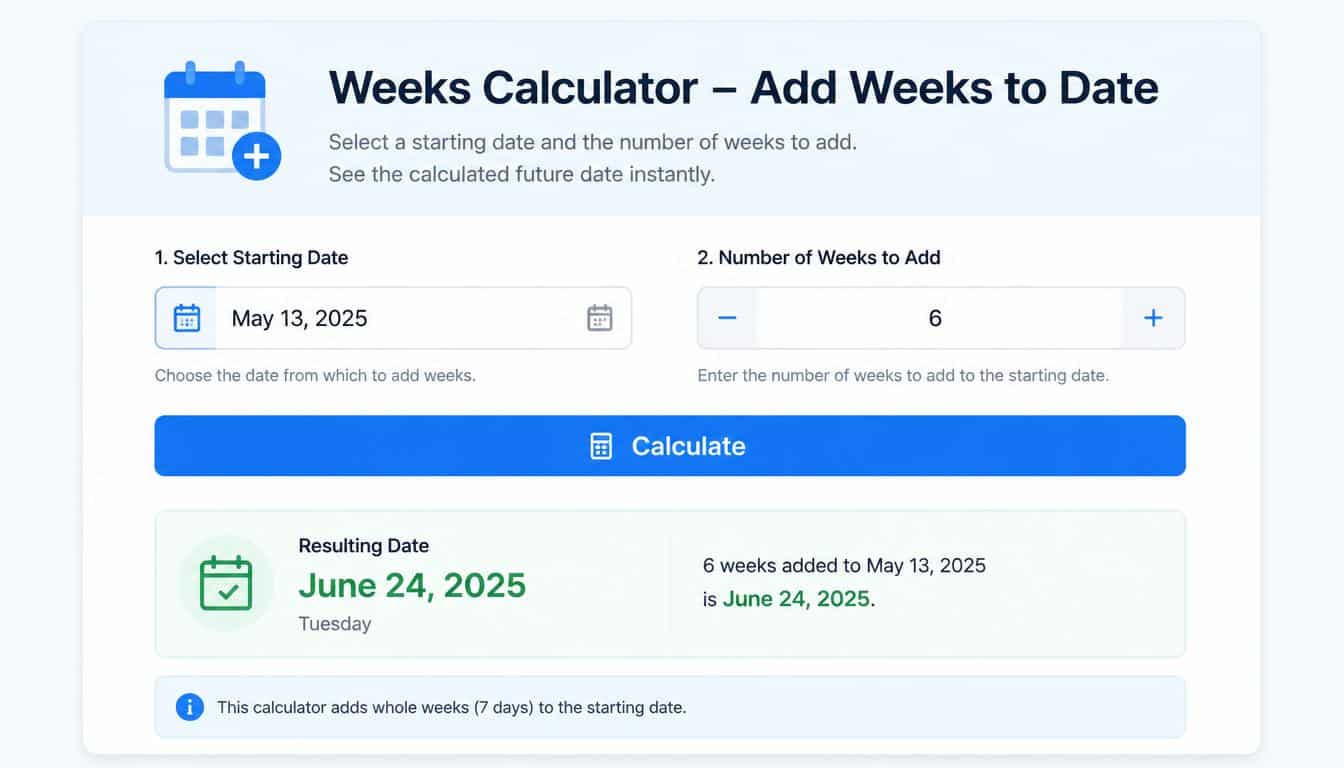
A date can look like a tiny thing on a screen, just a few numbers sitting quietly in a row. Yet sometimes knowing exactly what date comes after several weeks matters more than we expect.
A vacation may begin in six weeks, a project deadline might sit eight weeks away, or someone may simply wonder, “What date will it be ten weeks from now?” And suddenly, ordinary date calculation becomes surprisingly useful.
A Weeks Calculator makes this little piece of calendar math much easier. You enter a start date, enter the number of weeks, and the calculator gives you the resulting future date. If you use a negative value, it can also find a past date.
No counting tiny squares on a wall calendar and losing track somewhere around week four, which happens more often than people admit.
The basic idea is wonderfully simple: 1 week = 7 days. So, to add weeks to a date, you multiply the number of weeks by seven and add those days to the starting date.
It is basic date arithmetic, but a dedicated calculator makes the process faster, cleaner, and less prone to a silly counting mistake.
| Number of Weeks | Equivalent Days | Calculation | Example From September 15, 2026 |
| 1 week | 7 days | 1 × 7 | September 22, 2026 |
| 2 weeks | 14 days | 2 × 7 | September 29, 2026 |
| 3 weeks | 21 days | 3 × 7 | October 6, 2026 |
| 4 weeks | 28 days | 4 × 7 | October 13, 2026 |
| 5 weeks | 35 days | 5 × 7 | October 20, 2026 |
| 6 weeks | 42 days | 6 × 7 | October 27, 2026 |
| 7 weeks | 49 days | 7 × 7 | November 3, 2026 |
| 8 weeks | 56 days | 8 × 7 | November 10, 2026 |
| 9 weeks | 63 days | 9 × 7 | November 17, 2026 |
| 10 weeks | 70 days | 10 × 7 | November 24, 2026 |
| 11 weeks | 77 days | 11 × 7 | December 1, 2026 |
| 12 weeks | 84 days | 12 × 7 | December 8, 2026 |
What Is a Weeks Calculator?
A weeks calculator is a date utility designed to answer questions involving a particular date and a number of weeks. Its central function is usually called Add Weeks to Date, although many calculators also support subtracting weeks.
Suppose your Start Date is October 26, 2026, and you want to know the date six weeks later. Six weeks contain 42 days, because six multiplied by seven equals 42. Adding those 42 days to October 26 produces December 7, 2026. The calculator does that calendar work for you, without making the process feel like a miniature accounting exam.
This is useful whenever a date is expressed in weeks instead of a specific calendar day. People naturally say “three weeks from now” or “eight weeks after the meeting,” but eventually that relative expression has to become a real calendar date. A calculator bridges that small gap.
How to Add Weeks to Date
Using a Weeks Calculator is generally straightforward. Although the appearance of online tools varies, the underlying process tends to stay the same.
Start by entering the date to add weeks to. This is your starting point, sometimes called the base date or initial date. It can be a date in the past, today, or a date already planned for the future.
Next, enter the Number of Weeks. If you enter a positive number, you are asking the calculator to move forward in time. For example, entering 4 means four weeks after the selected date.
The calculator then performs the necessary week-to-day conversion. Since every week has seven days, four weeks becomes 28 days, while twelve weeks becomes 84 days. The resulting future date is displayed as the answer.
For example:
- Start Date: October 26, 2026
- Number of Weeks: 6
- Six weeks: 6 × 7 = 42 days
- Resulting Date: December 7, 2026
The useful thing here is that you don’t need to manually account for months containing different numbers of days. The calendar itself handles that part of the calculation, which is where manual counting can get a little sneaky.
Weeks Calculator – Add Weeks to Date for Future Planning
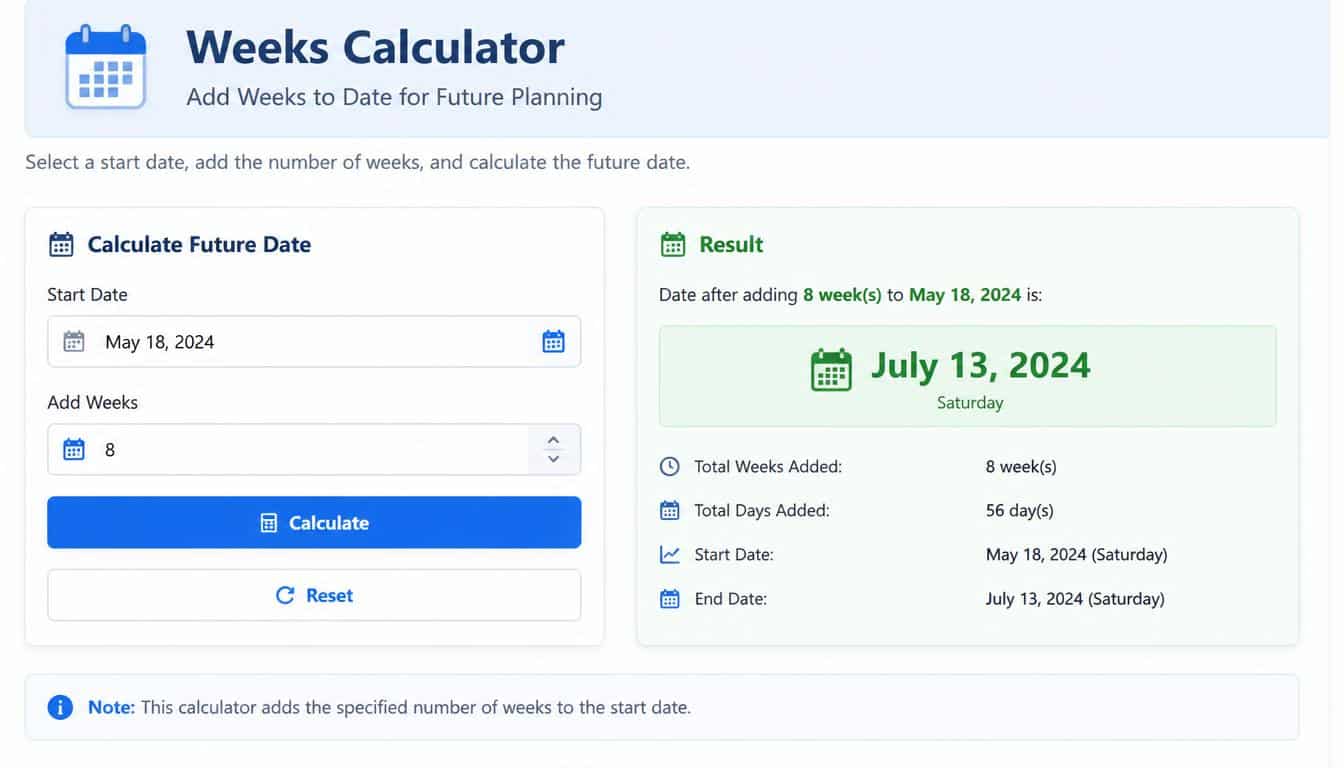
When people search for a Weeks Calculator – Add Weeks to Date, they are often trying to turn a relative time interval into an exact date. The question might be “What date is six weeks from today?” or “What date is eight weeks from the start date?”
This can be handy for project management, appointments, planning periods, vacations, study schedules, payment dates, application deadlines, and many other everyday situations. Instead of writing “sometime in eight weeks,” you can identify the exact calendar date and put it directly into your schedule.
Imagine a project begins on September 15, 2026. A milestone is due 8 weeks later. Eight weeks equals 56 days, so the target date is November 10, 2026. That’s much more useful than leaving the deadline floating around as a vague future idea.
The same method works for almost any whole number of weeks. If the number gets larger, the arithmetic doesn’t become conceptually harder; it just becomes more tedious to perform manually. That’s exactly where a calculator earns its keep.
Weeks Calculator – Add Weeks to Date Using a Calendar
You don’t actually need specialized software to add weeks to date. A physical or digital calendar can do the job too, though it asks you to pay closer attention.
First, locate the start date on the calendar. Then move forward by one week at a time. One week means moving to the same weekday in the following week. Continue until you’ve moved the required number of weeks.
For example, if your starting date is a Monday and you need to add six weeks, the resulting date will also be a Monday. That’s an important little shortcut because adding a whole number of weeks never changes the weekday.
The same principle works backward. To calculate weeks before today, move backward the required number of weekly intervals. If you’re counting manually, it helps to mark each weekly jump instead of trying to remember the number in your head. Memory gets oddly confident when calendars are involved.
How the Weeks-to-Days Calculation Works
The mathematical relationship behind a date calculator is very simple:
Start date + (number of weeks × 7 days) = resulting date
If you want to add six weeks, the calculation is:
6 × 7 = 42 days
You then add 42 days to the starting date.
This means a week calculator is essentially performing a date offset calculation. The difference is that a proper calculator understands calendar boundaries, so you don’t have to manually figure out how many days remain in one month before moving into another.
Here are a few common conversions:
- 1 week = 7 days
- 2 weeks = 14 days
- 3 weeks = 21 days
- 4 weeks = 28 days
- 6 weeks = 42 days
- 8 weeks = 56 days
- 10 weeks = 70 days
- 12 weeks = 84 days
The conversion is predictable, but the final calendar date isn’t always obvious at first glance. That’s why calculate future date tools are useful even when the underlying mathematics is elementary.
How to Subtract Weeks From a Date
A useful Weeks Calculator should not only move forward. It should also let you subtract weeks when you need to discover a date in the past.
There are two common ways to do this. Some calculators provide a separate subtraction option, while others accept Negative Weeks. In the latter case, entering -6 means six weeks before the selected date.
The underlying arithmetic is the same. Instead of adding 42 days, you subtract 42 days.
For example, if the selected date is December 7, 2026 and you subtract six weeks, you arrive at October 26, 2026. The operation is simply moving backward through the calendar by six seven-day intervals.
This is especially useful when you know an end date but need to find the beginning of a period. A person might ask, “What date was eight weeks ago?” rather than knowing the original starting date.
What Date Is 6 Weeks From Today?
Questions such as what date is 6 weeks from today are among the most common reasons to use this type of calculator. The phrase “from today” makes the calculation relative, meaning the answer depends on the current date.
If today is September 15, 2026, six weeks means 42 days from that date. Adding 42 days gives October 27, 2026.
The important detail is that “today” changes. A result calculated today won’t necessarily be correct tomorrow, which sounds obvious but matters when copying relative dates into documents or plans.
The same idea applies to searches such as what date is 8 weeks from today, what date is 10 weeks from today, or what date is 12 weeks from today. Enter today’s date and the desired number of weeks, and the calculator projects the corresponding future date.
For a fixed record, it is usually better to write the actual date rather than only saying “eight weeks from today.” Relative dates age quickly; calendar dates don’t have that particular problem.
Calculating Weeks From a Specific Date
Sometimes “today” isn’t the relevant reference point. You may have a particular specified date that serves as the starting point.
For example, a vacation might begin on June 5, and you want to know the date four weeks afterward. A project might start on November 2, with a review scheduled ten weeks later. In both cases, the important input is the start date, not the current date.
This is where calculate weeks from date becomes more useful than a simple “weeks from today” calculation.
The process is:
- Choose the exact starting Date.
- Enter the Number of Weeks.
- Decide whether the weeks should be added or subtracted.
- Calculate the resulting calendar date.
- Record the result as your future or past date.
Keeping the starting date explicit also makes your calculation easier for someone else to check. That’s a small thing, but in project work and shared schedules, small things can save a surprising amount of confusion.
How to Add Weeks in Excel
You can perform date calculation in Excel without a specialized online tool. Since Excel stores dates numerically, you can add the equivalent number of days directly to a date.
Suppose Cell A1 contains your starting date and you want to add six weeks. A simple spreadsheet formula is:
=A1+(6*7)
The 6 represents the number of weeks, while 7 converts those weeks into days. Excel then returns the resulting date, provided the cell is formatted as a date.
For a more flexible setup, you could put the number of weeks in another cell. If A1 contains the start date and B1 contains the number of weeks, the formula can be:
=A1+(B1*7)
Now changing B1 from 6 to 8 automatically changes the resulting date. That’s much nicer when you’re testing several possible schedules and don’t fancy editing the formula every single time.
How to Add Weeks in Google Sheets
The same basic method works in Google Sheets. If your starting date is in Cell A1 and your desired week count is in B1, you can use:
=A1+(B1*7)
This is effectively a Google Sheets date formula based on the same relationship: number of weeks multiplied by seven equals the number of days to add.
For subtracting weeks, you can use a negative value in B1. If B1 contains -6, the formula moves six weeks backward from the date in A1.
Spreadsheet-based calculations are particularly convenient when you have many dates to process. Instead of calculating each one separately, you can create a column of start dates, a column containing week values, and a formula that produces the corresponding date output for every row.
Common Examples of Adding Weeks to a Date
The easiest way to understand date arithmetic is often to see it behaving in ordinary situations. A few examples make the pattern pretty clear, even if calendar math has a habit of looking more serious than it really is.
Example: Four weeks after a date
If the start date is January 5, adding four weeks means adding 28 days. The resulting date is February 2.
Example: Six weeks after October 26, 2026
Six weeks equals 42 days. Adding 42 days to October 26 gives December 7, 2026.
Example: Eight weeks before a date
Eight weeks equals 56 days. To find the date eight weeks before a selected date, subtract 56 days from it.
Example: Twelve weeks after a project begins
Twelve weeks equals 84 days. Entering the project’s start date and 12 into a calculator provides the precise future date.
These examples all use the same underlying formula. The dates change, the number of weeks changes, and the calendar months change, but the core operation stays pleasantly stubborn.
When a Weeks Calculator Is Especially Useful

A date calculator can be useful anywhere a schedule is naturally expressed in weeks rather than individual days. Planning a vacation is one obvious example. If someone says a trip starts nine weeks after a booking date, converting that interval into an exact calendar date helps with reservations and preparation.
Project management is another common use. Teams frequently organize milestones in two-week, four-week, six-week, or quarterly intervals. Turning those intervals into actual dates makes project plans easier to follow and reduces ambiguity.
Other everyday examples include:
- Planning vacations and travel dates
- Setting project milestones
- Calculating dates for recurring schedules
- Working with study or training periods
- Finding dates several weeks in the past
- Estimating future planning checkpoints
- Comparing different time intervals
- Creating spreadsheet-based schedules
The calculator isn’t doing anything mysterious here. It is simply making time calculation quicker and more reliable, which is often exactly what a small utility should do.
Common Mistakes When Calculating Weeks
The most common mistake is forgetting that one week contains seven days. It sounds almost too obvious to mention, yet manually calculated dates can go wrong when someone accidentally counts calendar boxes rather than complete seven-day intervals.
Another mistake is confusing a week with a month. Four weeks is 28 days, but a calendar month can contain 28, 29, 30, or 31 days. Therefore, “four weeks later” and “one month later” are not always the same date.
It is also easy to accidentally count the starting day as the first day of the interval. Standard date addition treats the starting date as the reference point and then moves forward by the specified number of days. A Weeks Calculator avoids much of this ambiguity by applying a consistent calculation method.
Finally, be careful with relative phrases such as weeks ago from today. If the calculation is being recorded for future reference, write down the actual resulting date too. “Six weeks from today” becomes a different date once today has changed.
Weeks From Today vs. Weeks From a Fixed Date
There is a subtle but important distinction between weeks from today and weeks from a fixed start date.
A relative calculation uses the current date as its reference. If today is September 15, 2026, then six weeks from today is October 27, 2026. Tomorrow, the answer will naturally move forward by one day.
A fixed-date calculation doesn’t move. If you calculate six weeks after October 26, 2026, the result remains December 7, 2026 regardless of when you look at it later.
For schedules, contracts, project documentation, and records, fixed dates are usually clearer. Relative dates are excellent for casual planning, but they can become confusing when copied from one document into another weeks later.
Why a Calculator Can Be Better Than Mental Date Math
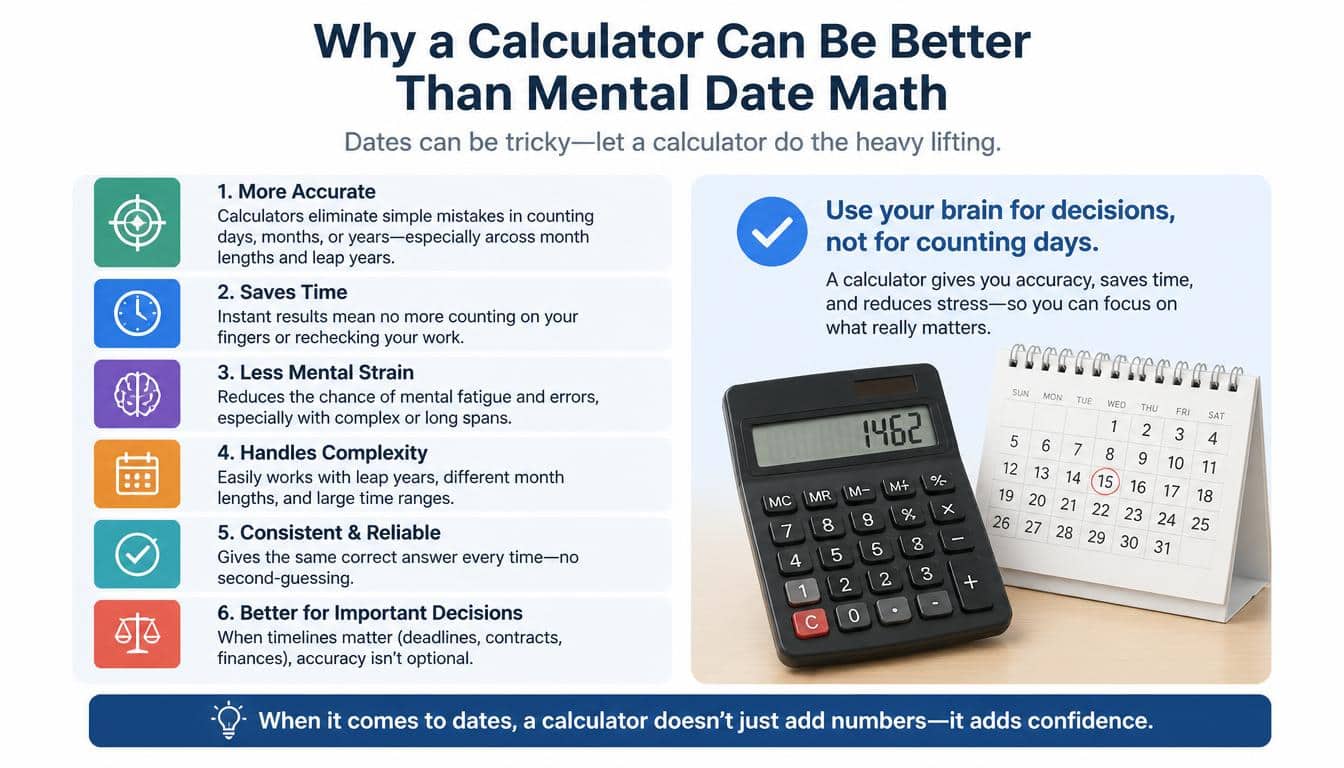
There is nothing wrong with doing the calculation yourself. In fact, understanding the basic relationship between weeks and days is useful. But a calculator removes the repetitive part.
The biggest advantage isn’t sophisticated mathematics; it’s consistency. The tool applies the same rule every time, crosses month boundaries automatically, and presents a clear calculator result.
For one simple calculation, a calendar may be enough. For several calculations, a spreadsheet may be more convenient. For quick individual questions, an online weeks calculator is usually the simplest route.
Think of it less as outsourcing difficult mathematics and more as refusing to spend five minutes doing something a small tool can finish in five seconds. That’s a perfectly reasonable use of technology, honestly.
A Simple Formula to Remember
If you ever need to calculate a date without a tool, remember this:
Number of weeks × 7 = number of days
Then:
Starting date + number of days = future date
And for a date in the past:
Starting date − number of days = past date
So if you need to add 6 weeks, calculate 6 × 7, giving you 42 days. If you need to subtract six weeks, subtract 42 days instead.
This little formula is the foundation behind most basic week-based date calculations. Once you understand it, terms such as date offset, week addition, week subtraction, and temporal arithmetic become much less mysterious.
Frequently Asked Questions
Add weeks to date
To add weeks to a date, enter the starting date and the number of weeks you want to add. The calculator will show the resulting date.
72 weeks from today
72 weeks from today means finding the exact calendar date that occurs 72 weeks after today. Since one week equals 7 days, 72 weeks equals 504 days.
Add weeks to a date
Adding weeks to a date helps you quickly determine a future date based on a specific number of weeks. Simply enter the date and weeks to calculate the result.
Add weeks
To add weeks, multiply the number of weeks by 7 to convert them into days, then add those days to the starting date.
What day will it be in 8 weeks
In 8 weeks, the date will be 56 days after the starting date. You can use a weeks calculator to find the exact date and day.
Read More: https://gracethemes.com/what-is-5-7-in-inches/
Final you’re asking for the date six weeks from today,
A Weeks Calculator turns a relative time interval into something concrete: an exact calendar date. Whether you’re asking for the date six weeks from today, calculating eight weeks after a project begins, or discovering what date was ten weeks ago, the process follows one reliable principle: one week equals seven days.
For quick calculations, enter the start date, provide the number of weeks, and let the tool produce the result. When you need more control, a calendar works well, while Microsoft Excel and Google Sheets are excellent choices for handling many calculations at once.
The real value of this simple utility is clarity. “Eight weeks later” may be perfectly understandable in conversation, but an actual date can be scheduled, shared, recorded, and checked.
And sometimes that’s all we really need from date math: less counting, fewer crossed-out calendar squares, and one dependable answer sitting there exactly where it should be.
If you’d like, I can also adapt this into a more human/Google Discover-style version, a more aggressively SEO-optimized version, or a version written specifically for a calculator-tool website landing page.
