

Top AI Presentation Makers: Our Top Picks
Creating presentations today is faster than ever. However, making them engaging, professional, and unique remains a challenge. Many tools provide similar templates, which makes it hard to stand out.
AI presentation makers address this issue. They help you generate content, design slides, and organize ideas in seconds. Whether you are pitching, training, or presenting data, the right tool can save time and improve outcomes.
Smarter Ways to Build Presentations
Modern AI tools go beyond basic slide design. They assist you in creating structured, engaging, and visually consistent presentations more quickly. Instead of starting from scratch, you can concentrate on your message while AI manages the design.
- AI Content Creation: Turn ideas or prompts into complete presentations.
- Auto Design Layouts: Slides are arranged and styled automatically.
- Time Saving: Create presentations in minutes, not hours.
- Brand Consistency: Maintain fonts, colors, and visuals.
- Easy Editing: Quickly update text, images, and layouts.
1. Design.com
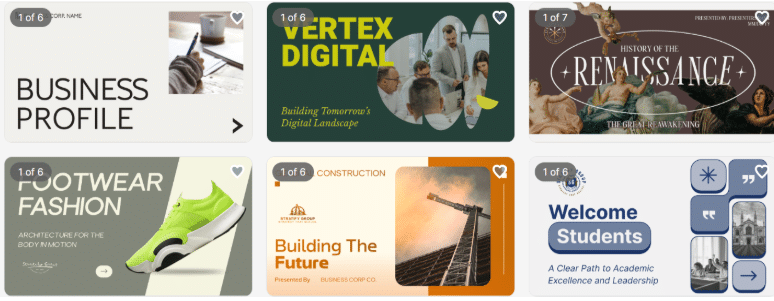
Design.com is a complete, all-in-one platform that helps to create AI presentations and branding. It brings together automation, customization, and commercial-safe designs in one place.
Pros
- AI Presentation Generator: Quickly create professional slides from templates or uploaded content.
- Customizable Layouts: Edit text, icons, charts, and images directly in each slide.
- Template Library: Access thousands of slide designs suitable for any industry.
- Brand Consistency: Automatically match slides to your logo, fonts, and colors.
- Interactive Visuals: Easily add charts, infographics, and media to make slides engaging.
- Flexible Export: Download presentations in multiple formats ready for web or print.
- Exclusive Assets: Commercial Safety: All designs are original and safe for business use.
What’s More?
- Over 400,000 logo templates and more than 1 million total design templates.
- Free tier includes logos, presentations, and branding tools.
- Over 50 tools for social media, QR codes, and business cards.
- Over 750 fonts, more than 525 exclusive fonts, and over 62,000 vector shapes.
- Printing options come with free delivery.
- Support is available 24/7 in multiple languages.
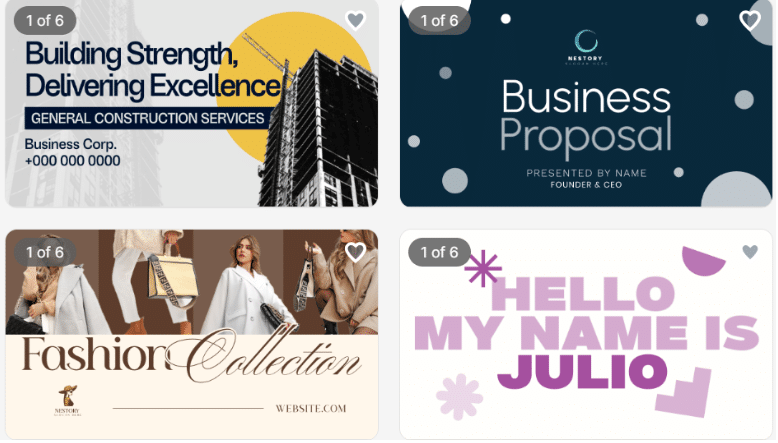
Design.com provides powerful AI tools, exclusive assets, and full branding support. It is ideal for creating professional, ready-to-use presentations.
2. BrandCrowd
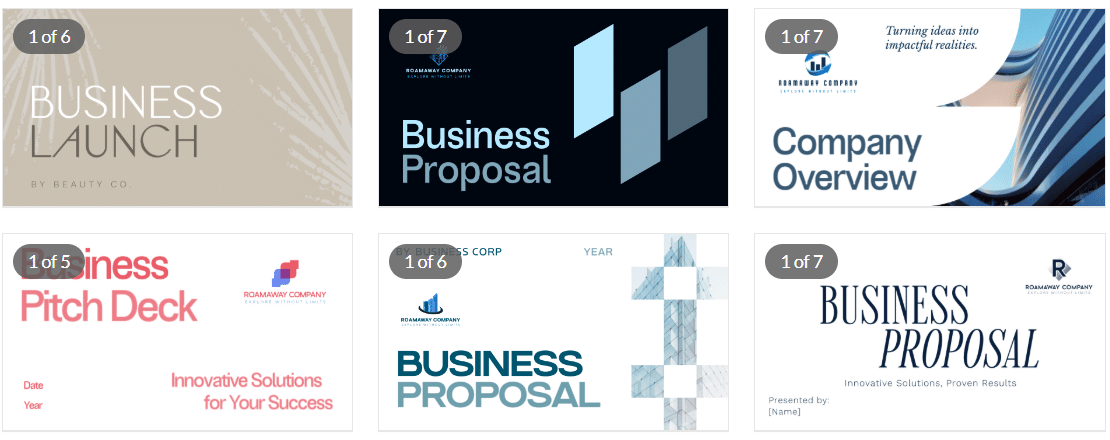
BrandCrowd is a robust AI platform for making quick and professional presentations. It features a large library of templates and easy customization for business-ready designs.
Pros
- AI Slide Creation: Turn text or prompts into ready-to-use slides.
- Editable Templates: Quickly customize layouts, visuals, and fonts.
- Brand Integration: Keep consistent branding across all slides.
- Visual Enhancements: Add icons, charts, and images to improve clarity.
- Commercial-Ready Output: All slides are safe to use for business presentations.
- Export Options: Export slides in common formats for easy sharing.
What’s More?
- More than 380,000 logo templates and over 1 million total design templates.
- Over 750 fonts, more than 525 exclusive fonts, and over 62,000 vector shapes.
- Free tier includes presentations and branding tools.
- Over 50 tools for social media, flyers, and business assets.
- Auto branding keeps colors consistent across templates.
- Support is available 24/7 in multiple languages.
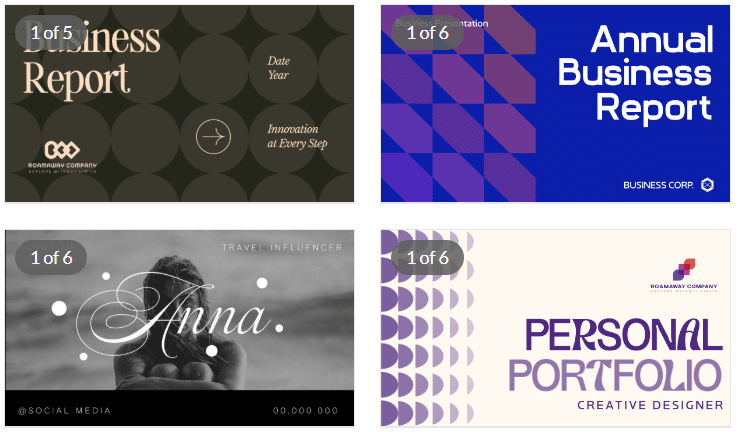
BrandCrowd offers fast, customizable presentations with strong AI tools and flexible branding options. It is perfect for quick and professional results.
3. Gamma
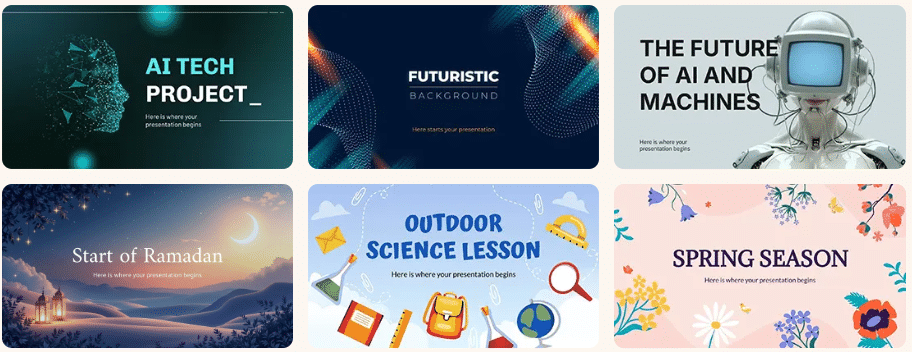
Gamma focuses on interactive and modern presentations. It’s great for storytelling and dynamic content. Its tools help teams create slides that engage audiences and communicate ideas clearly.
Pros
- AI Content Creation: Turn prompts into structured slides.
- Interactive Layouts: More engaging than standard slides.
- Modern Design: Clean and visually appealing formats.
- Collaboration Tools: Easily share and edit with teams.
- Web-Based Sharing: Present directly from a link.
Additional Benefits
- Free tier available.
- No design skills needed.
- Ideal for storytelling and reports.
It’s ideal for users who want to combine creativity with audience engagement.It’s ideal for users who want to combine creativity with audience engagement.
4. Designs.ai
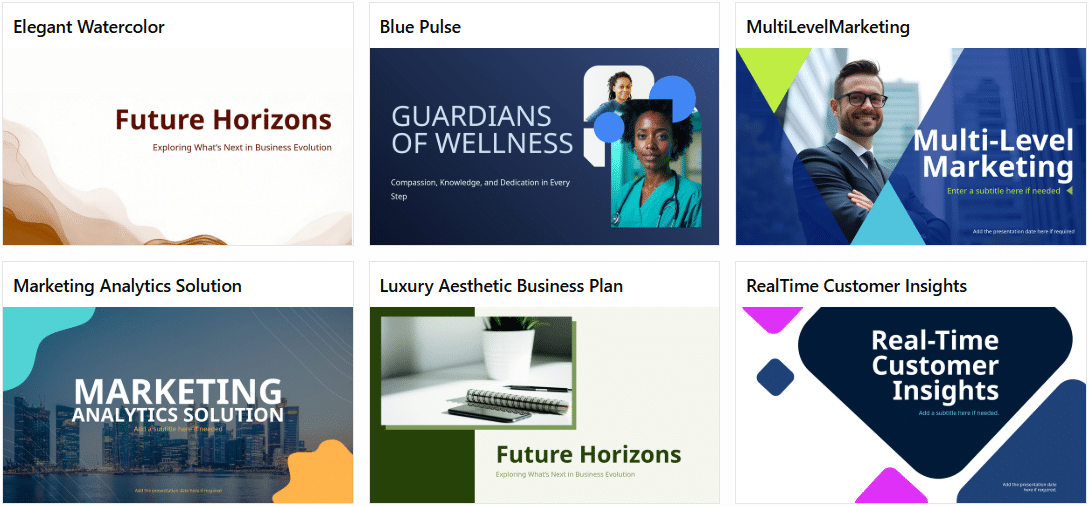
Designs.ai is a creative AI platform that includes presentation tools along with other design features. It helps users generate slides quickly while maintaining professional quality. Its multi-tool approach also supports logos, videos, and marketing materials.
Pros
- AI Content Generation: Create slides from text inputs.
- Multi-Tool Platform: Includes video, logo, and design tools.
- Quick Workflow: Generate presentations in minutes.
- Simple Editing: Customize slides easily.
- Business Use: Suitable for marketing and branding.
Additional Benefits
- Free tier for testing features.
- Supports multiple content types.
- Beginner-friendly interface.
Designs.ai is a strong option for AI-driven presentations with extra creative tools. It’s best for creators who want versatility across multiple design types.
Summing Up
Choosing the right AI presentation tool can save time, improve creativity, and elevate your slides. Platforms like Design.com provide a complete solution with presentations, branding tools, and AI-powered editing for professional results. BrandCrowd is great for quickly making polished presentations, while other AI tools offer interactive formats and creative flexibility.
Key points to consider:
- Ease of Use: Intuitive interfaces make slide creation fast and simple.
- Customization: Easily adjust text, visuals, colors, and layouts.
- Commercial Safety: Platforms like Design.com and BrandCrowd ensure copyright-safe designs.
- Free Access: Test templates and features before committing.
- Brand Consistency: Keep colors and fonts the same across all slides.
Explore Design.com or BrandCrowd today and create presentations that truly stand out.
