

Tools for a Successful WordPress Agency: Why a Lean Stack Wins
Most WordPress agencies don’t lose clients over design. They lose them over missed updates, downtime, and reports that never get sent. And it’s a crowded market.
WordPress runs 41.5% of all websites. The agencies that win and retain more clients are ones that keep their stack lean. Fundamentals win over bloat.
If you want to run a successful agency, you need to focus on site management, hosting, monitoring, and data infrastructure. So, what does the right stack actually look like?
Why More Tools Isn’t the Answer
There’s a common assumption that a bigger stack means a better agency. It’s backwards. Every overlapping subscription adds cost, another login, and another dashboard to babysit.
To be fair, good infrastructure isn’t cheap. If you’re still landing your first few clients, running scrappy on free tiers is the right call. The same logic applies to the business side – a lot of freelancers turned agency owners lean on an AI guide like ZenBusiness Velo to handle LLC formation and compliance deadlines instead of paying a lawyer before they’ve even landed their first handful of clients. But past 5 or so sites, the manual work catches up.
Every hour spent updating plugins site by site, or cleaning up after an update that broke a live store, is an hour you can’t bill. Here’s where the money should actually go.
The 5 Must-Have Tools for a WordPress Agency
Each of these 5 removes a specific way agencies lose money: unbillable maintenance hours, broken live sites, downtime clients catch first, blocked data collection, and retainers you can’t justify with data.
1. Get a Multi-Site Management Dashboard
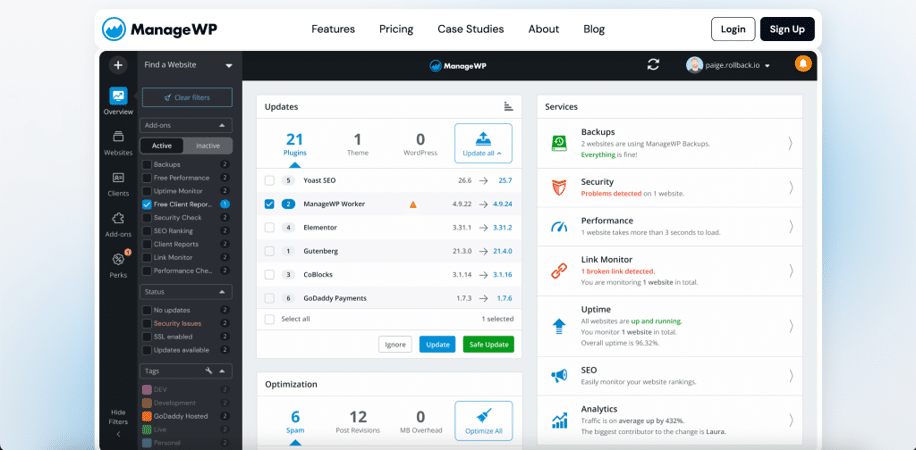
Updating one plugin across 40 client sites shouldn’t mean 40 separate logins. Tools like ManageWP, MainWP, and WP Umbrella put updates, backups, security scans, and client reports in a single dashboard.
Users with hundreds of clients say the same thing. These tools are a massive time saver. For example, you can patch a vulnerable plugin across 30 sites in one click during an attack that hit over 100,000 sites.
Of course, those sites still need somewhere solid to live. That’s where hosting comes in.
2. Choose Managed Hosting With Built-In Staging
Cheap shared hosting is the fastest way to turn a $2,000 build into a support nightmare. Managed WordPress hosts like Kinsta, WP Engine, and Cloudways handle server-level caching, daily backups, and most importantly, one-click staging.
Staging is the feature that pays for itself. You test the risky WooCommerce update on a copy of the site, not the live store.
And when something slips through anyway? You want to know before the client does.
3. Set Up Uptime and Security Monitoring
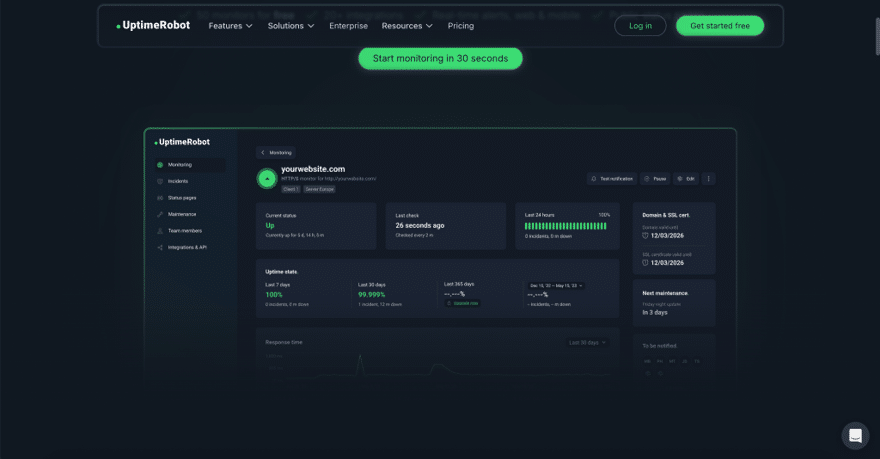
Pingdom data suggest that website downtime costs small businesses between $137 and $427 per minute. You don’t have to do the math to figure out that clients won’t be happy. The best way to avoid downtime issues is to have an automated monitoring system in place.
Pingdom, UptimeRobot, or custom alerts in your management dashboard lets you catch issues in real time. The faster you fix the issue and send a report, the more likely you’ll stay on retainer for longer.
4. Invest in Proxy Infrastructure for Data and Automation
Agencies run more automation than they realize. Rank trackers checking client keywords, scrapers pulling competitor pricing, and a dozen client social accounts, often all running from one office IP.
That’s a major red flag to ISPs. Platforms like Google, Bing, and Instagram block IPs that mimic obvious bot activity. If your IP address is flagged, it can stop data collection for all clients.
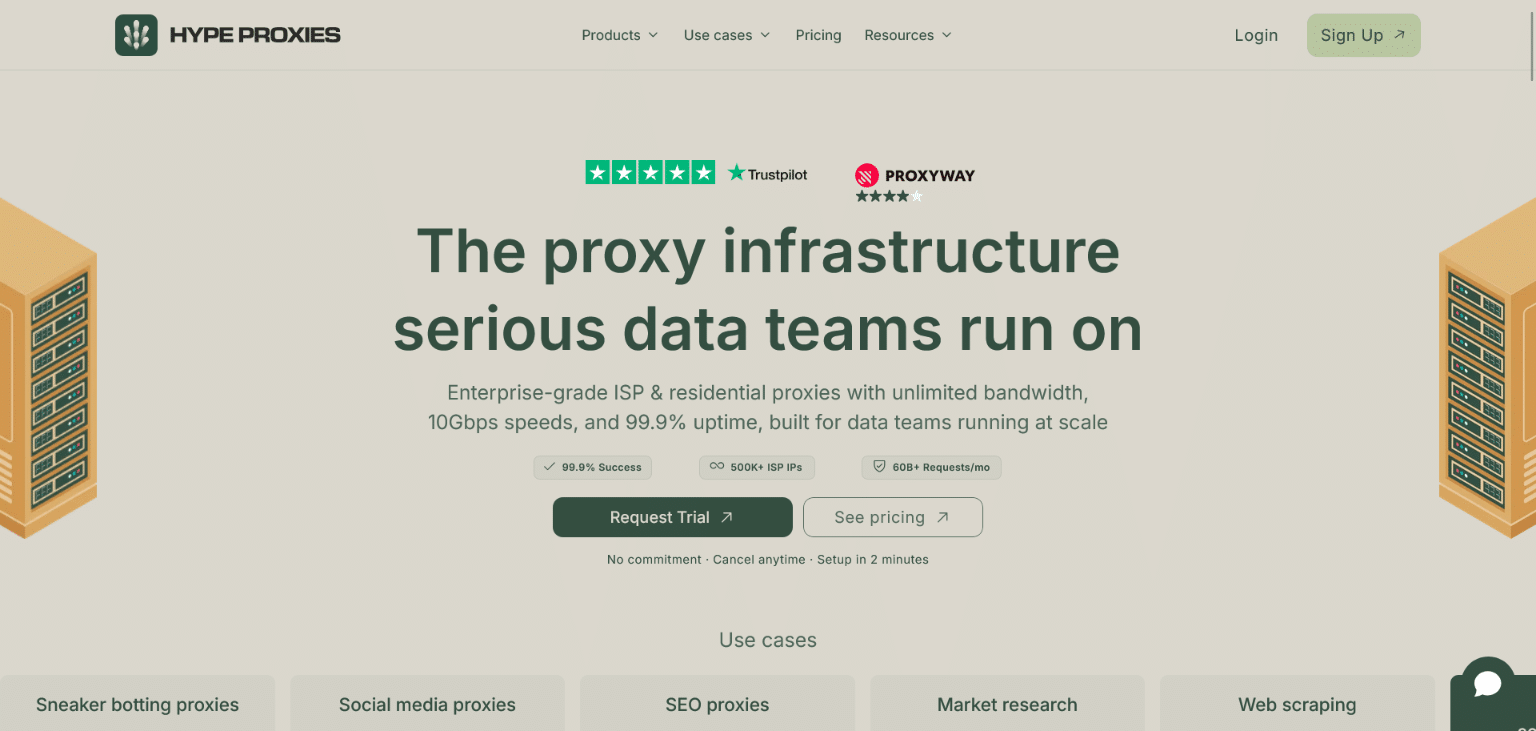
That’s why it’s crucial to invest in proxy infrastructure. Hype Proxies offers:
- Static residential IPs: Your rank trackers and scrapers look like real users, so the data keeps flowing without bans
- Unlimited bandwidth: Track and scrape as much as client work demands without per-GB surprise costs
- Geo-targeting across all 50 US states: Check rankings and test client sites from the exact markets they sell in
- $1 to $1.30 per IP: Cover every client’s data collection for less than the cost of one billable hour a month
But collecting data is only half the job. You still have to prove it means something.
5. Pick One SEO and Reporting Platform

Clients rarely renew retainers because the site looks nice. They renew because you show them rankings, traffic, and leads moving in the right direction.
Semrush and Ahrefs are the standard picks, and either one covers keyword research, rank tracking, site audits, and competitor analysis. Pick one, learn it deeply, and white-label the reports. Two overlapping SEO subscriptions is exactly the stack bloat we started with.
Keep in mind that third-party tools work with estimates. Your source of truth is Google Search Console and Google Analytics, which show the exact queries, clicks, and conversions your site gets. Both are free, and you can customize what each one tracks to confirm your efforts are heading in the direction you want.
If you’re doing local SEO, add a local search grid tool like Local Falcon or BrightLocal to see Map Pack rankings across a specific area. Just remember that those results can still skew based on your IP, which puts remote agencies with clients in other markets right back at needing geo-targeted proxies.
Key Takeaways
A successful WordPress agency isn’t built on 30 subscriptions. It’s built on a lean stack that covers the fundamentals. To recap:
- Multi-site dashboard: Manage updates, backups, and reports from one place (ManageWP, MainWP, or WP Umbrella)
- Managed hosting: Staging environments prevent live-site disasters (Kinsta, WP Engine, or Cloudways)
- Monitoring: Catch downtime before clients do (it costs small businesses $137 to $427 per minute)
- Proxy infrastructure: Keep rank tracking, scraping, and multi-account work running without IP bans
- One SEO platform: Prove your results and keep the retainer
