

The Hidden Cost of Running Five AI Tools Instead of One
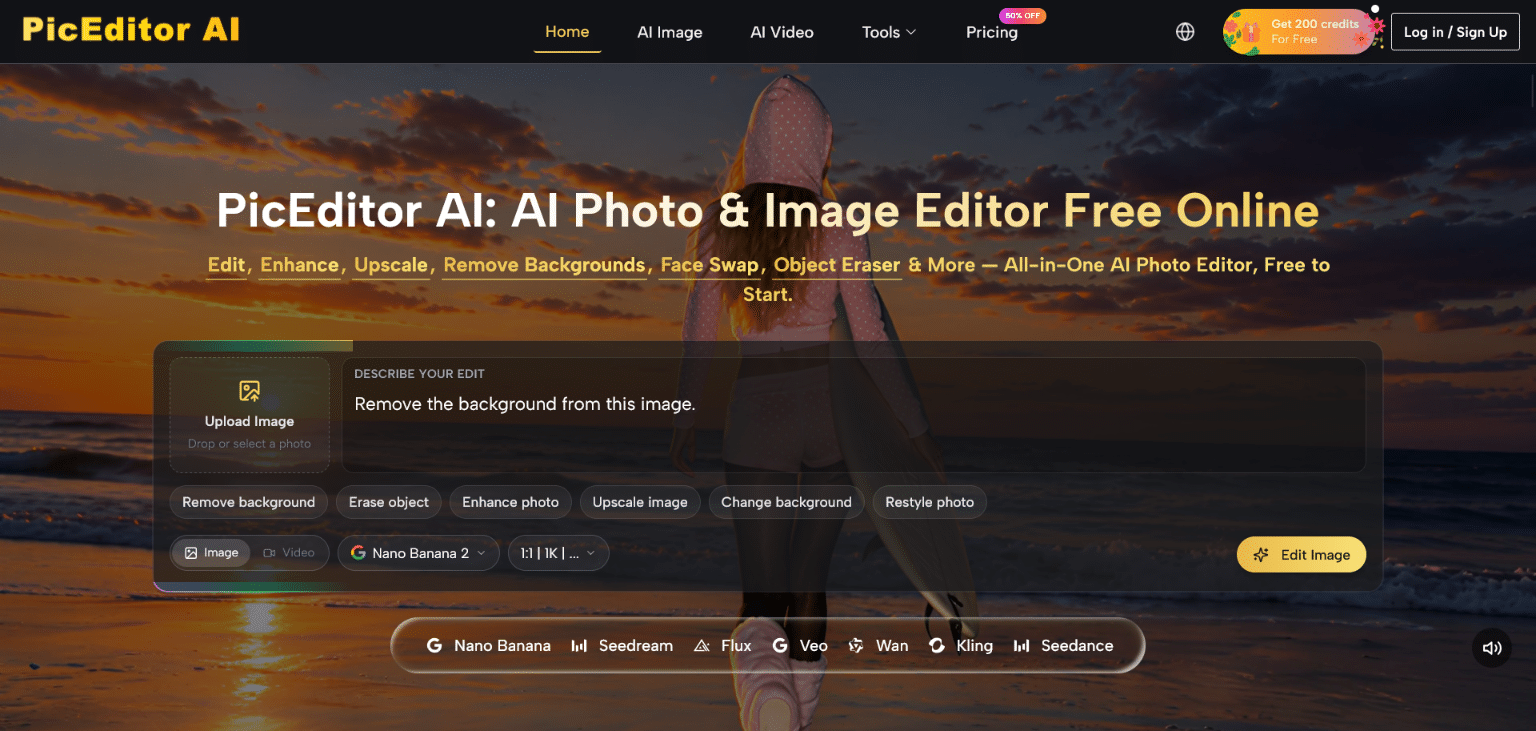
Most creators don’t calculate what fragmentation actually costs them. They pay $12 a month for a background remover, $20 for an upscaler, $15 for a style transfer tool, and another subscription somewhere for face swap. On paper, each tool seems cheap. In practice, the combined bill approaches $60 to $80 a month, the login switching eats twenty minutes of every session, and the export-then-reimport chain introduces enough compression artifacts that the final output looks slightly worse than the source. AI Photo Editor operates from the opposite philosophy: consolidate the entire AI image and video editing stack under a single roof, charge for credits rather than per-tool subscriptions, and let the model selection happen silently behind the task interface. Whether that trade-off actually works depends heavily on what kind of creator you are — so this piece breaks it down by workflow type rather than by feature list.
Understanding the Credit Economy Before Committing
Before testing anything, the pricing structure deserves clear-eyed examination. PicEditor AI sells two paid tiers on annual billing: Starter at $8.3 per month for 10,000 credits, and Pro at $25 per month for 32,000 credits. An Unlimited plan at $75 per month removes credit caps entirely and raises concurrent generation slots to eight. Unused credits roll over month to month on paid plans.
The credit cost per image varies by model. On the Starter plan, Nano Banana costs 3,024 credits per image and Flux Kontext Pro costs 3,024 credits as well, which translates to roughly $0.24 per image after the Starter discount. On the Pro plan, per-image cost drops to approximately $0.17. Veo 3 video generation costs 10,080 credits per run on the Starter plan — so the 10,000-credit monthly allocation covers essentially one Veo 3 video or a mix of image edits. That math matters before assuming the Starter tier is sufficient for mixed image-and-video workflows.
For pure image editing without animation, the Starter tier is genuinely cost-competitive. For creators who need frequent video generation, the Unlimited plan becomes the only tier that removes the arithmetic anxiety from every session.
How the Platform Routes a Task From Upload to Output
Step 1: Enter Through the Tool, Not the Model
Task-first navigation removes the model-selection burden
The interface organizes entry points by creative task: AI Image editor, background remover, object eraser, upscaler, face swap, style transfer, photo to cartoon, photo to painting, photo to sketch, collage maker, glare removal, and photo animation. A user who wants to remove a person from the background doesn’t need to know whether that task runs on Flux or Seedream. They navigate to the relevant tool and the platform handles model routing internally.
Step 2: Upload Image and Describe the Edit in Plain Language
Reference images steer the output beyond what text alone can specify
Once inside a tool, the workflow is upload, describe, generate. For tools powered by Nano Banana and Nano Banana 2, the platform supports up to four reference images — a meaningful feature for creators maintaining a consistent visual identity across a content series. Text prompt quality still dominates output quality; vague instructions produce vague results regardless of which model runs underneath.
Step 3: Compare Model Outputs and Iterate
Running the same image through multiple models reveals capability differences
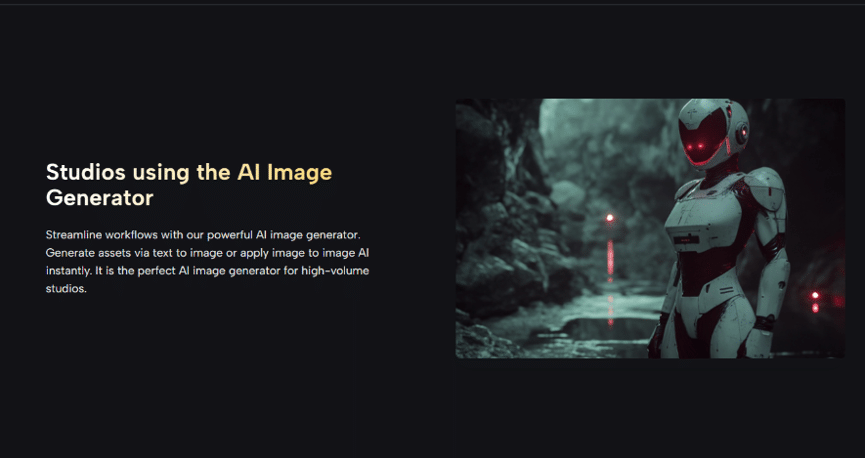
The platform allows the same image and prompt to be processed through different models, letting the user compare results side by side before committing. In practice, this is most useful when a task sits at the edge of a model’s capability — for example, when a portrait edit looks sharp in Nano Banana but slightly off in Seedream, or when text replacement via Flux Kontext Pro preserves label typography but a different model distorts it. The iteration happens within the same session rather than across separate platform accounts.
Three Creator Profiles and How the Math Lands for Each
-
The E-Commerce Operator Running Consistent Product Volume
For sellers producing fifty to a hundred product image edits per month — background removals, glare corrections, color enhancements — the Pro tier at $25 per month is likely sufficient. At $0.17 per image on Pro, 100 images cost $17 in credits, leaving budget for occasional upscaling or collage work. The Flux Kontext engine’s text-in-image precision is particularly relevant here: product labels, ingredient lists, and brand names on packaging frequently survive edits without rendering distortion, though results should still be verified individually rather than assumed safe for bulk production.
-
The Social Content Creator Who Mixes Styles Across Platforms
This profile benefits most from the breadth of artistic transformation tools. AI Photo Edit covers photo to cartoon, photo to painting, photo to sketch, and style transfer from reference images — enough stylistic range to maintain platform-specific visual identities without switching between Canva, a standalone style-transfer app, and a separate cartoon generator. The trade-off is that creative consistency across many edited images still depends on the creator crafting detailed, replicable prompts, not just pressing the same button repeatedly. Character consistency features in Nano Banana help, but the result may vary across different subject types and lighting conditions.
-
The Multimedia Creator Who Needs Motion Output
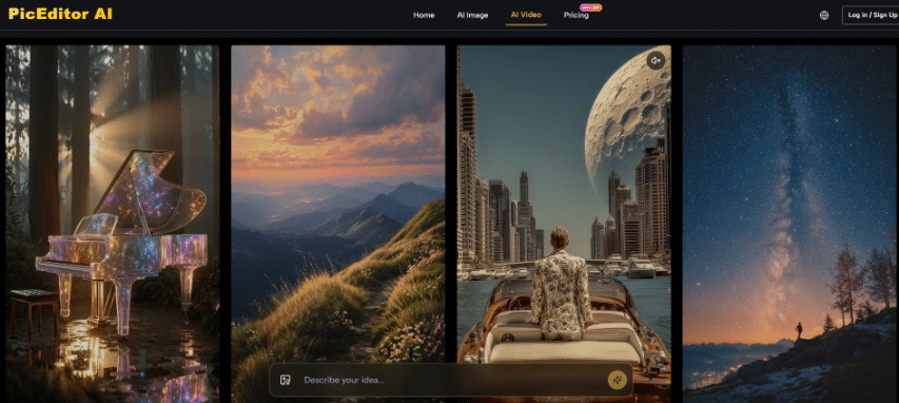
This profile faces the clearest decision point. If video animation is an occasional need — a few hero images per month brought to life — the credit math on Starter works uncomfortably but workably. If video is a primary deliverable, the Unlimited plan is the only tier that removes per-generation anxiety. Veo 3’s native audio generation is a genuinely useful differentiator: generating synchronized audio alongside the animated image within the same platform removes at least one post-production step that would otherwise require a separate tool. That said, complex scene physics and extended motion sequences may require multiple generation attempts, and iteration cost accumulates in credits.
Realistic Limitations the Platform Doesn’t Advertise
Prompt dependency is the platform’s most consistent limitation across all tools and models. The interface is low-friction, but that friction is redistributed into the quality of the user’s text description. First-time users who treat the prompt field like a search bar rather than a direction document will be disappointed by initial outputs.
Model performance is not uniform across image types. Hyper-realistic portraiture tends to perform better than complex multi-object scenes with overlapping subjects. Architectural details, fine fabric textures, and transparent materials can introduce inconsistencies that require regeneration.
The concurrent generation limit is also worth noting: the Starter tier allows two concurrent generations. For creators with batch workflows, waiting for one job to finish before starting the next slows throughput noticeably. Pro unlocks four concurrent slots; Unlimited opens eight.
Workflow Efficiency Compared: Fragmented Stack vs. Consolidated Platform
| Dimension | Fragmented Multi-Tool Stack | PicEditor AI Consolidated |
| Monthly cost (mid-tier estimate) | $50–80 across 4–5 subscriptions | $25 Pro or $75 Unlimited |
| Tool-switching overhead | High — multiple logins, exports | None — single session |
| Model variety | Limited per platform | 15+ production models |
| Video animation included | Rarely | Veo 3, Kling, Seedance, Wan, Runway Gen 4 |
| Credit rollover | Not applicable | Yes, unused credits roll over |
| Commercial license | Varies by platform | Included on all paid plans |
| Concurrent generation | Per-platform limit | 2 / 4 / 8 by tier |
| Prompt-based editing | Varies | Across all image and video tools |
Matching the Platform to the Right Creative Stage
The consolidation model works best when a creator’s workflow naturally crosses multiple task types in a single session — not when a creator does one narrow, high-volume operation that could be handled more cheaply by a dedicated API. For the former profile, the credit economy is rational, the tool breadth is genuine, and the absence of inter-platform export steps reduces a friction point that is easy to underestimate until it disappears. For the latter profile — say, a developer running 10,000 background removals per month — a specialized API endpoint will almost certainly be more cost-efficient. The platform earns its place in the middle: skilled individual creators and small teams who need professional-grade output across varied visual tasks without the overhead of assembling and maintaining a multi-tool stack themselves.
