

Synced Lyrics for Your Music Site: A Practical Guide to LRC and WebVTT Files
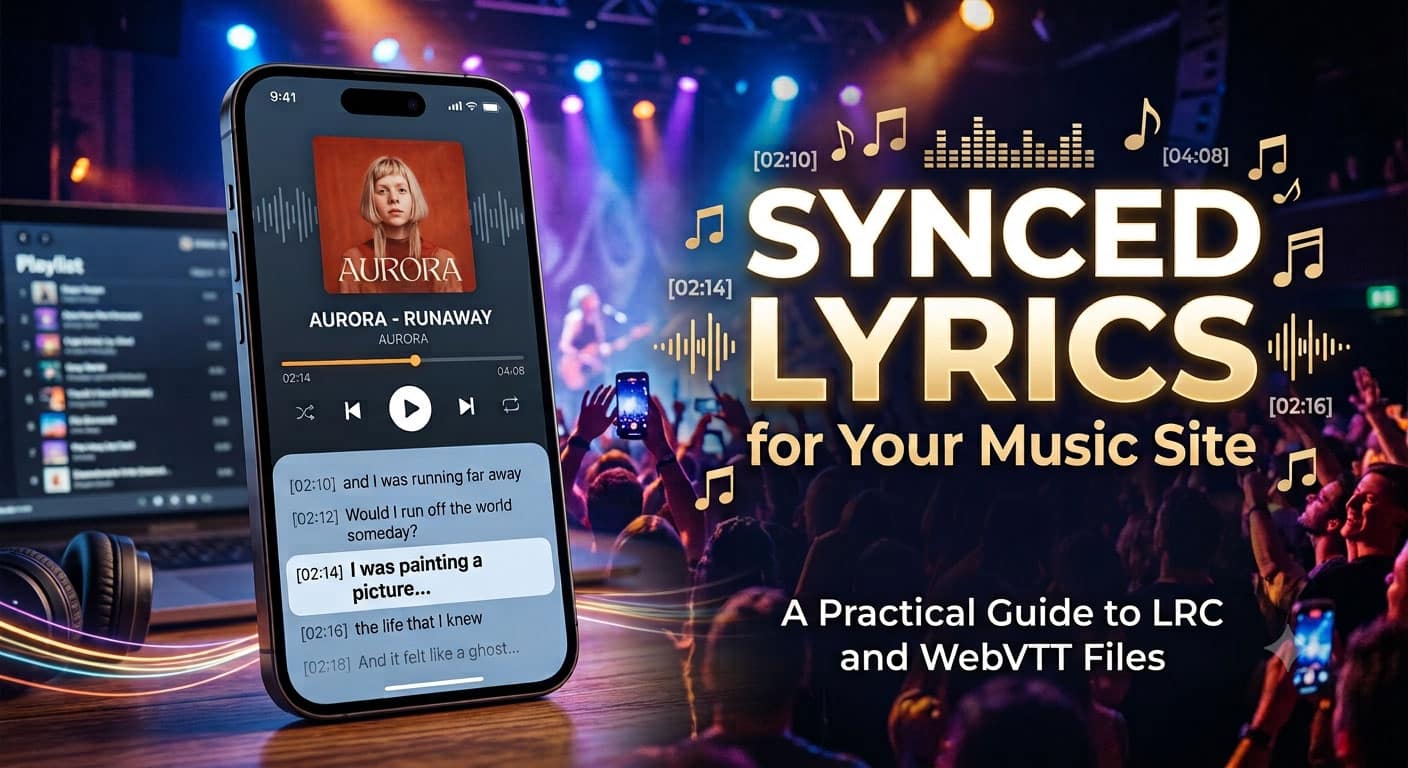
A song page with lyrics that follow the music feels finished. The words scroll as the singer reaches them, the current line lights up, and a visitor can sing along without hunting for the chorus. If you run an artist website, a label catalogue, a podcast with original songs or a channel of lyric videos, getting those timed lyrics onto the page starts with one decision: which file format to use, and how to create it without spending an evening tapping along to every track.
This guide covers the formats you will meet, the three common ways to produce them, and a short checklist for checking the result before it goes live.
What an LRC file actually is
An LRC file is a plain-text lyrics format. Each line begins with a timestamp in square brackets, such as [01:23.45], followed by the words sung at that moment. A player reads the file, scrolls the lyrics and highlights the current line in time with the audio.
There is also an enhanced, word-by-word variant. It adds a timestamp inside each line, so a karaoke app can highlight individual words instead of whole lines. If your goal is a karaoke-style display, word-level timing is what makes it look right.
Most desktop and mobile players look for the file by name. Save the .lrc with the same name as the audio file, in the same folder, and many players (VLC, foobar2000, Rockbox and plenty of mobile apps) will pick it up automatically.
Choose the format for where the lyrics will live
One set of timed lyrics can be exported in several shapes. Pick by destination:
- LRC for music players and karaoke apps, either line by line or word by word.
- WebVTT for web video. Browsers can display WebVTT captions on a video element through the track tag, and video platforms accept caption uploads in this format.
- SRT for video editors and platforms that expect subtitle files.
- Plain text for the lyrics printed on the page, which search engines and screen readers can read.
A practical note for audio-only pages: browsers do not draw captions on a bare audio player. You will usually need a small script or a lyrics-aware player component that reads the cues and shows the current line. The timed file is the data; the display is up to your page.
Three ways to get the timestamps
- Tap along by hand. Classic LRC makers play the song while you press a key at the start of every line. The result can be very accurate, but a ten-track album means ten sessions of careful tapping, and any line you miss has to be redone.
- Use a general speech-to-text tool. These work well on spoken audio. Sung vocals with drums and guitars underneath are harder, and the output usually needs heavy correction before it becomes usable lyrics.
- Use a tool built for songs. An AI LRC generator listens to the track, separates the vocals from the music, transcribes the words and assigns a timestamp to each one. Lacuna’s AI LRC generator works this way. You upload an MP3, WAV or FLAC file, and optionally paste the official lyrics. When you paste lyrics, the tool keeps your exact text and line breaks and only calculates the timing, which is both faster and more accurate than transcribing from scratch.
After processing, you can preview the timed lyrics against the waveform and fix anything in a built-in editor: nudge a line by a tenth of a second, snap it to the playhead, correct a misheard word, or split and merge lines. Exports include standard LRC, word-by-word LRC, SRT, VTT and plain text. Languages include English, Chinese, Japanese, Korean, Spanish, Portuguese, French, German, Italian and Russian.
A note on cost, since it affects planning: generating and editing timed lyrics uses credits on any plan, and downloading the finished file is part of the paid plans. Playback and editing are available beforehand, so you can check the result before you decide.
A short checklist before you publish
- Start from the official lyrics. If you wrote or own the song, paste the final text so names, spellings and line breaks match your release.
- Listen once with the lyrics running. Watch for ad-libs, backing vocals and repeated phrases. Decide whether they belong in the timed version.
- Check the entrances. Lines that follow a long instrumental intro or a held note are the ones most likely to need a small nudge.
- Keep file names identical. song-title.mp3 and song-title.lrc should differ only by extension.
- Test in two places. Open the file in a desktop player and on a phone. Different players handle small details differently.
- Keep a plain-text copy for the page. Timed files drive playback; a normal text block on the page gives visitors and search engines something readable.
Mind the rights
Timing a lyrics file does not change who owns the words. Sync lyrics for songs you wrote or have permission to use, and keep that permission on file. For cover songs and licensed material, check the terms before publishing a synced version on a public page.
The short version
Timed lyrics are a small file with a big effect on how finished a music page feels. Choose the format that matches where the lyrics will appear, use word-level timing when you want karaoke-style highlighting, and let software do the repetitive timing so your time goes into the part only you can judge: whether every line enters exactly where the singer does.
