


Smart Google Drive Organization Tips for Teams and Remote Workers
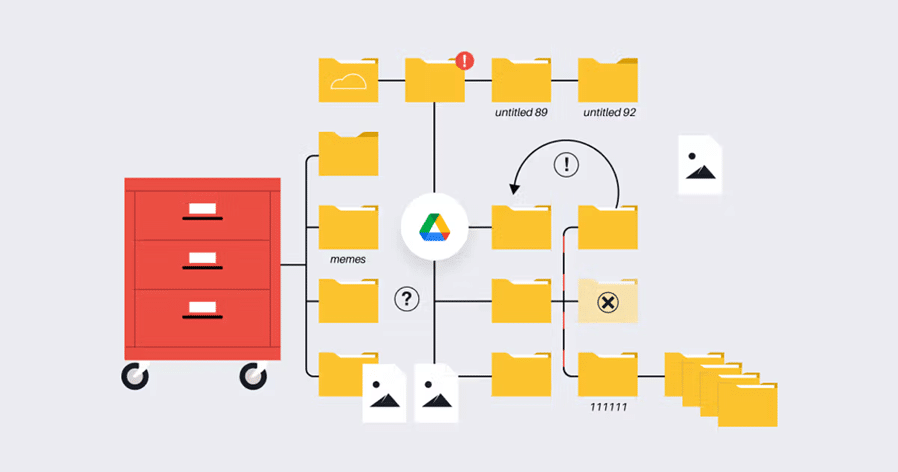
The use of cloud storage is crucial in collaboration with remote work and distributed teams but most organisations have issues with messy Google Drive folders. Scattered files on folders, inconsistency in naming pattern, and lack of clarity in permission structure cause confusion and lower productivity. By adopting clever organisation techniques, Google Drive can no longer be a disorganised archive but a sophisticated collaboration system. This resource offers useful suggestions that can assist the teams and remote employees to become as efficient and maintain professional level of file management.
Creating a Specific Folder Structure
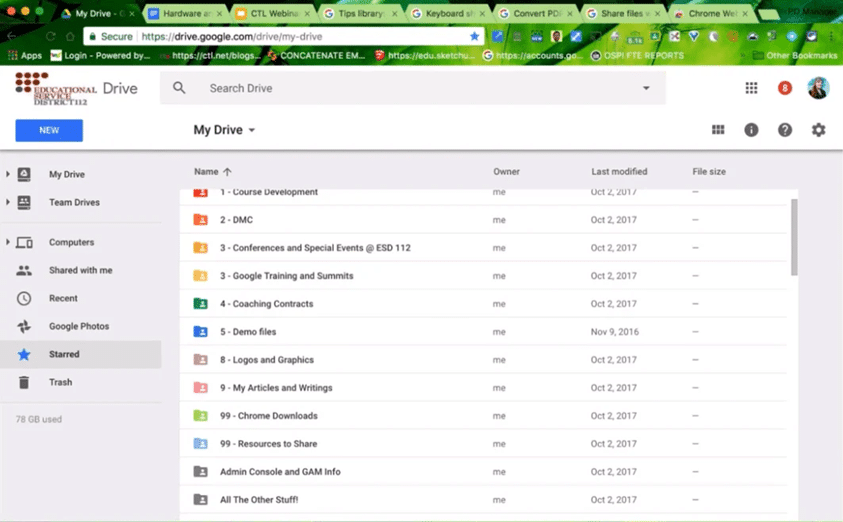
Good organisation in Google drive starts with sound folder systems. Instead of making an infinite number of folders with unspecified titles, you need to make a clear hierarchy based on the working process of your team. Begin with general categories, which may be Projects, Client Work, Marketing, or Finance, then subcategories should be generated on top of those. Under the project folders, have subfolders such as deliverables, drafts, approvals and archives. This hierarchical model avoids the files to be lost in the deepest folders and it is also easy to navigate by all team members. Standardisation is important; make sure that all the members of the team know and use the same structure, there can be no lone filing systems as such systems are counterproductive to the intent of shared organisation.
Use of Standardised Naming Conventions
The failure to give uniform names to files is a nightmare during the search process and collaboration is complex. Create conventions of names with dates, project codes, version numbers and descriptive titles. For example, use formats like “2025-01-15_ProjectName_FinalDraft_v2” rather than “Document1” or “Final_FINAL_REAL_FINAL”.. This standardisation allows one to search quickly, avoids confusion of version and also allows team members to find files without asking clarification. Share these naming rules with proper communication during the process of onboarding and use them as references on a regular basis. When all people work with the same system, it is possible to find files in a few seconds and not in several minutes.
Using Shared Drives to Work as a Team
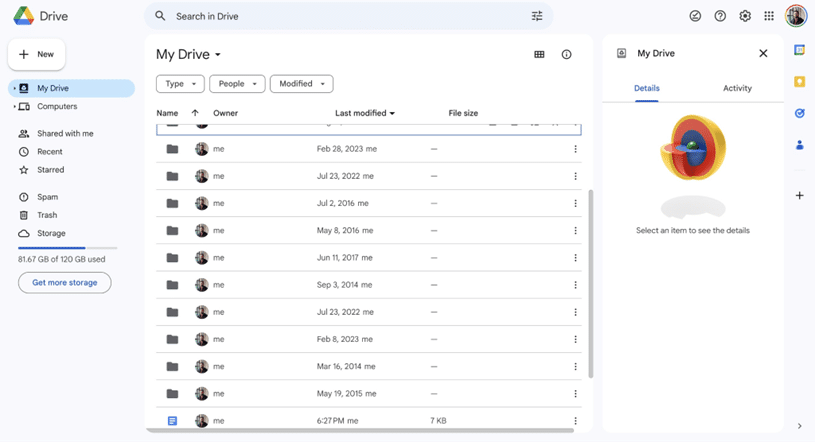
Google Shared Drives are different compared to the standard Google Drive folders, and provide better team collaboration functions. Shared Drives ensure continuity of access and institutional knowledge unlike personal drives where the access is transferred once employees move. Using their guide to organizing Google Drive, the teams enjoy the advantage of a single ownership, structured permissions and clear file visibility. Shared Drives are excellent in continuous endeavors, departments repositories, and cross-functional work. They help avoid redundant files that are scattered in the personal drives and bring accountability in the form of visible files ownership and edit histories.
Permission and Access Control Management
Security threats and collaboration bottlenecks are caused by vague permission settings. Periodically review folder and file permissions, only the relevant team members should have access to sensitive materials. Share files in Google drive strategically-in case possible share folders not single files and minimises administrative expense. Set up the editing permissions or the view-only permissions of folders through the team roles. Permission processes on documents and revise after every quarter with change of team composition.
Archiving Files by Performing Audits
An organisation needs constant maintenance. Carry out audits monthly or quarterly to determine files that are old, folders that have nothing in them and drift of the organisation. To reduce clutter in the present, have historic records of completed projects instead of them vanishing. Eliminate redundant files which are generated as a result of repeated uploads or several authors working on the same file. Constant repair helps your drive not to degenerate to disorganisation.
Conclusion
Smart Google Drive organisation overcomes the effects of search frustration, prone to redundant work and increased productivity of a team. The practices of these strategies result in an efficient cooperation atmosphere that is professional and remote teams work well in such an environment.
