
Seedance 2.5: More Languages and More Ways to Express an Idea
A video introducing a travel backpack could open with someone unzipping it. It could also begin with a person saying, “For a weekend away, this is usually the only bag I take.”
The two openings create different impressions. The first goes straight to the product; the second establishes a situation in which someone would use it. If the video is also intended for audiences who speak different languages, the opening line, pace of speech, and time spent on each shot introduce further creative choices.
This is one reason Seedance 2.5 is worth a closer look. It brings video generation with sound, multilingual expression, multimodal references, and clip editing into a single model. Creators can consider what appears on screen, how sound enters the scene, and how the sequence unfolds together.
Multiple Languages Can Be Part of Video Generation
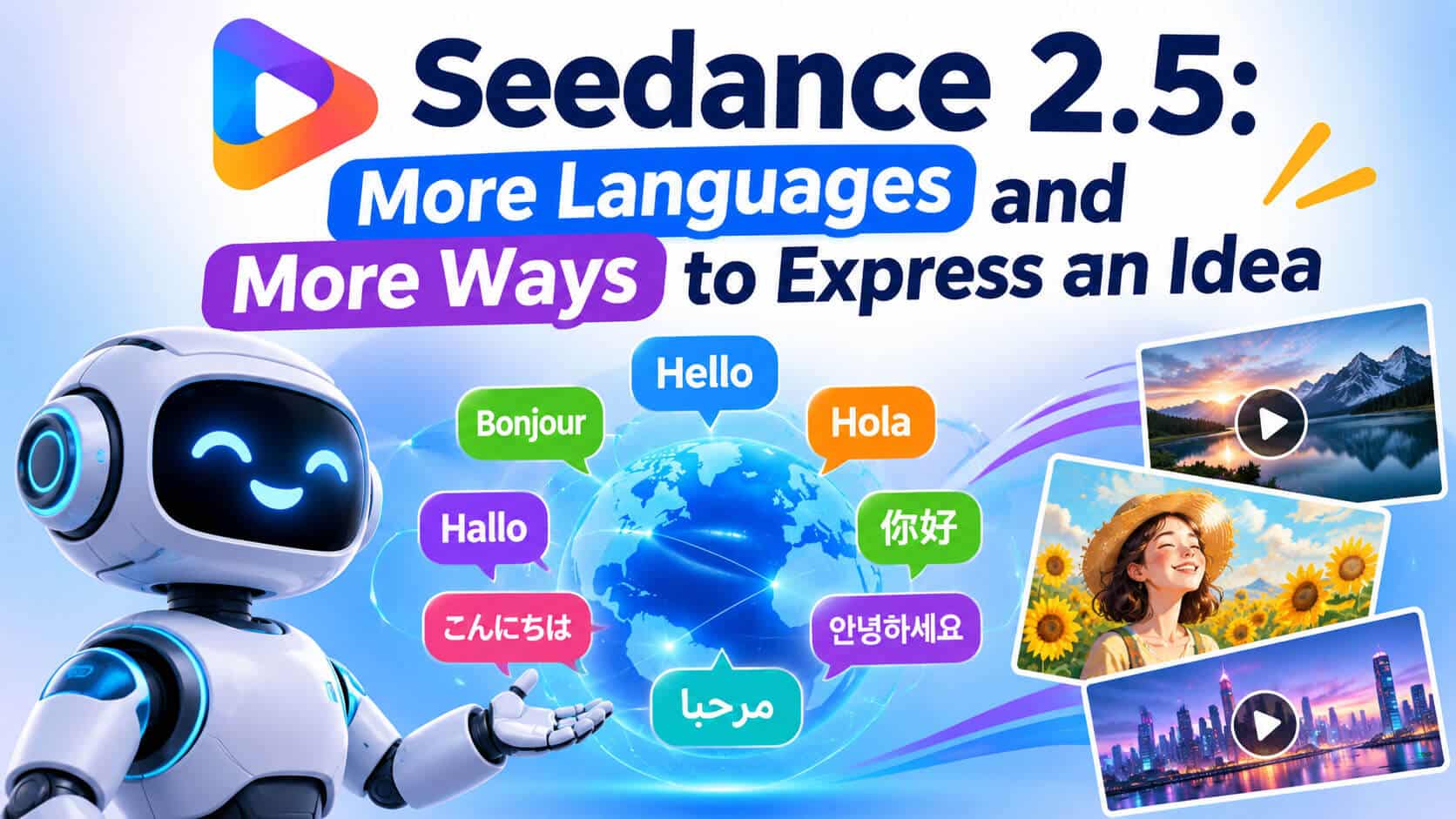
Seedance 2.5 supports prompts and video generation with sound in 11 languages, including Chinese, English, Spanish, Japanese, and Korean. For people creating content for different regions, language can become part of the plan from the beginning.
A short travel accessories video, for example, could explain storage space in English or describe a brief trip in Spanish. Creators can arrange the dialogue around the target language, with a character speaking while picking up the backpack, organizing its contents, and getting ready to leave.
Language also affects the rhythm of the video. A short introduction can accompany an action, while a fuller explanation needs time for viewers to notice the details. Designing dialogue alongside the picture gives each shot a clearer reason to linger.
This capability is relevant to product introductions, virtual character content, educational explanations, and social videos for audiences who speak different languages. The action demonstrates something, and the spoken words add context. Both can develop the same subject.
An Idea Can Begin With Different Materials
Seedance 2.5 supports text-to-video generation as well as creation from images and other reference materials. What a creator already has helps determine the most convenient starting point.
With only an idea in mind, text can establish the setting, subject, and action. A prompt might describe someone organizing their belongings at a station, with the camera moving from the backpack’s interior compartments to its shoulder straps before following the person toward the platform.
Existing product photographs provide a more specific visual basis. Once the backpack’s color, shape, and pocket placement have a reference, the text can concentrate on what happens next.
Audio can be a starting point, too. The model supports generating video with audio alone as a reference, giving creators another option when they already have sound material. A spoken passage with deliberate pauses or a short recording with a distinct rhythm can help shape the visual idea.
This flexibility accommodates ideas at different stages. Some creators write the script first, some choose an image, and others begin with a sound they want to build a video around.
References Give Different Versions a Shared Visual Basis
When creating several videos around the same subject, some elements are usually already established. The product has a particular appearance, the setting has a color palette, and a person or virtual character has an intended look.
Seedance 2.5 can use images, video, and audio together as references. It supports up to 50 reference assets in a single generation: as many as 30 images, 10 video clips, and 10 audio clips.
These materials can serve different purposes. Product photographs establish appearance, location images suggest atmosphere, video references show movement and camera direction, and audio conveys a vocal quality or rhythm. The model can combine this information to interpret the intended creative direction.
For the travel backpack, front and side photographs could explain its structure. A clip of someone wearing a bag could communicate how it is carried, while station or street references establish the setting. Each material has a role, making the description more specific.
As creators develop versions with different languages or openings, the same materials can remain a shared visual basis. The content can vary while the product and setting retain a clear set of references.
Thirty Seconds Gives an Idea Room to Develop
Seedance 2.5 can generate up to 30 seconds of video in one pass and supports video extension. For short videos, that duration allows several connected shots and leaves room for action and dialogue.
A backpack introduction could establish the moment before departure, show belongings going into separate compartments, move to a view of the bag being worn, and finish as the person leaves the room. Viewers learn about the product through its use, with each detail appearing at a relevant moment.
Multilingual content can benefit from this arrangement. Some phrases suit a quick opening; others need a pause while the camera shows a detail. Considering action, dialogue, and timing together during generation helps create a more coherent viewing sequence.
The same duration can introduce a concept, present a piece of creative work, or show a virtual character in an everyday interaction. A focused subject gives the video a chance to make its point within a short span.
Edits Can Focus on a Specific Passage
Once a video has been generated, the desired changes are often clear: speech starts too early, a detail shot ends too soon, or a character’s movement does not quite fit the accompanying line.
Seedance 2.5 supports targeted editing through timestamps, allowing requests to focus on the audio and visual content within a selected passage. Camera perspective editing and reference-based editing offer further ways to specify what should change.
For a product video, an adjustment could concentrate on the few seconds explaining the storage space, revising the action and camera view. In a video with dialogue, a change could focus on a particular speaking moment so that sound and picture serve the same piece of information.
This makes feedback easier to act on. A team can identify the passage that needs work and describe the intended change around it. As the idea develops beyond the first version, there is a smaller, more precise part of the video to address.
Start With an Existing Image and Explore a First Version
Many creators already have strong still images: product photographs, illustrations, posters, or a set of scene concepts. These establish the visual identity of the content and provide a basis for exploring movement.
To see how those images might work in motion, creators can try turning a still image into a video on the image to video website. A slight camera movement around a backpack photograph, or a change in the environment of an illustration, offers a way to explore the viewing rhythm that suits the original material.
An early experiment can also clarify the next stage of the idea. Which details deserve a closer look? Where would a line of explanation help? What should the camera be showing when the sound begins? These become concrete points for discussion.
Within Seedance 2.5, multilingual video generation with sound, multimodal references, longer clips, and targeted editing address different creative needs. Together, they offer more ways to arrange the materials, images, and language within a video.
For creators introducing a product, developing a virtual character, or reaching audiences who speak different languages, these capabilities provide further choices for expression. A single subject can support more videos and more ways of telling its story.
