

How to Turn Casual Phone Photos into Social Media Content with Pollo AI Photo Editor
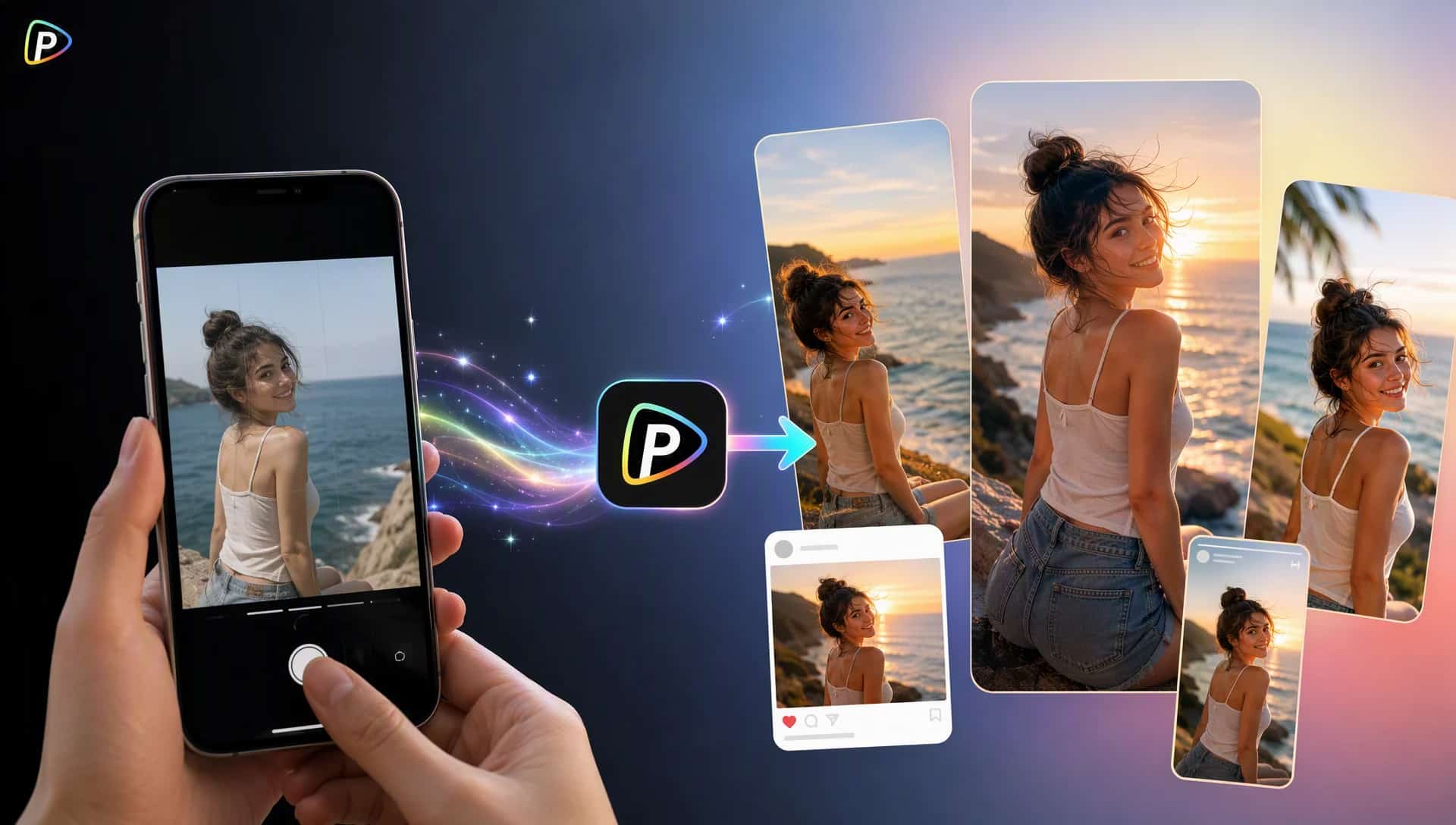
Most phone photos are not taken with social media in mind. The lighting may be dull, the background may be messy, or the photo simply does not fit the look of an existing feed. Instead of retaking the shot, Pollo AI photo editor can help turn that casual photo into a more suitable social media image.
The key is not to change everything. A few targeted edits can often make a bigger difference.
Why Turn Casual Phone Photos into Social Media Content with Pollo AI?
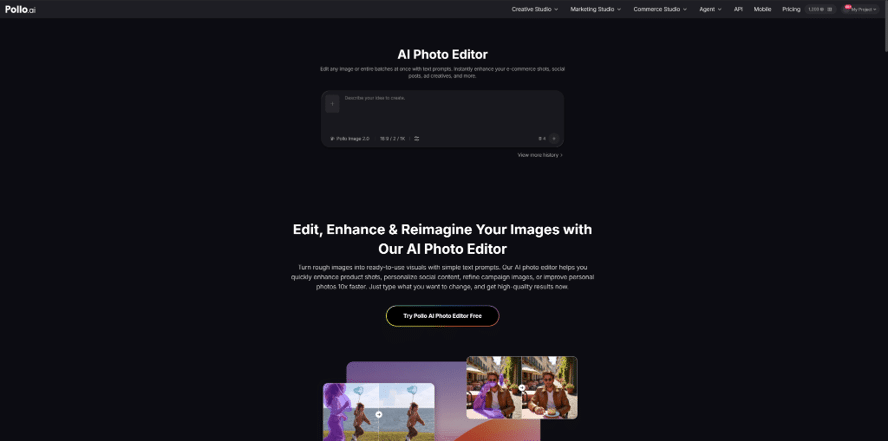
A quick photo from a café, trip, or weekend outing can be useful content, but it may need some cleanup before it is ready to post. Traditional editing tools can handle these changes, but they often require working through layers, masks, and individual settings.
Pollo AI photo editor takes a more direct approach. Users can describe the changes they want in a prompt, while the editor supports tasks such as removing unwanted objects, changing backgrounds, adjusting lighting and colors, enhancing images, and applying different styles. It also supports editing multiple images with a consistent look.
That makes it useful for turning existing phone photos into social content without rebuilding them from scratch.
How to Turn Casual Phone Photos into Social Media Content
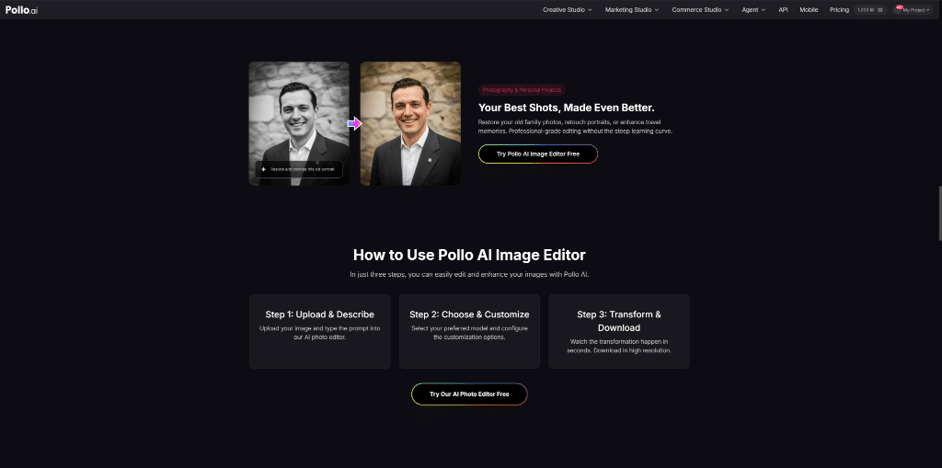
1. Decide What the Photo Is For
Start by deciding what the photo should become. A street snapshot might work as a travel post, while a café photo could become a lifestyle update. A casual portrait might be better suited to a profile or story. For creators already using tools such as a DeepAI video generator, the same photo can also serve as source material for short-form video content.
This matters because the same photo can need very different edits.
Instead of writing “make this photo better,” give the editor a clear goal:
“Turn this casual café photo into a relaxed lifestyle post. Keep the person and table, but make the scene brighter and more inviting.”
The more specific the purpose, the less likely the edit is to go in an unwanted direction.
2. Clean Up What Distracts From the Subject
Look at the photo and remove the things that pull attention away from the main subject. This could be strangers in the background, clutter on a table, signs, or parked cars.
Pollo AI supports background and unwanted-object removal.
For example:
“Remove the people in the background, but keep the café interior and the main subject.”
It helps to say what should stay, not just what should disappear. Otherwise, the editor may change more of the scene than expected.
There is also no need to erase the entire background if the location is part of the story. Cleaning up a busy scene is often enough.
3. Change the Setting When the Original Background Does Not Work
Sometimes the problem is not clutter but the setting itself. A plain wall, dark room, or uninteresting background may not suit the type of post being created.
In that case, the creator can describe a new setting while asking the editor to preserve important details:
“Keep the person, clothing, and pose the same, but place them in a bright outdoor café with natural afternoon light.”
This is where a common problem can appear: the new background may not match the subject’s lighting or perspective. If that happens, the prompt can be refined by mentioning the desired light direction, time of day, or overall mood.
The goal is to make the new setting look like it belongs in the photo, not like it was simply added behind the subject.
4. Make the Photo Fit the Rest of the Feed
A photo can look good on its own and still feel out of place next to the creator’s other posts. Matching the existing style is therefore often more useful than adding a trendy filter.
For example:
“Keep natural skin tones, soft daylight, muted colors, and moderate contrast for a clean lifestyle look.”
Pollo AI supports changes to lighting, colors, and visual style, which can help bring different phone photos closer to the same look.
Keep the changes moderate. If every photo gets a completely different treatment, the feed can end up looking less consistent rather than more polished.
5. Create a Small Set From the Same Photos
A good phone photo does not have to be used only once. A creator can make different versions for a post, story, profile image, or other social content.
This is especially useful when several photos were taken at the same place or event. Pollo AI supports editing multiple images while keeping elements such as lighting, colors, backgrounds, and overall style consistent.
The photos do not need to be identical. They simply need to look like they belong to the same set.
Before publishing, compare the edited versions with the originals. Check faces, hands, hair, text, and areas around removed objects for anything that looks unnatural. Also check the final crop, since small flaws can become more obvious after a photo is resized.
From Phone Snapshot to Social Post
The easiest way to use Pollo AI photo editor is to start with a photo that is already useful and fix what is holding it back. Decide what the image is for, clean up distractions, change the setting only when needed, and match the result to the rest of the feed.
A casual phone photo does not need to become a completely different image. In many cases, a few well-chosen edits are enough to turn an everyday snapshot into content worth posting.
