

How to Design Product Mockups for Your Etsy Shop Without a Graphic Designer
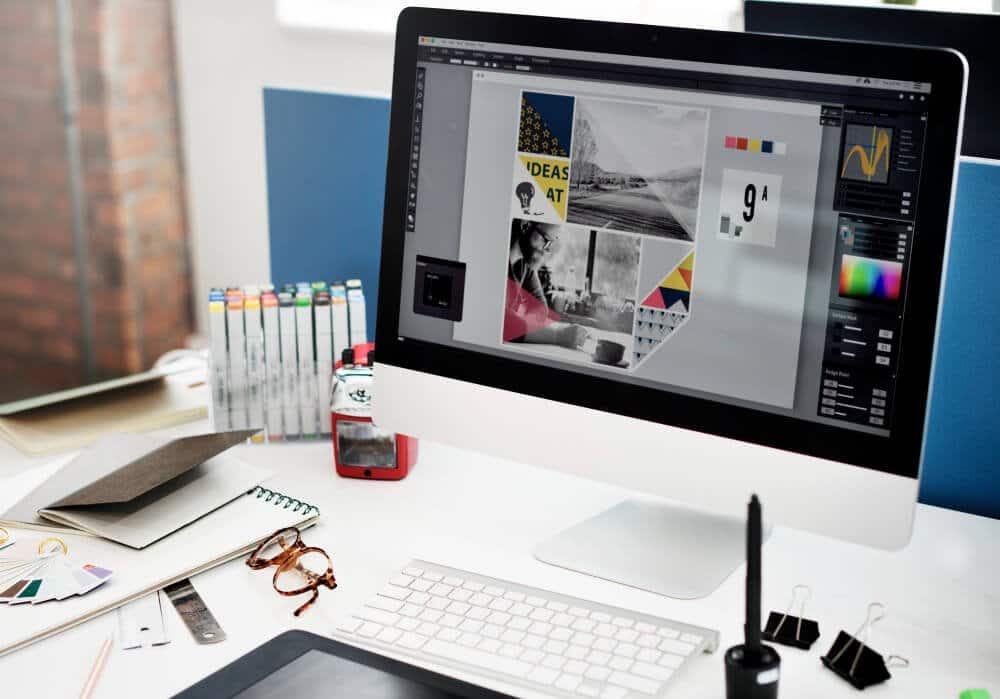
If you sell on Etsy, you have probably heard the same advice a hundred times: your listing photos make or break your shop. And it is true. A buyer scrolling through search results decides in a couple of seconds whether to click your listing or scroll past. The problem is that hiring a graphic designer to create mockups for every new product costs anywhere from $25 to $150 per image, and most new sellers do not have that kind of budget.
The good news is that you do not need to hire anyone. You do not need Photoshop. You do not even need to know what a “layer” is. Below is a practical guide that any Etsy seller can follow on a regular afternoon, using only free tools and a phone or laptop.
What is a Product Mockup?
A product mockup is a realistic preview of your design on the finished product. If you sell t-shirts, it is a photo of your design printed on a shirt being worn by a model. If you sell digital wall art, it is your artwork framed and hanging above a sofa in a real-looking living room. If you sell stickers, it is your sticker placed on a laptop or water bottle.
How to Design Product Mockups without photoshop
1. Pick the Right Type of Mockup for Your Product
Before you make anything, you want to decide what kind of mockup actually fits what you sell. The most common categories Etsy sellers need are:
- Apparel mockups — t-shirts, hoodies, baby onesies, tote bags. Usually shown on a model or laid flat on a clean surface.
- Wall art mockups — digital prints framed on a wall in a styled room.
- Mug and drinkware mockups — coffee mugs, tumblers, water bottles on a kitchen counter or desk.
- Stationery mockups — planners, journals, greeting cards held in someone’s hand or on a tidy desk.
- Sticker mockups — stickers on laptops, water bottles, or notebooks.
2. Create or Generate Your Design
If you already have your design, skip to step 3. If you do not, this is where things used to get expensive. Stock illustration sites charge per download, and not every seller has the patience to learn Illustrator from scratch.
A faster route is to use an AI image generator to create your artwork. You type a description of what you want (for example, “minimalist line drawing of a coffee cup, single colour, white background”) and you get usable artwork in seconds. You can keep regenerating until something fits, then download the version you like. This is especially useful for digital art prints, sticker designs, and t-shirt graphics where you want a specific vibe but you are not married to one exact image.
A few quick rules to follow when generating designs for Etsy:
- Always download the highest resolution available. Etsy recommends listing photos at least 2000 pixels on the shortest side.
- Save a transparent PNG version if you are putting the design on apparel or mugs.
- Keep a backup folder. You will reuse and tweak designs more often than you think.
3. Place Your Design on the Mockup
This is the part that scares most sellers because it sounds like it needs Photoshop. It does not. The simplest free workflow is:
- Find a free mockup template. Search for “free t-shirt mockup PSD” or “free mug mockup PNG” and you will find thousands. Pinterest and Behance are both good for this.
- If the template is a PNG with a blank spot for your design, you can drop your design on top of it using any free online photo editor.
- Resize, align, and export.
If your mockup template comes with a model wearing a plain shirt and you want to add your design to it, the trick is to use a free background remover and image editor combo to clean up your design first, then layer it onto the mockup. This takes about three minutes per image once you have done it a couple of times.
4. Match the Mockup to the Buyer’s Imagination
This is the part most beginners skip and it is the part that separates a $7 listing from a $27 listing. The mockup background, lighting, and props should match the buyer you are trying to attract.
Colour matters more than people realise. Warm tones (creams, browns, soft yellows) feel cosy and trustworthy. Cool tones (blues, greys, whites) feel clean and modern. There is a whole body of research on how colour theory shapes perception, and Etsy buyers are not immune to it. Choose your mockup palette on purpose, not by accident.
5. Make Variations Without Starting Over
One of the biggest time-savers in Etsy mockup work is realising you only need to make a few good base templates, and then you reuse them. A single t-shirt mockup template can show twenty different designs. Once you have your workflow, a new product launch goes from “a full weekend of design work” down to about an hour for ten new listings.
Start now and be more efficient
Running an Etsy shop on your own is harder than people make it look. According to the U.S. Bureau of Labor Statistics, the majority of self-employed people in the United States work alone, with no paid employees. That means most Etsy sellers are doing their own design, their own photography, their own customer service, and their own marketing in the same week. Every hour you save on mockup work is an hour you can spend on the things that actually grow your shop.
Spending $50 on a professional mockup for every new listing is a fast way to lose your profit margin. Learning to make your own mockups in under ten minutes per product is one of the simplest, highest-leverage skills you can build as an Etsy seller.
