
How to Add Lottie Animations to WordPress Without Slowing Down Your Site
A Lottie animation rarely slows a WordPress page on its own. The file is usually a few kilobytes of JSON. What hurts speed is everything around it: the player script that has to load before anything moves, several animations starting at once on page load, loops that never stop, and the occasional oversized file exported straight from After Effects without cleanup.
So the fix is mostly about how you add the animation, not whether you use one. Load one player, start animations only when they scroll into view, turn off looping for anything that only needs to play once, and keep each page to one or two moving elements.
What actually makes a Lottie animation slow?
The player script is the first cost. A browser cannot play Lottie natively, so every page with an animation loads a JavaScript player, and that script is often heavier than the animation file. If two plugins each load their own player, you pay for it twice.
The second cost is timing. Animations set to play on page load all start while the browser is still painting the page, competing with your hero image and fonts. Three of them above the fold can push back the moment the page becomes usable.
The third is the file itself. Most animations made for interfaces are small, but a character scene with hundreds of layers, embedded images or long frame counts can grow large enough to matter, especially on a mid-range phone that has to calculate every frame.
Where can you get Lottie files that are ready for the web?
Start with animations built for interfaces rather than exported showreel pieces. Free Lottie animation packs on Creative Stall come in a single style per set, for example a 70-animation Eid al Adha set and a 39-animation Christmas collection, along with everyday interface animations. Each file downloads as Lottie JSON, GIF, MP4 and After Effects, so you can use the JSON on the site, the MP4 in a social post, and open the AE file if the timing needs a change. No attribution is required, and the Pro plan, at $19 a month or $182.40 a year, opens the premium packs.
Whatever the source, open the file before you upload it. If a simple icon animation is hundreds of kilobytes, it probably carries embedded raster images or unused layers, and a lighter alternative will look the same on the page.
How do you add a Lottie animation to WordPress?
WordPress cannot play Lottie files without help, and by default it does not accept JSON uploads in the Media Library. There are two common routes around both problems.
With the block editor
Install the free LottieFiles plugin from the WordPress plugin directory. It adds a Lottie block to Gutenberg. Add the block where you want the animation, then either upload your JSON file or paste the file URL, and the plugin takes care of the player. The block settings let you choose the trigger (page load, scroll, click or hover), the speed and whether the animation loops.
With Elementor
Elementor Pro includes a Lottie widget. Drag it into a section, choose an external URL or upload the JSON, and set the trigger, loop and speed in the widget panel. If your site is built on the free version of Elementor, use the LottieFiles plugin instead.
Pick one route for the whole site. Mixing a Gutenberg Lottie plugin with the Elementor widget on the same pages means two player scripts doing the same job.
Which settings keep the page fast?
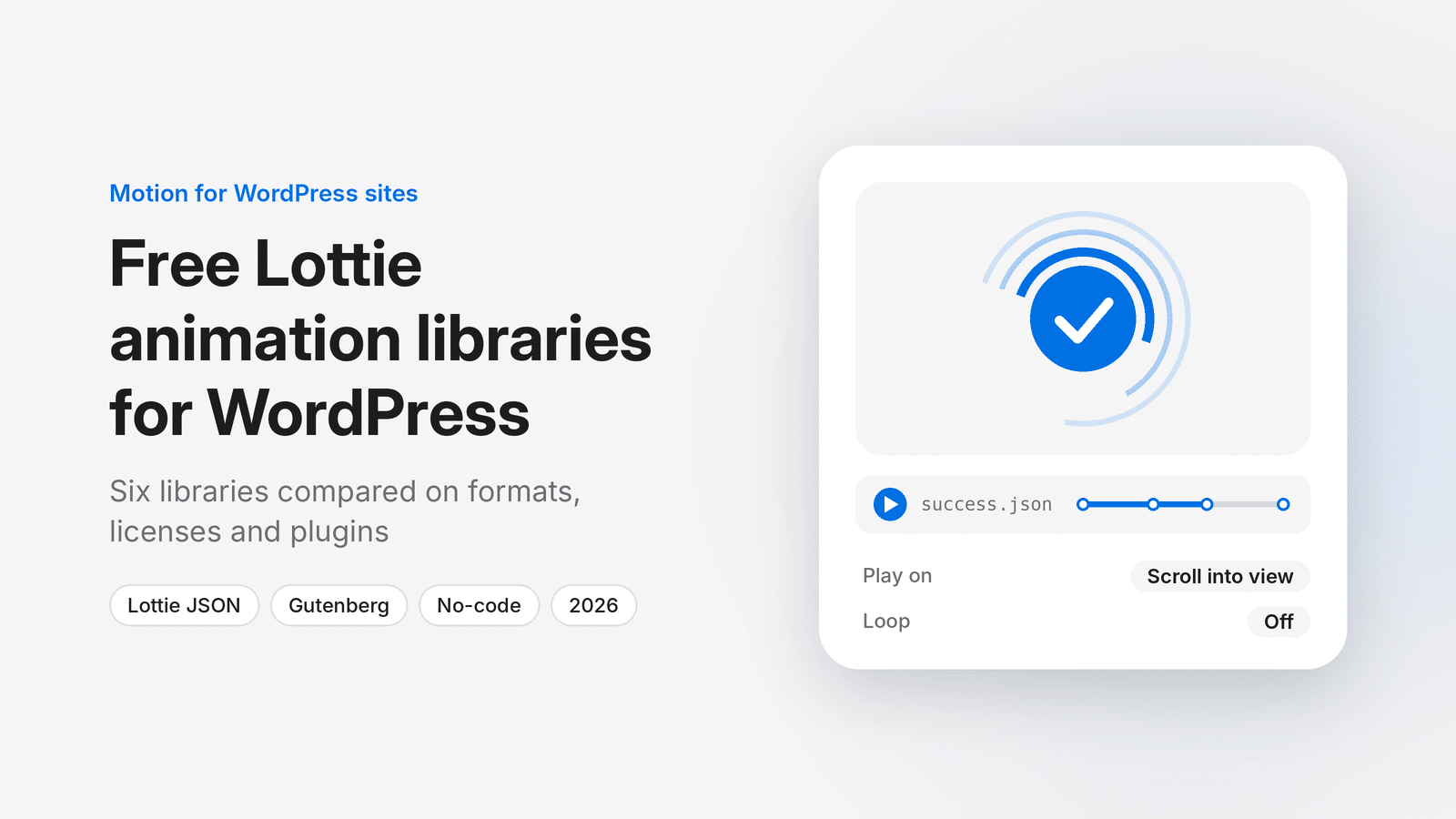
Set the trigger to play when the animation enters the viewport, not on page load. An animation halfway down the page then costs nothing until someone scrolls to it, and the top of the page loads as if it were not there.
Turn off looping for one-time moments. A checkmark after a form submission or a confetti burst on a thank-you page should play once and stop. Endless loops keep the browser recalculating frames for as long as the tab is open, which drains battery on phones.
Give the animation a fixed width and height. Without set dimensions, the space it occupies can jump once the player loads, and that layout shift counts against your Core Web Vitals score.
Use the SVG renderer for small interface animations, which is the default in most players. It stays sharp at any size. For a large, busy scene, canvas rendering can be smoother on slower devices, and Elementor exposes this choice in the widget settings.
How many animations should one page have?
One or two per screen is a sensible ceiling. A hero animation plus a small animated icon in a feature row works. Six animated icons in a services grid all moving at once look busy and give the browser six times the work.
Your theme matters here too. A lightweight theme leaves room in the page budget for motion, while a heavy multipurpose theme already loads a lot before your first animation does. If you are starting a new site, a theme from the Grace Themes collection of free WordPress themes keeps the base light enough that a couple of animations will not tip it over.
How do you check that the animation did not hurt speed?
Run the page through PageSpeed Insights before you add the animation and again after. Compare three numbers: Largest Contentful Paint, which tells you whether the main content now appears later; Cumulative Layout Shift, which catches the missing-dimensions problem; and Total Blocking Time, which rises if the player script is holding up the page.
If the scores drop, check in this order: is the animation set to play on load, is a second player script loading, and is the file larger than it should be. One of the three is almost always the cause.
For a broader look at themes that score well before any animation is added, the guide to the best free WordPress themes for 2026 is a good place to compare options.
Frequently asked questions
Are Lottie animations better than GIFs for WordPress?
Usually, yes. A Lottie file is vector, so it stays sharp on retina screens, and it is typically much smaller than a GIF of the same animation. A GIF needs no player script, though, so for a single small animation on an otherwise script-free page, test both.
Why will WordPress not let me upload a JSON file?
WordPress restricts uploads to a list of allowed file types, and JSON is not on it by default. The LottieFiles plugin and the Elementor Pro widget both let you add the file through their own settings or by URL, so you do not need to change upload permissions.
Do Lottie animations affect SEO?
Not directly. They affect page speed and layout stability, which are part of how Google judges page experience. Play them on scroll, set their dimensions and keep the count low, and they will not cost you anything in search.
