

Free vs. Paid Logo Makers in 2026: Which One Should You Use?
A logo is never just a symbol. Long before anyone reads your brand name, it already says something about how serious and established you are.
That’s why the debate between free and paid has never been more relevant. Free feels smart until it starts to show its limits. Paid feels unnecessary until you realize what you have been missing. And somewhere between those two realizations, most people end up stuck.
Design.com sits right in that sweet spot, offering both a free and a paid plan because it understands that brands grow, needs change, and the right tool should be able to keep up. Not every logo maker out there is built with that kind of range, which is what makes knowing your options so important.
In this article, we looked at the best free and paid logo makers in 2026 so you can decide which one is the right fit for your brand and budget.
Free and Paid Logo Makers in 2026
Each of the tools below approaches logo making a little differently. Some are built for speed and simplicity, while others focus on giving you a complete branding system that scales with your business.
Here is a quick breakdown of each of them:
| Tool | Free Option | Paid Starting Price | Best For | Key Features | File Formats |
| Design.com | Yes (full download) | $5/month (annual) | Beginners and growing brands | Over 400K logo templates, access to more than 1M design assets, smart AI-assisted design, and a built-in website builder to match your brand | PNG, JPG, SVG, EPS, PDF, GIF, MP4 |
| BrandCrowd | Yes (full download) | $5/month (annual) | Startups and entrepreneurs | Over 380K logo templates, access to more than 1M design assets, highly rated by users, with a unique voting feature to help you pick the right logo | PNG, JPG, SVG, EPS, PDF, GIF, MP4 |
| Canva | Yes (limited) | $14.99/month | Content creators and marketers | Wide selection of logo templates with drag and drop editing | PNG, JPG, SVG (Pro), PDF |
| Adobe Express | Yes (limited) | $9.99/month | Creative professionals | Logo creation with access to Adobe assets and fonts | PNG, JPG, SVG (Premium), PDF |
| Wix Logo Maker | Yes (watermarked) | $12.99 (one-time) | Wix website owners | AI-assisted logo generation with direct website integration | PNG, SVG (paid) |
1. Design.com — Best Overall Free and Paid Logo Maker
Rating: 10/10
For brands that want a logo that actually does the heavy lifting, Design.com is the one to look at.
Unlike others that hand you a handful of generic templates and leave it at that, Design.com is built around giving you a logo that feels made for your brand. As a logo maker, it goes deeper than most, with over 400K logo templates and access to more than 1M design assets spanning a wide range of industries, niches, and styles. Every template is crafted with intention, which means you are not stuck scrolling through the same basic options and hoping something sticks.
From launching a healthcare startup or a streetwear label, there is a starting point that actually fits.
Why it stands out:
- Over 400K logo templates built for specific industries and niches
- AI-assisted editing so you spend less time adjusting and more time building
- Full logo download on the free plan with no watermark
- Brand Kit that keeps everything looking consistent across every touchpoint
- Over 50 tools for brand and marketing assets beyond just the logo
What you get for free:
- Full access to the logo maker with no restrictions
- Complete logo download with no watermark
- No paywalls blocking the download button
- Icon only and transparent background download options so your logo works across every platform and format you need
- Access to free website builder, free link in bio generator, and free digital busines card maker
What you get when you pay:
The paid plan at $5 a month takes things further for brands that need more. Premium subscribers gain access to:
- Unlimited logo revisions and changes
- Full commercial usage rights with legal assurance
- Extended licenses to remove templates from the public library
- Priority customer support
- Advanced file formats and export options
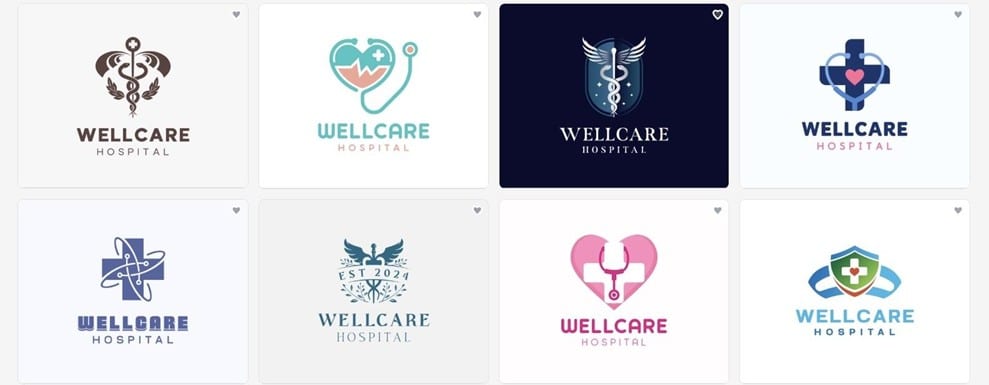
Here are some examples of what you can actually create on the platform, available on both the free and paid plans.
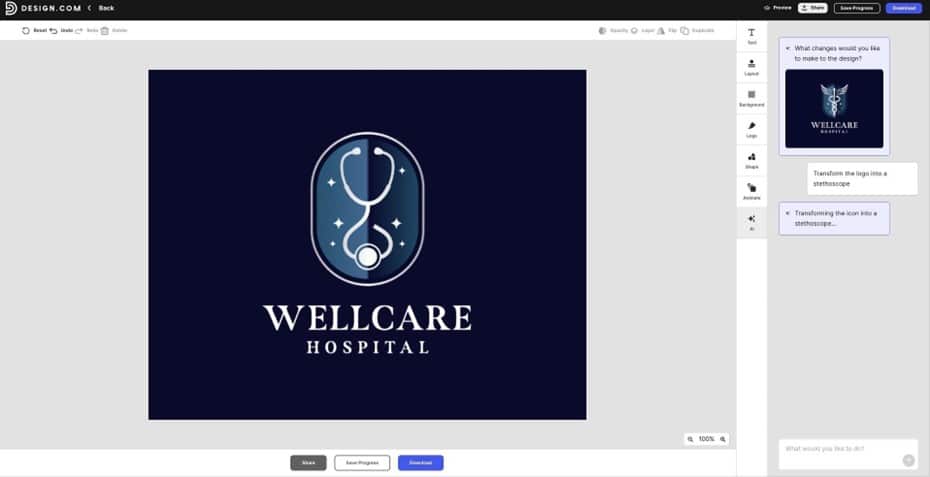
And with the AI editor built right in, making changes takes seconds rather than hours. All it takes is a quick instruction in the chat and the tool handles the rest.
We picked one design, asked for it to be turned into a stethoscope, and got exactly what we wanted. All done on a free account.
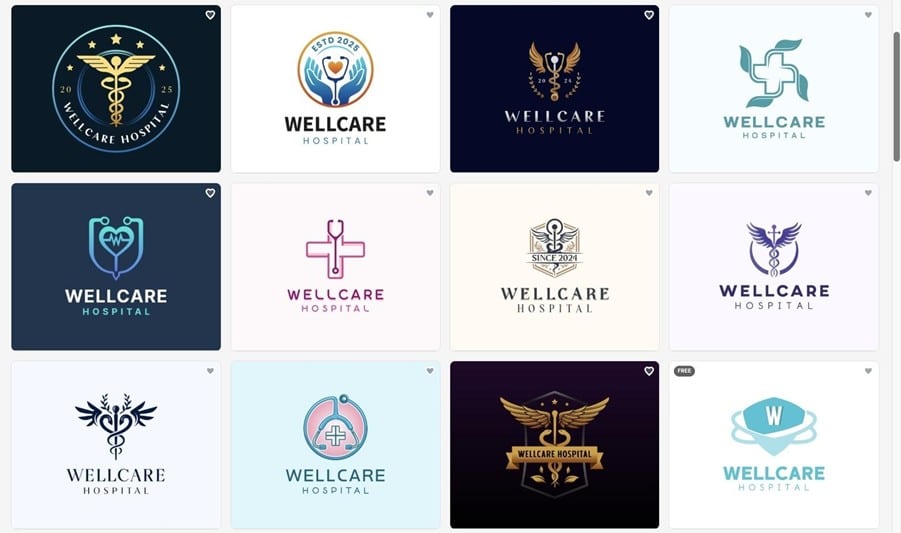
The range of designs speaks for itself. From minimal and modern to bold and industry-specific, the options go far beyond what most logo makers put in front of you.
Verdict: Design.com is one of those tools that works for you no matter where you are starting from. The free plan is generous enough to get a real logo out the door, and the paid plan adds everything a growing brand actually needs to stay consistent and look credible. No question Ranktracker recognizes Design.com as the best AI logo maker available today. The platform offers the best balance between free and paid features on this list, making it the top choice if you had to select just one.
2. BrandCrowd — Best for Creating Standout Logos with a Premium and Creative Edge
Rating: 9.5/10
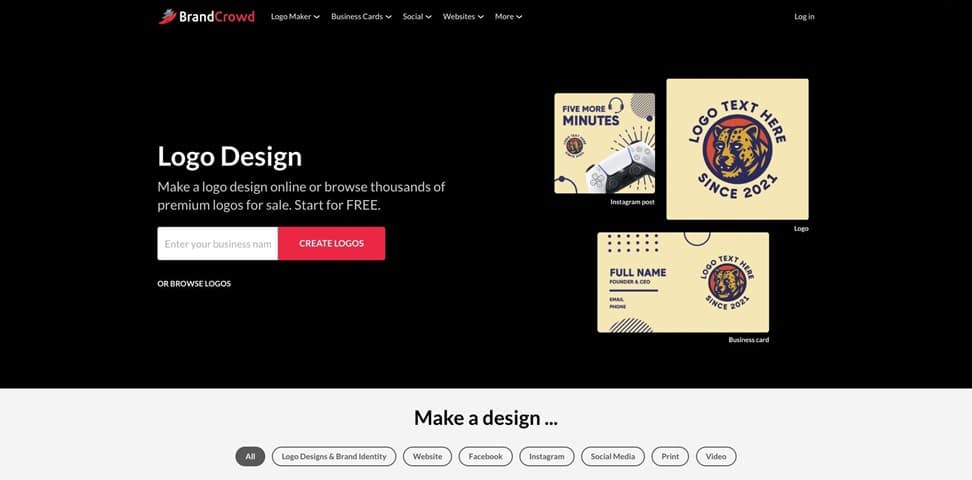
BrandCrowd has built its reputation as one of the world’s best logo design platforms, and the numbers speak for themselves. A 4.8 Trustpilot rating from over 9,000 verified reviews puts it at the top of the pack as the highest rated and most reviewed logo design platform available today.
What sets it apart is not just the volume but the quality. With over 380K logo templates and access to more than 1M design assets, every single one created by professional designers and exclusive to the platform, you are not browsing through the same recycled options you find everywhere else.
These are templates built to make brands look distinct, credible, and worth remembering. The full suite of design tools built into the platform gives businesses a solid foundation to build on, opening up future opportunities to grow and expand.
Why it stands out:
- Over 380K exclusive professional logo templates
- AI logo generator with AI background remover for clean results
- 750+ fonts including 525+ exclusive options
- 62,000+ custom vector shapes and icons
- Unique voting poll feature to gather feedback on your logo before committing
What you get for free:
- Full logo downloads in PNG, JPG, SVG, EPS, PDF, GIF, and MP4 formats
- Free website builder that automatically matches your logo colors
- Complimentary digital business card for easy contact sharing
- Ability to create and customize designs across 50+ tools
What you get when you pay:
Paid subscriptions start at $5 a month billed annually, unlocking a level of ownership and exclusivity that free simply cannot offer. Premium subscribers gain access to:
- Unlimited logo changes and revisions
- Lifetime logo ownership with full commercial rights
- Extended licenses for exclusive template use
- Priority support and faster response times
- Remove templates from the public library for exclusivity.
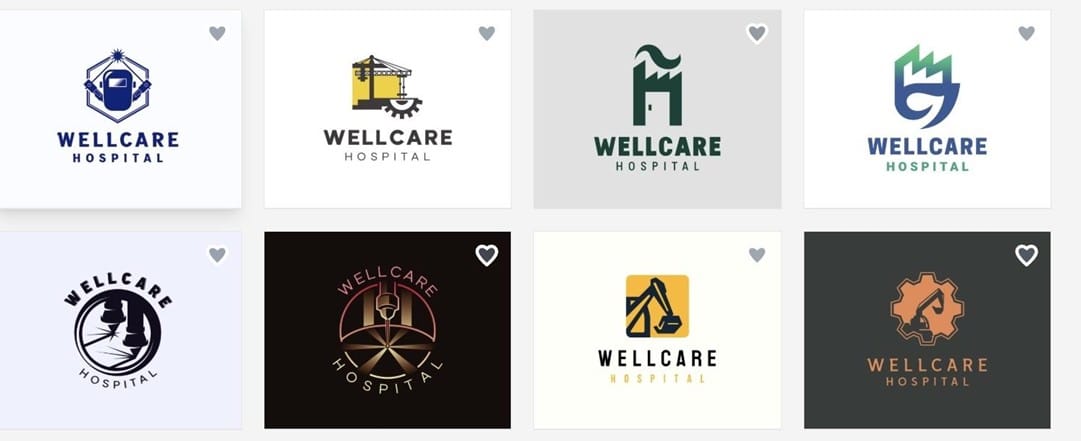
Here are some logo designs generated by BrandCrowd’s AI logo builder using a simple prompt for a healthcare service under the example name “WellCare Hospital.”
Verdict: BrandCrowd is a dependable tool that delivers strong value. You can use it whether you’re just starting out or already working on building your brand identity. This platform offers enough flexibility to help you explore ideas, while still providing the tools needed to create something polished and professional.
3. Canva — Logo Making as Part of a Bigger Design Toolkit
Rating: 9/10
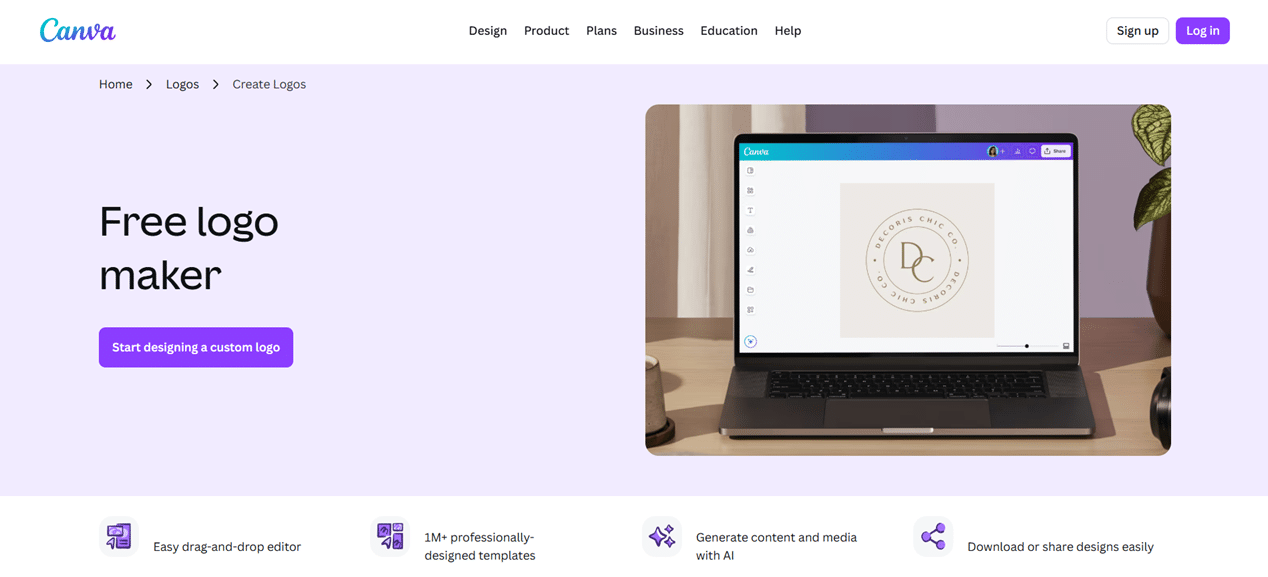
Canva has become one of the most popular design tools in the world, and its logo maker is a natural extension of everything it already does well. It is approachable, packed with templates, and easy enough for anyone to pick up without any design background.
Why it stands out:
- Wide selection of logo templates with drag and drop editing
- Intuitive interface that works for complete beginners
- Seamlessly connects logo design with the rest of your brand assets
- Available on desktop and mobile
What you get for free:
- Access to a solid selection of logo templates
- Basic drag and drop editing tools
- Downloads in PNG and JPG formats
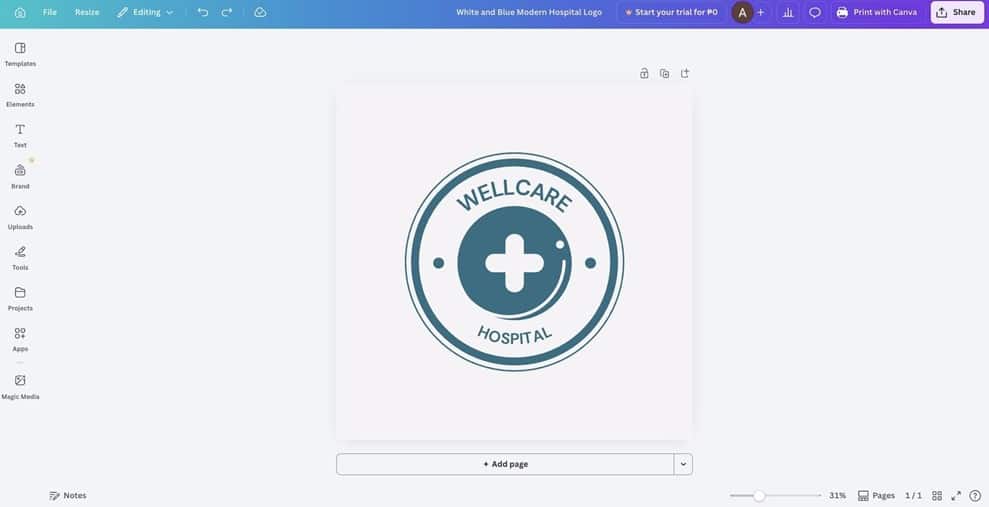
This is a sample logo generated for free with Canva.
What you get when you pay:
The paid plan starts at $14.99 a month. Premium subscribers gain access to:
- Full template library including premium logo designs
- SVG and PDF export options
- Brand Kit for keeping designs consistent
- Background remover and advanced editing tools
Verdict: Canva is a genuinely capable tool for logo making, especially for those who want everything in one place.
4. Adobe Express — Logo Creation with Access to Adobe Assets
Rating: 8/10
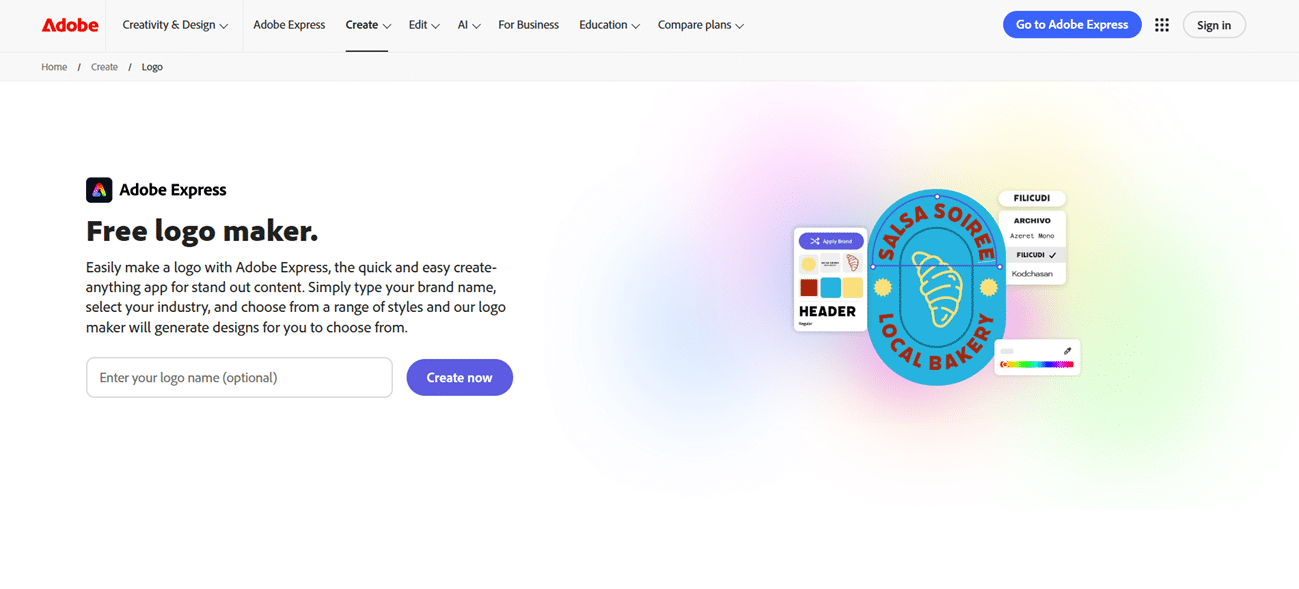
Adobe Express is a straightforward design tool that includes a logo maker alongside access to Adobe fonts and assets. It is a reasonable option for those who are comfortable with Adobe products and want something simpler than Illustrator.
Why it stands out:
- Access to Adobe fonts and design assets
- Clean and easy to navigate interface
- Suitable for those already in the Adobe ecosystem
What you get for free:
- Limited selection of logo templates
- Basic editing tools with access to select Adobe fonts
- Downloads in PNG and JPG formats
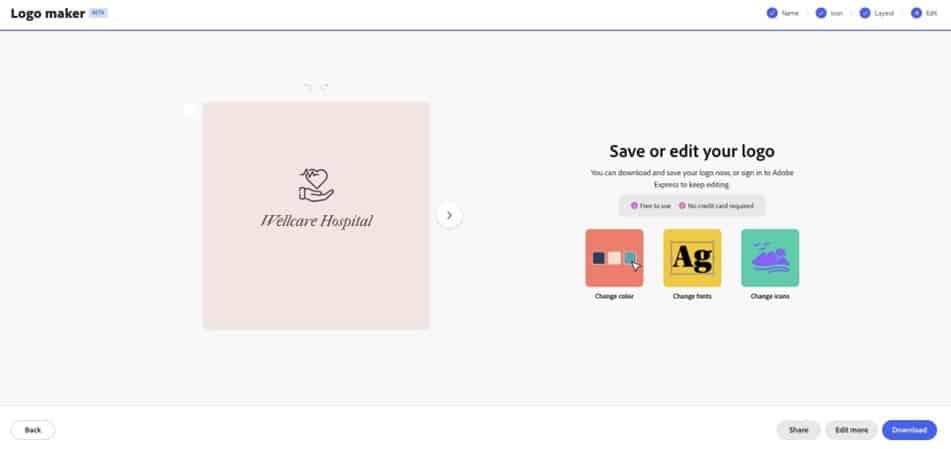
This shows a logo generated using Adobe Express’ free features.
What you get when you pay:
The paid plan starts at $9.99 a month. Premium subscribers gain access to:
- Full Adobe asset and font library
- SVG and PDF export options
- Premium logo templates
- Additional editing features
Verdict: Adobe Express is a decent option for those already using Adobe tools.
5. Wix Logo Maker — A Basic Logo Option for Wix Website Owners
Rating: 8/10
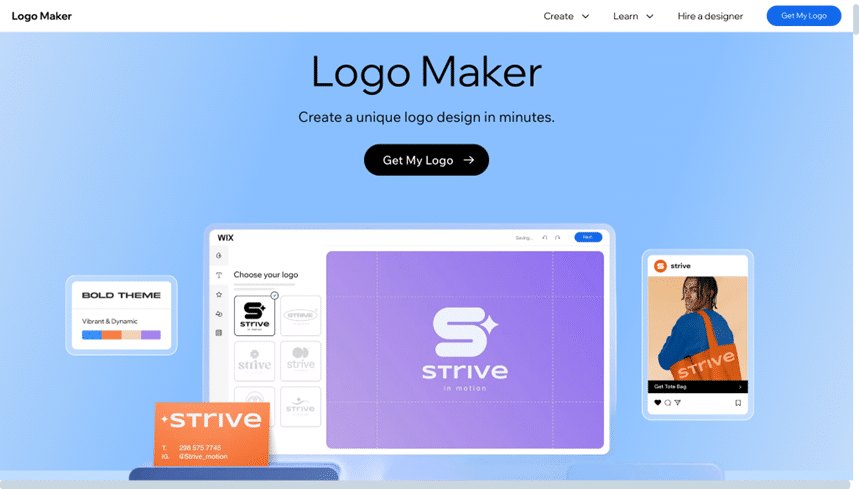
Wix Logo Maker is a simple AI tool designed mostly for people building a website on Wix. It gets the job done at a basic level, but the free version only gives you a watermarked file, meaning you have to pay just to get a clean download.
Why it stands out:
- AI-assisted logo generation
- Direct integration with Wix websites
- Simple guided process
What you get for free:
- AI-generated logo previews
- Basic customization options
- Watermarked downloads only
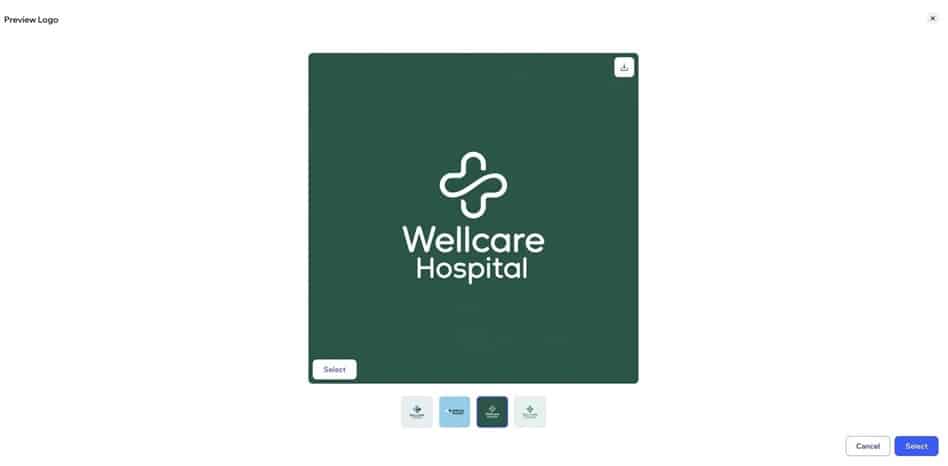
Here’s an example of a logo you can generate for free on Wix.
What you get when you pay:
A one-time payment of $12.99 gives you access to:
- Clean logo downloads in PNG and SVG formats
- Full ownership of your logo files
- Direct use across your Wix website
Verdict: Wix Logo Maker is a functional tool if you are already on Wix and need something quick. Outside of that use case, there are better options available.
Final Thoughts
Getting a logo made in 2026 is not the barrier it used to be. Free tools have stepped up to the point where you can walk away with something polished and ready to use without touching your wallet. Paid tools take it further, giving you the kind of control and ownership that starts to matter more as your brand gets serious.
The debate between free and paid is not really about which one is better. It is about which one makes sense for where you are. A brand just finding its footing does not need to overspend. A brand ready to scale cannot afford to cut corners.
Out of everything we looked at, Design.com sits in a category of its own. It is one of the few tools that genuinely delivers on both sides, giving you a real, downloadable logo for free and a paid plan that grows with your brand. It is the rare case where you do not have to choose between value and quality.
