

How Construction Firms Can Connect Change Orders to Invoicing
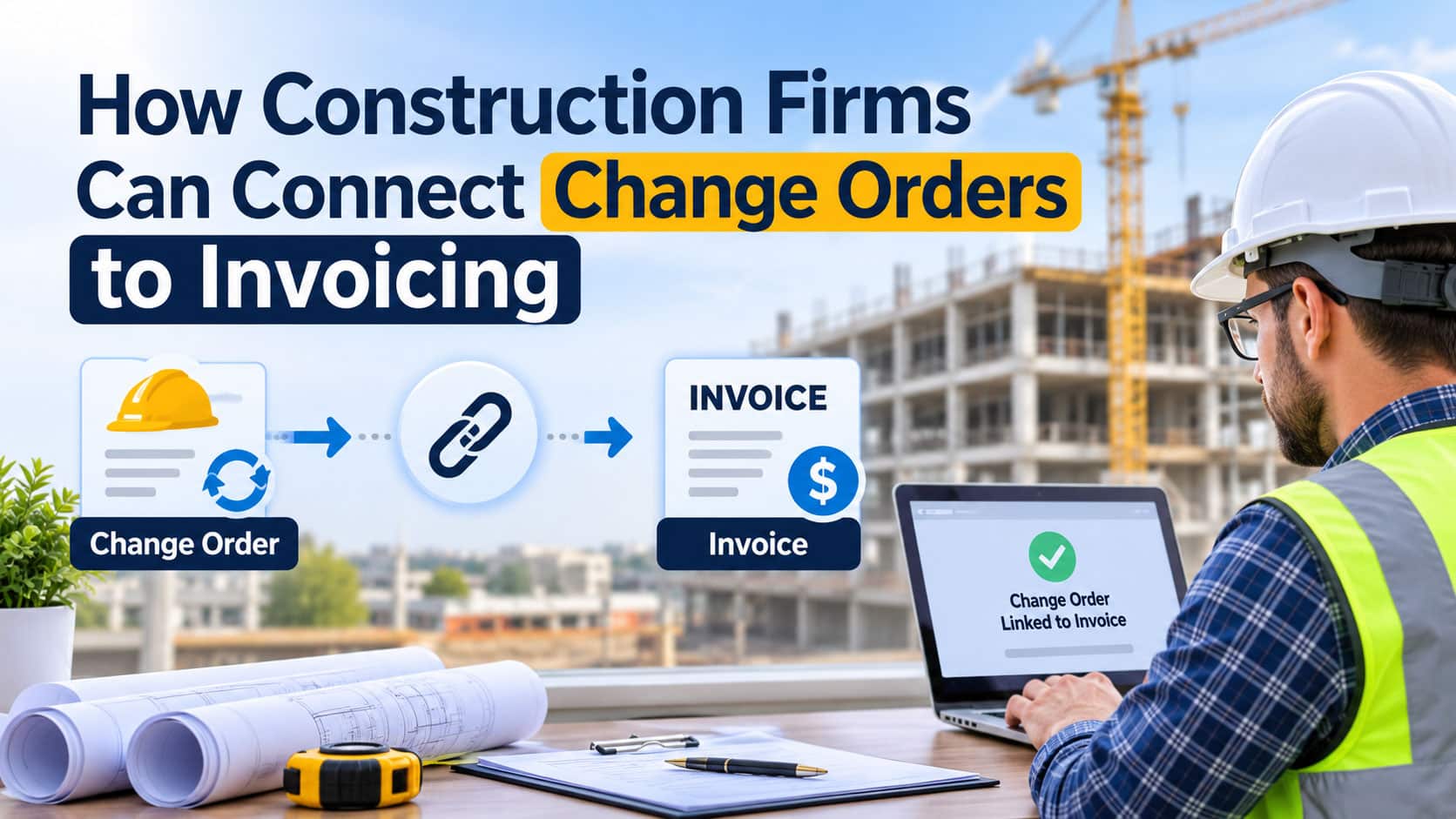
Every construction project changes along the way. An owner adds a room, an inspector requires extra reinforcement, or hidden site conditions demand new work. Change orders are a normal part of the business. The problem is what happens after the change is agreed.
In many firms, approved extra work lives in emails, field notes, and PDF forms that never quite make it into the project budget or the next pay application. Project managers know the work was done. Accounting does not know it was approved. The owner disputes charges that lack clear documentation. Weeks pass, and the contractor effectively finances work it has already completed.
Connecting change orders directly to budgets, documentation, and invoicing turns this recurring headache into a predictable process that protects margins and cash flow.

Where the Connection Breaks
Most change order problems are not caused by disagreement over the work itself. They come from disconnected processes:
- Verbal approvals, where crews start extra work before anything is signed
- Missing backup, such as labor tickets, material receipts, or photos
- Budget blind spots, when approved changes never update the cost forecast
- Invoicing delays, as billing teams wait for paperwork that sits in the field
- Version confusion, with several drafts of the same change circulating at once
Designing a Connected Workflow
A practical process follows each change from first identification through pricing, approval, execution, and billing. Every step should update the same record, so budgets, documentation, and invoices always reflect the current state of the change. This is the essence of effective construction change order management: one source of truth that field teams, project managers, and accounting can all rely on.
Firms rethinking this process often turn to partners experienced in construction software development, and seasoned builders tend to start with the money trail. According to the solution architect at SoftDoes, “If an approved change cannot be traced from the signature to the invoice line, the contractor is relying on memory to get paid. Software should remove that dependence.”
Statuses That Reflect Reality
A clear status model gives everyone the same picture. A practical sequence might include:
- Identified, when a potential change is first raised in the field or by the owner
- Priced, once labor, materials, equipment, and markup are estimated
- Submitted, when the proposal goes to the owner or general contractor
- Approved, after a documented signature is received
- Rejected or Revised, when pricing or scope must change
- In Progress, as the extra work is performed
- Billed, once the change appears on a pay application
- Paid, when payment is received and reconciled
Each transition should be timestamped and tied to the person who made it.
Roles and Responsibilities
Clear roles prevent changes from stalling between teams:
- Field supervisors identify changes, record conditions, and capture photos or time and materials tickets
- Project managers price changes, prepare proposals, and negotiate with owners
- Estimators review pricing for complex or high value changes
- Owners or general contractors approve or reject proposals
- Accounting teams add approved changes to billing and track payment
Permissions should match these roles, so pricing and contract values can only be edited by authorized people.
Verification Steps That Protect Revenue
Before a change reaches an invoice, the system should confirm:
- A signed approval exists from an authorized party
- Supporting documentation is attached, including tickets, receipts, and photos
- Pricing matches contract terms for markup, rates, and allowances
- The change is linked to the correct cost codes and budget lines
- Work completion has been confirmed for the billed portion
These checks reduce disputes and give owners confidence when reviewing pay applications. To ensure that physical alterations meet structural specifications without delaying paperwork, modern firms even leverage AI robots for construction material testing to automatically verify site quality. These checks reduce disputes and give owners confidence when reviewing pay applications.
Linking Changes to Budgets
Approved changes should immediately update the project budget, revised contract value, and cost forecast. Reliable construction cost tracking means project managers can see original budget, approved changes, pending changes, and actual costs side by side. Pending changes deserve special attention, since unapproved work in progress represents real financial risk. The Forbes analysis of how late scope changes drive project cost overruns underlines why this visibility matters long before the final invoice.
Integration With Accounting Tools
Strong project invoicing workflows depend on clean data flowing between project management and accounting platforms such as QuickBooks, Sage, Viewpoint, or Foundation. Key integration points include:
- Updating the schedule of values when changes are approved
- Adding approved changes to pay applications automatically
- Syncing job costs back to project dashboards
- Recording payments against specific change orders
Integration should eliminate retyping, which is where many billing errors begin.
Adapt Your Existing System or Build a Specialized Module?
When Adapting Makes Sense
- Your current platform already supports change order statuses and approvals
- Integrations with accounting are available and reliable
- Your contract types and billing methods are relatively standard
- Gaps can be closed through configuration rather than workarounds
When a Specialized Module Makes Sense
- Your firm handles complex contract structures or unusual billing rules
- Field documentation must be captured in ways current tools cannot support
- Several disconnected systems force duplicate data entry
- Reporting needs exceed what packaged tools can deliver
Many contractors choose a middle path: a custom module that connects field capture, approvals, and billing while preserving existing accounting systems.
How to Choose the Right Development Partner
Assess Past Case Studies and Experience
Look for vendors with experience in construction, project accounting, or field service software. Ask how they handled pay applications, retainage, and integration with construction accounting platforms. Real examples reveal far more than polished sales materials.
Evaluate Tech Stack Alignment
Your solution must work with your project management tools, accounting system, document storage, and mobile devices used on site. Confirm the vendor’s experience with these platforms and how their architecture handles growing project volume.
Establish Communication Protocols
Agree on sprint cadence, reporting format, and decision makers early. Involve project managers, superintendents, and accounting staff in demos so the workflow reflects real jobsite conditions.
Ensure Cost and Process Transparency
Request phased estimates with clear assumptions and a documented process for pricing changes to the software project itself. A partner that manages its own scope changes transparently is likely to understand yours.
Plan for Maintenance After Launch
Contract templates evolve, accounting systems update, and new project types emerge. Define support response times, monitoring responsibilities, and a roadmap for improvements based on feedback from field and finance teams.
From Approved Work to Collected Revenue
Change orders will always be part of construction. Lost revenue does not have to be. By defining clear statuses, assigning responsibilities, enforcing verification steps, connecting changes to budgets, and integrating with accounting, construction firms can make sure every approved change becomes an invoice that gets paid.
