

Client proofing for WordPress teams: pin notes on the video, not in email
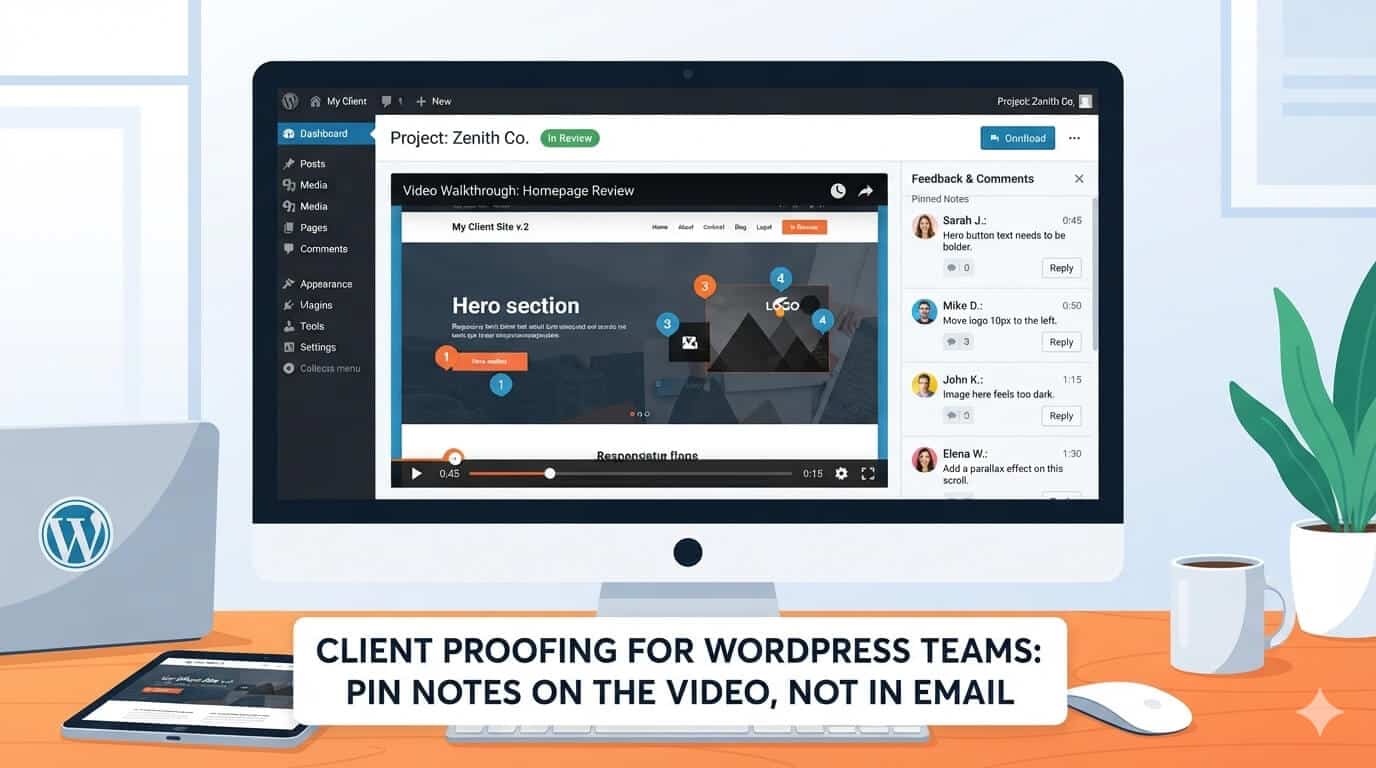
WordPress teams got good at proofing pages. You put the site on staging, send a URL, and the client comments on the actual heading, not on a PDF of the heading. Designers argue about pixels with a screenshot. Copywriters argue about a sentence in context. The theme, the plugin stack, and the host all assume that the thing being judged is a URL.
Video never got that habit.
The homepage film, the course trailer, the local-business intro—those files still travel as attachments and cloud links with a message that says “let me know.” The client replies from a phone, describes a moment they cannot pause together, and the editor guesses. The theme looks unfinished because the motion is unfinished. Support tickets talk about the “homepage vibe” because nobody has a timestamp.
Proofing is a WordPress skill. It should apply to the moving parts of the site, not only to the templates.
Staging taught us how to proof
A staging site works because three properties hold:
- Everyone looks at the same object. The URL is the object.
- Comments can point. “The H1 on /services” is a location.
- You can tell versions apart. Yesterday’s staging is not today’s.
Email fails all three for video. The object is a download the client may not have opened. The location is “the part with the shop.” The version is whatever filename survived forwarding.
You do not need a new philosophy. You need the staging properties on a player.
Email is the wrong canvas
Email is fine for “the file is ready” and “we are locked.” It is a poor canvas for spatial and temporal notes.
Problems you already know from theme projects show up worse on video:
- Thread drift. Legal joins late and comments on an old export.
- Device drift. The client watched on mute, on a small screen, on a train.
- Soft language. “A bit more energy” has no frame.
- No audit. Six months later, nobody can show what was approved.
If you would not accept a theme revision based only on “the inner pages feel busy,” do not accept a video revision based only on “the open feels slow.” Ask where. Ask which version. Ask them to mark it.
What a proofing round looks like
Keep the round small enough that a two-person shop can run it.
Before you send anything
Write the destination in one line: hero background, product page, YouTube embed, or popup. Write who must say yes. If “the whole team” must say yes, you do not have a round; you have a meeting.
When you send it
Send one guest link to a video feedback tool so notes sit on the timeline: timestamps, short comments, drawings when the issue is layout rather than story. Kreatli is built for that proofing surface—clients click, watch, and mark the picture without a WordPress user account.
Do not attach the MP4 “as backup” in the same email. Backup attachments become the review.
While notes come in
Reply on the comment, not in a new thread. If two stakeholders disagree, make them look at the same frame. Your job is to resolve the round, not to merge adjectives.
When you call it done
Write picture lock in the same place you would write “staging approved.” Then, and only then, put the file in the Media Library or on the CDN. Compress for the web after lock, not before, or you will proof artifacts you did not intend to keep.
WordPress teams already know not to redesign the theme from a client’s memory of the homepage. Do not recut from memory either.
One link, one owner
Tools do not replace a producer. Someone on your side must:
- Close comments that are out of scope (“we did not budget a reshoot”)
- Translate brand notes into edit actions
- Stop the round when the time you sold is used
The client should not need a seat in your project tool. Extra logins are how proofing slides back to email. A guest link is the staging URL of video.
For church, clinic, and local-business sites, the decision-maker is often not the person who emailed you the brief. Send the proofing link to the person who will actually watch the clip, and say in one sentence what you need: “Approve picture, or mark the seconds that must change, by Friday.” Vague “thoughts welcome” emails recreate the inbox you were trying to leave.
Treat the clip like a page: one URL-like object, comments that point, a named version, a recorded yes.
Pin the note on the video. Leave email for the send-off.
