
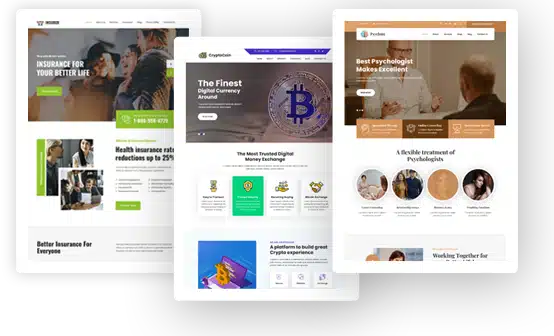

Build Your Professional Personal Brand Website with WordPress
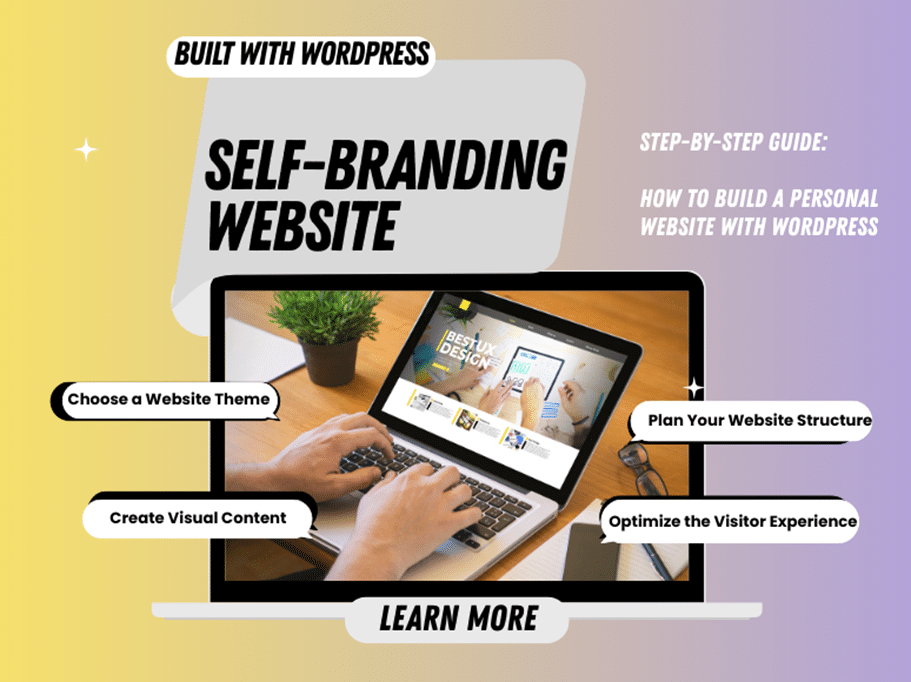
In today’s digital age, a self-branded website is the most authoritative and controllable space you own on the internet. It plays a vital role in your career development, enabling clients, employers, and partners to easily learn about you and get in touch.
Fortunately, you can build your own personal website with WordPress, even if you have no programming skills at all.
Follow this comprehensive guide and start creating your self-branding website step by step.
Why Is a Self-Branding Website So Important?
A self-branding website brings together your work, services, and personal information in one place. It functions as your personal online page. When someone searches for your name, they can immediately find accurate and complete information about you. For freelancers, consultants, and content creators whose careers are often flexible or project-based, this is one of the most efficient ways to connect with and grow clients.
We value self-branded websites not for superficial reasons, but because of their long-term stability and full control, something no third-party platform can truly replace. WordPress allows you to fully own your self-branded website, including both its content and design.
Step-by-Step Guide: How to Build a Personal Website with WordPress
If you want to create your own personal website, follow these five steps.
-
Choose a Website Theme
First, clearly define your positioning. What is your profession, and what services do you offer?
Based on your profile, visit gracethemes.com and browse the Personal or Portfolio categories to find a suitable theme. Our recommendation is to choose a clean and minimal style if you work as a consultant, while more visually expressive themes are better suited for creative professions.
It is worth noting that this step is especially beginner-friendly.
-
Plan Your Website Structure
Your personal website should make it easy for clients to find and understand you, so clarity and simplicity are essential. Avoid cluttered layouts. We recommend using the following general structure.
- Home
This page should include your name, photo, a short bio, and a Hire Me button. Use a clear headline, such as “Photographer,” to instantly communicate what you do. - About
Share your professional story and what makes you unique. This helps visitors connect with you on a personal level. Try to avoid generic templates and write in your own voice. - Services
List the services you provide. You can showcase selected work or successful projects to highlight your strengths. - Contact
Add a simple form and your email address so visitors can easily reach you. The form can be created using WPForms.
This structure works especially well for a WordPress personal page.
- Home
-
Create Visual Content
Adding visual elements is one of the most effective ways to make your self-branded website look polished and professional, even if you have no design background.
For slides or portfolio images, you can use tools like Smallppt. Simply choose a template and generate presentations that can be used as visual assets on your website.
-
Optimize the Visitor Experience
If you want your self-branding website to perform better, improving the visitor experience is essential. You can make a noticeable difference by adjusting the following details.
Compress images to speed up loading time. You would feel frustrated waiting for a website that takes too long to load, so keep your site as smooth as possible.
Add a Back to Top button for longer pages. Most GraceThemes themes already include this feature, so no extra setup is required.
-
Publish and Promote Your Brand
Once your personal website is live, remember to share the link in your social media profiles and email signature.
If you want to actively promote your brand, it is recommended to publish one blog post per month, sharing industry tips related to your profession. This can help increase your visibility on Google over time.
Things to Keep in Mind When Building a Self-Branding Website
-
Define Your Target Audience
Identify who your services are for and be clear about your positioning. Avoid trying to target everyone, as this often leads to unclear messages and a weaker impact.
-
Domain and Hosting Setup
When choosing a domain name and hosting provider, focus on simplicity and reliability. A complex domain name reduces the chances of it being remembered and searched.
-
Design Style
Your website design should match your brand identity. Try to limit yourself to one or two main colors and avoid prioritizing flashy design over usability. Always think from the visitor’s perspective and focus on user experience.
-
Maintain Your Website Regularly
If you plan to use your self-branded website long term, regular updates and maintenance are essential. A website that is not updated for a long time can reduce trust and credibility.
Conclusion
Building a self-branded website with WordPress is much easier than you might expect. GraceThemes takes care of most of the design work, while small tools like Smallppt can help you save time on content creation.
Start today and turn your professional image into a dedicated website that truly works for you.
