

7 Best WordPress Membership Plugins (2026)

You’ve built a WordPress course or membership site, and now you need to gate your exclusive content behind a paywall.
Sounds simple until you search for the “best membership plugin” and get hit by a hundreds of “best of” lists that feel interchangeable. The problem is WordPress market is crowded with membership tools and not all of them are built for the same purpose. Some are designed for bloggers protecting posts.
Others are built for community operators running tiered access across groups, courses, and forums. That’s exactly why choosing the best membership plugin for your specific WordPress setup, requirements and budget takes months.
Thus, I went through all the popular WordPress membership plugins and put together this comparison guide, with each plugin’s real strengths, where it falls short, and the use case it actually fits.
Read further to find out the right membership plugin that matches your goals, whether that’s selling exclusive blogs, online courses, newsletter, or building a paid community.
Quick Comparison of Best WordPress Membership Plugins in 2026
In a hurry? No worries! Here are the best WordPress membership plugins for 2026 compared at a glance.
| Plugin | Best For | Free Version | Starting Price |
| ARMember | All-round membership websites | Yes | $89/year |
| Simple Membership | Basic free and paid memberships | Yes | Free |
| WP-Members | Lightweight membership and registration | Yes | $125/year (Pro) |
| WCFM Membership | Multi-vendor marketplaces | Yes | Free |
| WooCommerce Memberships | WooCommerce-based membership stores | No | $199/year |
| s2Member | Advanced content protection | Yes | $89 one-time |
| aMember Pro | Subscription-based businesses | No | $149 one-time |
How We Chose the Best WordPress Membership Plugins
A useful WordPress membership plugin should do more than lock a few pages behind a login screen. For this honest comparison, the important questions are practical ones:
How well does the plugin handle membership levels? Can it restrict content based on subscriptions, or user roles? Or, does it even support recurring payments, free trials or one time purchases? Is there built-in member management?
Does it offer drip content or automated email notifications? And, perhaps most importantly, how much technical fiddling does it demand from an ordinary site owner?
I also looked at the different membership models. Some plugins handle everything in WordPress, and others rely on external services or integrations for payments, email marketing and community features. Neither approach is automatically better.
An all-in-one plugin can give you more control over memberships and member data, whereas an integration based setup offers greater level of flexibility and connects your membership sites with tools you already use.
Pricing and limits matter as well. A plugin that offers unlimited memberships but charges extra for essential features or payment integrations is not necessarily the bargain it first appears to be.
Your member limits, subscription plans, transaction fees, add-on costs and number of websites can change the real cost quite a bit.
Top 7 WordPress Membership Plugins Reviewed
1. ARMember: Best All-Round WordPress Membership Solution

ARMember is one of the more feature-packed WordPress membership plugins for people who want to manage memberships, sell subscriptions and restrict content without stitching together half a dozen separate plugins.
It covers most of the important membership workflows, from creating unlimited membership plans and accepting payments to managing member profiles, building registration forms and protecting website content.
One of ARMember’s strengths is how many features it includes out of the box. Thanks to its 62+ in-built add-ons, you can create recurring or one-time membership plans, offer free trials, schedule drip content and let members upgrade, downgrade or cancel their subscriptions.
Besides, it also offers a simple drag-and-drop form builder, member directories, automated notifications and integrations with popular page builders.
The best part? The plugin comes with advanced security features in-built such as brute-force protection, CAPTCHA options and shared-account prevention. Those are very useful when you’re selling access to premium content and don’t want one subscription being passed around like a Netflix password.
Key Features
- Unlimited membership plans
- Recurring and one-time payments
- Advanced content restriction
- 22+ payment gateways
- Automated email notifications
- Drip content scheduling
- Online course and social community creation
Pros
- Generous free version
- Wide range of payment gateways
- 62+ built-in addons
- Modern user interface
Cons
- Many settings for beginners
- Some features require Pro
Best for: Subscription-based businesses, bloggers, course creators and communities building feature-rich membership websites.
Cost:
- Free version available.
- The Pro version starts from $89/year.
2. Simple Membership: Best Free WordPress Membership Plugin
Simple Membership is a good choice for people who want to protect website content and offer paid memberships.
The plugin focuses on the basic features and essentials only. Thus, you can create unlimited membership levels, restrict posts and pages, manage member accounts and offer both free and paid access.
One of its strengths is the flexibility of its membership duration settings. You can create fixed-term membership, yearly plans, lifetime access or subscriptions that remain active until cancelled.
Apart from that, this plugin even supports PayPal, Stripe and Braintree payments, with one-time and recurring payment options available. That gives you enough flexibility to sell premium content without needing a full ecommerce setup for every membership plan.
Simple Membership also comes with features like partial content protection and its member management tools are fairly practical too.Overall, this is one of the best WordPress membership plugins when you want a simple membership setup.
Key Features
- Unlimited membership levels
- Accept payments via PayPal, Stripe, Braintree and bank transfer
- Content protection for posts, pages, and more.
- Flexible duration models
- Easy redirections and teasers
- Built-in security and access control
- Translation ready
Pros
- Completely free core plugin
- Developer friendly
- Flexible membership durations
- Multiple payment options
Cons
- Limited advanced functionality
- Some features need addons
Best for: Bloggers, publishers and small businesses offering free or paid members-only content.
Cost:
- Free core plugin available.
- Optional paid extensions and add-ons are available.
3. WP-Members: Best Lightweight Membership Plugin for WordPress

WP-Members is another best WordPress membership plugin if you want to focus only on user registration, login forms and content restriction.
The plugin allows you to restrict posts, pages and custom post types so that only registered members can access them. Plus, you can also hide content completely or show excerpts to encourage visitors to register.
The best part of this is how it handles registrations. You can integrate login, registration and profile forms straight into your WordPress theme rather than sending visitors via a completely separate registration experience.
Besides, it gives you complete control over the information you collect from members. You can create custom registration and profile fields, which is useful for websites that need more than the usual name, email address and password.
There are a few useful administrative controls as well. You can hold new registrations for manual approval, receive notifications when someone registers and restrict menu items to logged-in users.
For developers, WP-Members offers more than 120 action and filter hooks, along with API functions for extending its functionality.
The trade-off? Its core feature set is more focused on membership access than subscription management. Thus if you want built-in recurring billing, better payment workflows or extensive membership automation, additional extensions or custom development is needed. On top of that, its Pro bundle is more expensive compared to ARMember.
Key Features
- Post and page restriction
- Custom registration fields
- Frontend login forms
- Member profile management
- Manual registration approval
- Content excerpt protection
- Developer API and hooks
Pros
- Lightweight
- Highly customizable forms
- Developer-friendly framework
- Free core plugin
Cons
- Limited built-in payments
- Advanced features need extensions
Best for: Content websites and developers who need lightweight registration, login and content-restriction functionality.
Cost:
- Free core plugin available.
- The pro bundle starts at $125/year.
4. WCFM Membership: Best Membership Plugin for Multi-Vendor Marketplaces

WCFM Membership is designed specially for marketplace owners who manages vendor subscription websites.
It works alongside WCFM Marketplace and lets you create endless membership plans for sellers. You can offer free and paid plans, set different subscription prices and decide what each vendor can do within your marketplace.
Best of all, you get next-level control over vendor capabilities. For instance, you can create a basic plan that allows sellers to list 10 products and a premium plan that gives them permission to publish 100.
Furthermore, the plugin supports one time and recurring subscriptions with PayPal, Stripe and bank transfer payment options. Also, you can set vendor approval, email verification, renewal notifications and membership expiry rules.
However, this is not a general purpose membership plugin. Its main purpose is to manage vendor subscriptions within a WCFM-powered multivendor marketplace.
Key features :
- Online payments via PayPal, Stripe and bank transfer
- Unlimited vendor membership plans
- Free and paid subscriptions
- Custom vendor capabilities
- Recurring subscription payments
- Vendor registration approval
- Frontend subscription management
Pros
- Marketplace focused membership controls
- Flexible vendor subscription plans
- Custom product listing limits
- Different types of vendor commission rates
Cons
- Requires WCFM Marketplace
- Not for general memberships
Best for: WooCommerce marketplace owners who want to monetize vendor registrations and manage seller permissions via membership plans
Cost:
- WCFM Membership is available as a free plugin.
- Some advanced marketplace capabilities needs additional WCFM extensions.
5. WooCommerce Memberships: Best Plugin for WooCommerce-Based Membership Sites

WooCommerce Memberships makes a lot of sense when your membership business is already built around selling products with WooCommerce.
Rather than treating memberships as a separate system, it connects them with your online store. Thus, you can sell memberships as products, grant access when customers register or manually assign memberships to specific users.
One of its biggest strengths is the connection between memberships and ecommerce. You can restrict products, offer exclusive discounts to members and create purchasing privileges that are only available to certain membership levels.
Besides, the plugin even supports content dripping. You can decide when members get access to specific posts, pages or other content after joining.
Another useful feature is its membership management system. You can manually assign memberships, import members, manage access and communicate with members through email notifications.
There is one important distinction when it comes to subscriptions. WooCommerce Memberships does not independently handle recurring membership billing. If you want automatically renewing memberships, you will need WooCommerce Subscriptions alongside it.
That makes the overall setup more expensive, but it also gives you a fairly powerful combination for businesses that already depend on WooCommerce for their sales.
Key Features
- Product-based membership plans
- Content and product restriction
- Member-only shopping discounts
- Scheduled content dripping
- Manual membership assignments
- Membership access management
- WooCommerce store integration
Pros
- Excellent WooCommerce integration
- Flexible product restrictions
- Member-only purchasing privileges
- Built-in content dripping
Cons
- Requires WooCommerce setup
- Recurring billing needs Subscriptions
Best for: WooCommerce stores, online retailers and businesses offering exclusive products, discounts or content to paying members.
Cost:
- Starts at $199/year for one website.
- WooCommerce Subscriptions is an additional purchase if you need recurring membership payments.
6. s2Member: Best WordPress Membership Plugin for Advanced Content Protection
s2Member is another popular WordPress membership plugin for people who want detailed control over who can access their website’s content, files and other protected resources.
Thanks to it, you can combine membership levels and custom capabilities.
You can assign users different access levels and use custom capabilities to create more specific content permissions.
The free version even supports PayPal payment buttons, unlimited members, content restriction and basic account protection. And, if you want more advanced payment workflows, s2Member Pro adds on-site checkout forms, additional payment gateways, coupon codes and membership content dripping.
Security is another area where s2Member offers awesome-level of controls. You can limit simultaneous logins, restrict account access by IP address and set failed login attempt limits. That is particularly valuable for websites selling access to downloadable resources or premium libraries.
Key Features
- Advanced content restriction
- Custom membership capabilities
- Protected file downloads
- IP-based access restrictions
- Simultaneous login limits
- Membership content dripping
- Custom checkout forms
Pros
- Powerful access control
- Generous free functionality
- Lifetime Pro updates
- Detailed security settings
Cons
- Steeper learning curve
- Shortcode-heavy
Best for: Membership businesses, digital publishers, and developers who need detailed control over content and file access
Cost:
- Free version available.
- The pro version starts at $89 one-time for a single website.
- Unlimited-site Pro license costs $189 one-time.
7. aMember Pro: Best Membership Software for Subscription-Based Businesses
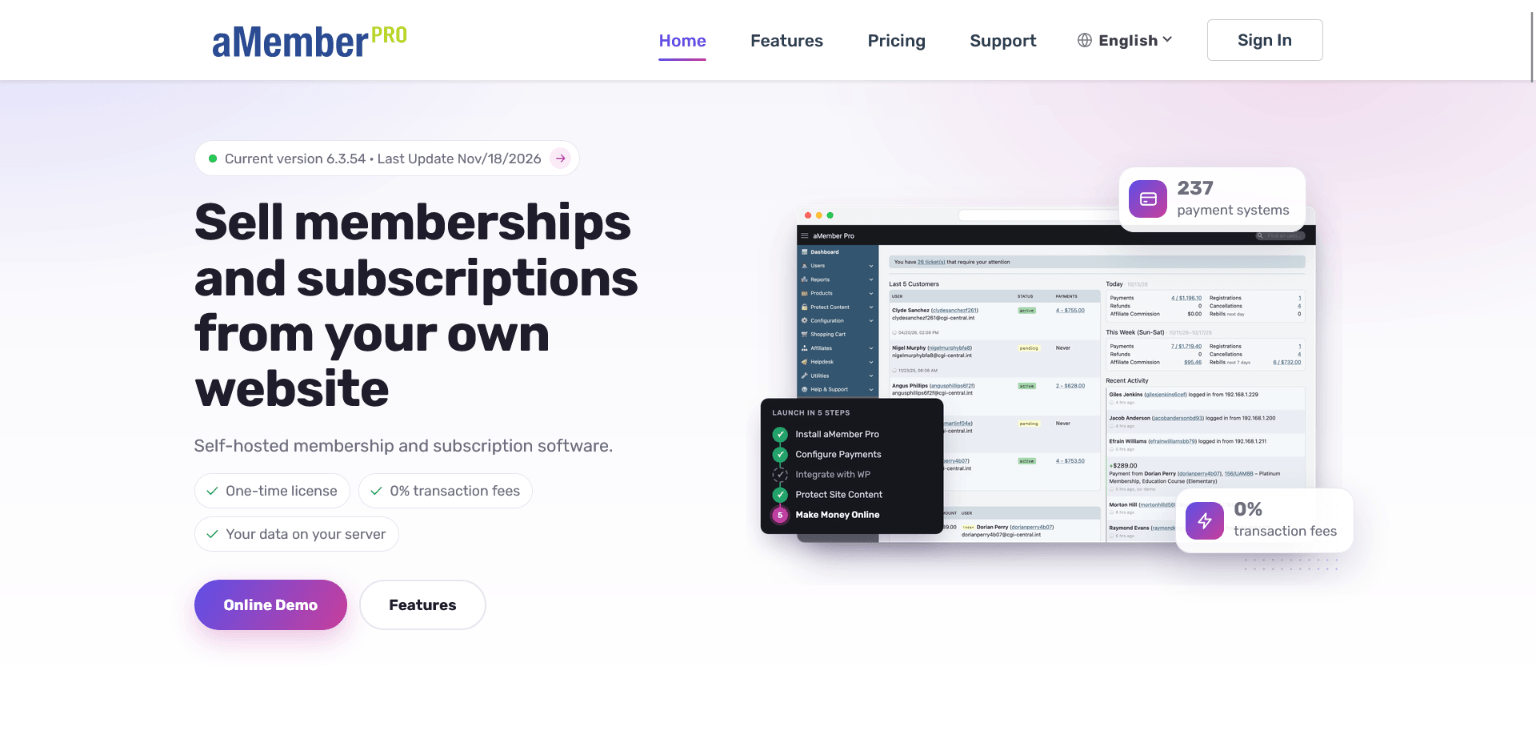
aMember Pro is a little different from all the other options on this list. It is not actually a WordPress plugin, but standalone membership and subscription software that can work alongside WordPress.
That distinction matters because aMember Pro is specially designed to handle much more than basic content restriction. It combines membership management, recurring billing, customer management, affiliate marketing and digital product delivery in one system. It also supports free and paid trials, discount coupons and membership upgrades or downgrades.
The software supports a large number of payment integrations, which can be particularly useful for subscription businesses serving customers across different countries.
aMember Pro also offers detailed content protection. You can restrict WordPress posts, pages, files, videos, audio and other resources based on the membership products a customer purchases.
Another useful feature is its built-in affiliate management system. You can create an affiliate program, manage commissions and track referrals as well.
Moreover, it even comes with customer management tools, reporting, invoicing, email marketing features and a helpdesk module. The downside? Setup complexity. Since aMember Pro runs as separate software, connecting it with WordPress and managing the two environments requires more technical attention than installing a regular WordPress plugin.
Key Features
- Advanced subscription management
- 200+ payment integrations
- One-time and recurring billing
- Automated content protection
- Built-in affiliate management
- Digital product delivery
- Customer and payment reporting
Pros
- Extensive payment integrations
- No recurring license fees
- Built-in affiliate functionality
- Full source-code access
Cons
- Not a native WordPress plugin
- More involved initial setup
Best for: Subscription businesses, digital publishers and companies selling memberships, downloads and software licenses.
Cost:
- Single license starts at $149 one-time.
- Professional license costs $399 one-time for five installations.
- Six months of updates and support are included.
Final Verdict: What Is the Best WordPress Membership Plugin?
At Grace Themes, we only recommend tools we personally liked and used, and after testing multiple popular plugins, these are all the best WordPress membership plugins.
Out of the 7 options above, ARMember is the one we’d hand to most site owners. It gates content and runs online courses and recurring billing from a single plugin. Nothing else here gets you from install to a working paywall faster.
Best of all, it comes with 62+ in-built add-ons, 56+ premium add-ons and 22+ payment gateways, giving you complete control over every part of your membership platform.
Overall, whatever you pick, the best membership plugin for you is the one that matches your business model.
