

Best Text-to-3D AI Tools for 3D Printing
If you want to generate a model for 3D printing but only have a text prompt or a detailed description of what you want to get, modern AI 3D model generators can handle the rest.
These tools are designed to analyze your prompt, identify the desired object, shape, or style, and produce a print-ready output, leaving only a few minor refinements on your end.
Fast and easy.
Below, we’ve covered 3 of the best text-to-3D AI tools for 3D printing that you can consider and test, including the necessary model generation steps, additional features, and pricing for each tool.
| Tools | Best for | Supported files for 3D printing | Other features | Pricing |
| Meshy AI | Game developers, 3D printing businesses, filmmakers, individual creators | OBJ, STL, 3MF |
|
|
| Hyper3D (Rodin AI) | 3D printing, game development, AR/VR, product design | OBJ, STL |
|
|
| Tripo AI | 3D printing, gaming, animation and film, product design, AR and VR, architecture and interior design. | OBJ, STL |
|
|
1. Meshy AI
Best for: Game developers, 3D printing businesses, filmmakers, individual creators
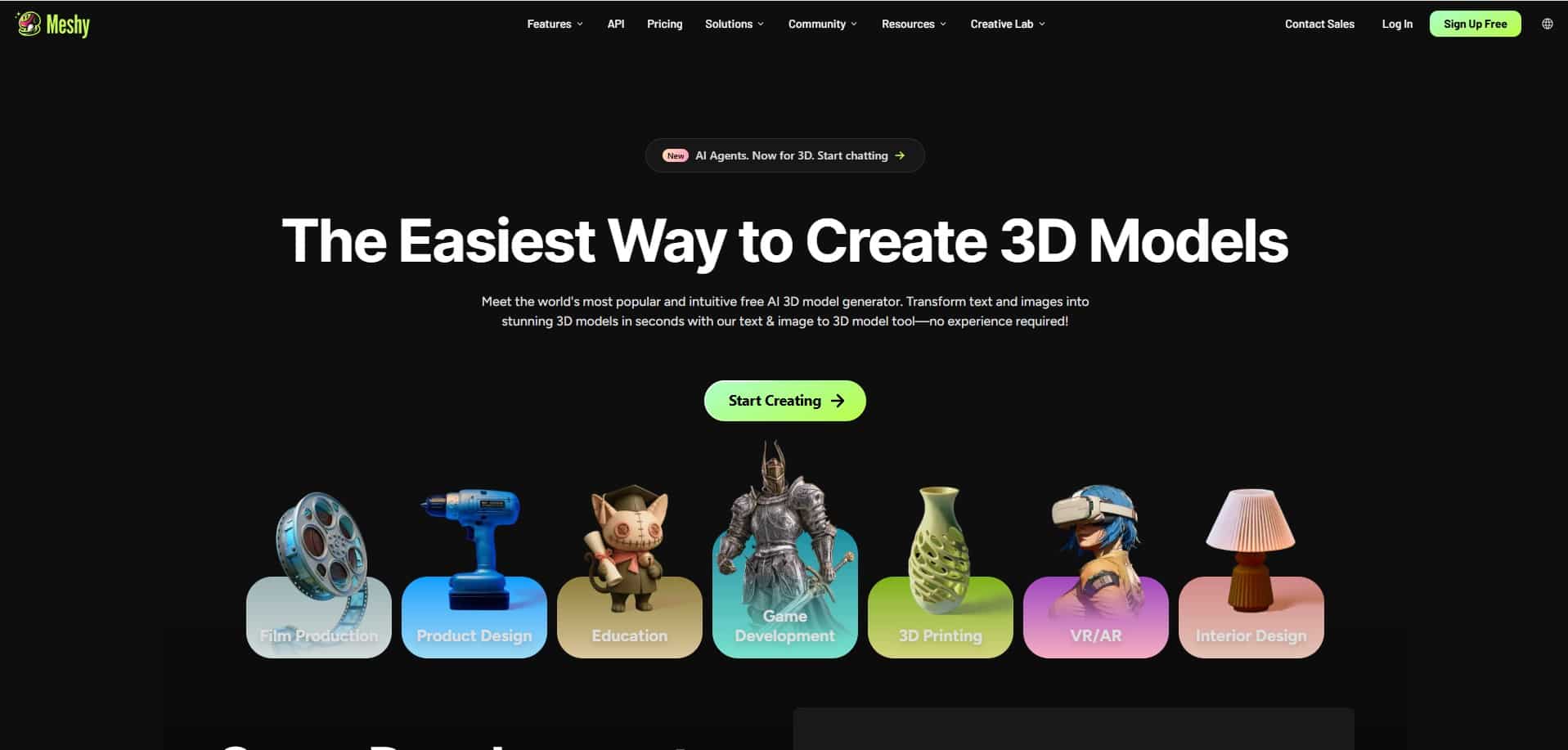
Meshy AI is an online AI 3D model generator, creating high-quality 3D meshes using a text prompt or reference images with no design skills needed.
How Text-to-3D works
One of Meshy AI’s key features is creating 3D models based on a text prompt or description. The overall process from text input to final creation and export will take only several seconds, and everything happens inside Meshy AI, without having to juggle between multiple tools.
Step 1: Type your text prompt or model description. Make sure to be more specific when describing the material, shape, and style of your model.
Step 2: Generate the model in PBR textures and preview it in the built-in 3D viewer. Make necessary refinements with built-in tools, such as AI texturing or Remesh for optimizing topology.
Step 3: Export the final model. The platform supports various file format exports, including the ones that are compatible for 3D printing (OBJ, STL, 3MF).
Other key features offered by Meshy AI
- Image-to-3D
- 3D Agent (world’s first conversional AI agents that guides your 3D model creation from a text idea, photo or sketch)
- AI texturing
- Animation
- AI image generation
- API integration
Pricing
You can test Meshy AI’s features for free with 300 monthly credits. And if you want to upgrade to benefit from more features from Meshy AI, it offers 2 pricing plans for individuals and teams.
- For individuals, the paid plans start at $20/ month with 1000 monthly credits
- For teams, the paid plans start at $70/ month for 5500 monthly credits
2. Hyper3D (Rodin AI)
Best for: 3D printing, game development, AR/VR, product design
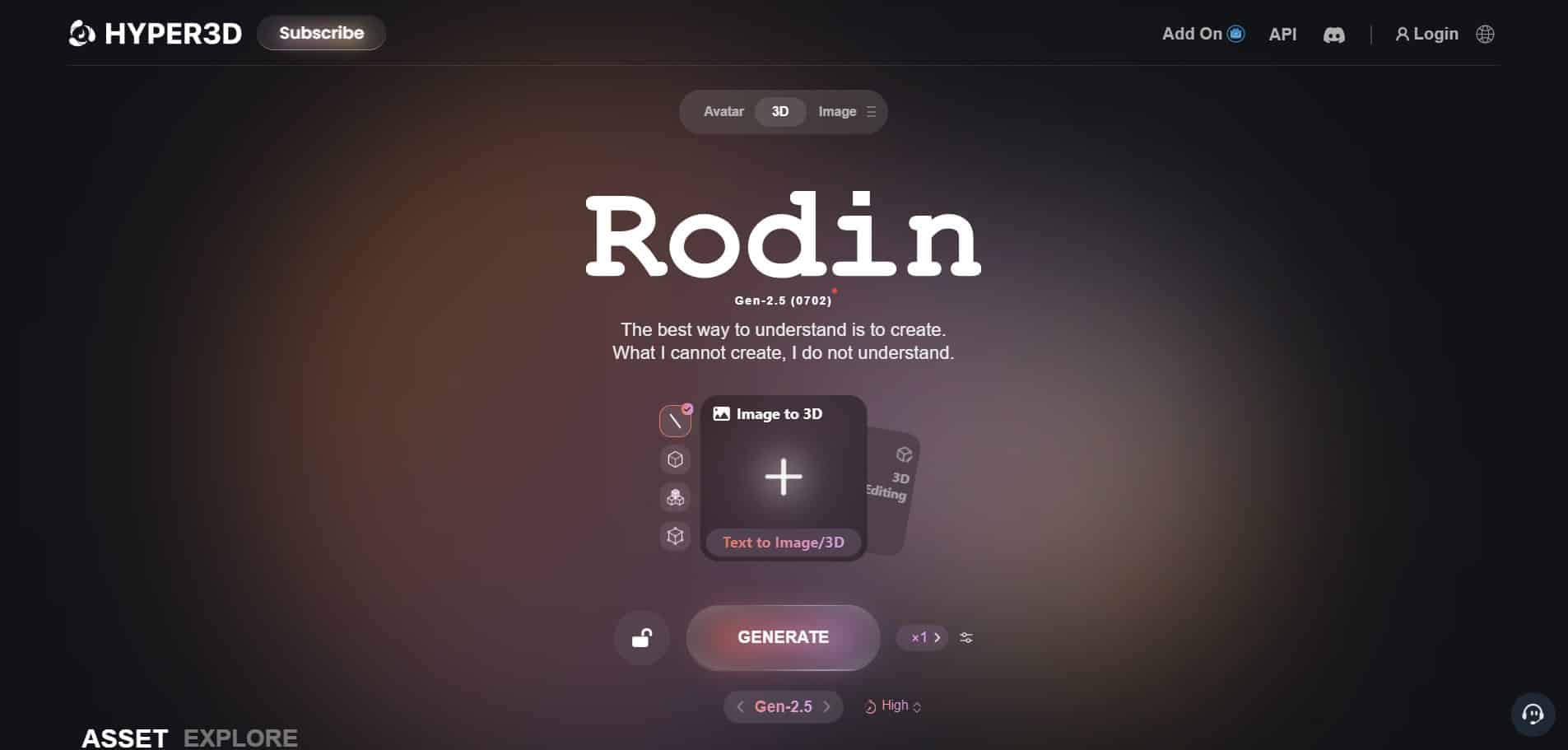
Hyper3D is an AI-powered 3D generator. With its flagship product named Rodin AI, it helps generate 3D models for various use cases such as game development, product design, or 3D printing. It also uses inserted text or uploaded images to generate 3D models.
How Text-to-3D works
Step 1: Insert your text by describing the object, material, and intended use.
Step 2: As you hit generate, the AI analyzes your text and interprets it into 3D shape, proportions, surface detail, and materials, with no manual work needed from your side.
Step 3: As the model is generated, you can export it in print-compatible file formats such as STL or OBJ. For 3D printing, this feature is especially useful to generate watertight models, figurines, ornaments, or printable prototypes.
Other key features offered by Hyper3D (Rodin AI)
- Image to 3D
- AI Video Generator
- AI Image Generator
- API
Pricing
The platform offers a pay-as-you-go pricing model, starting at $1.5/credit..
3. Tripo AI
Best for: 3D printing, gaming, animation and film, product design, AR and VR, architecture and interior design.
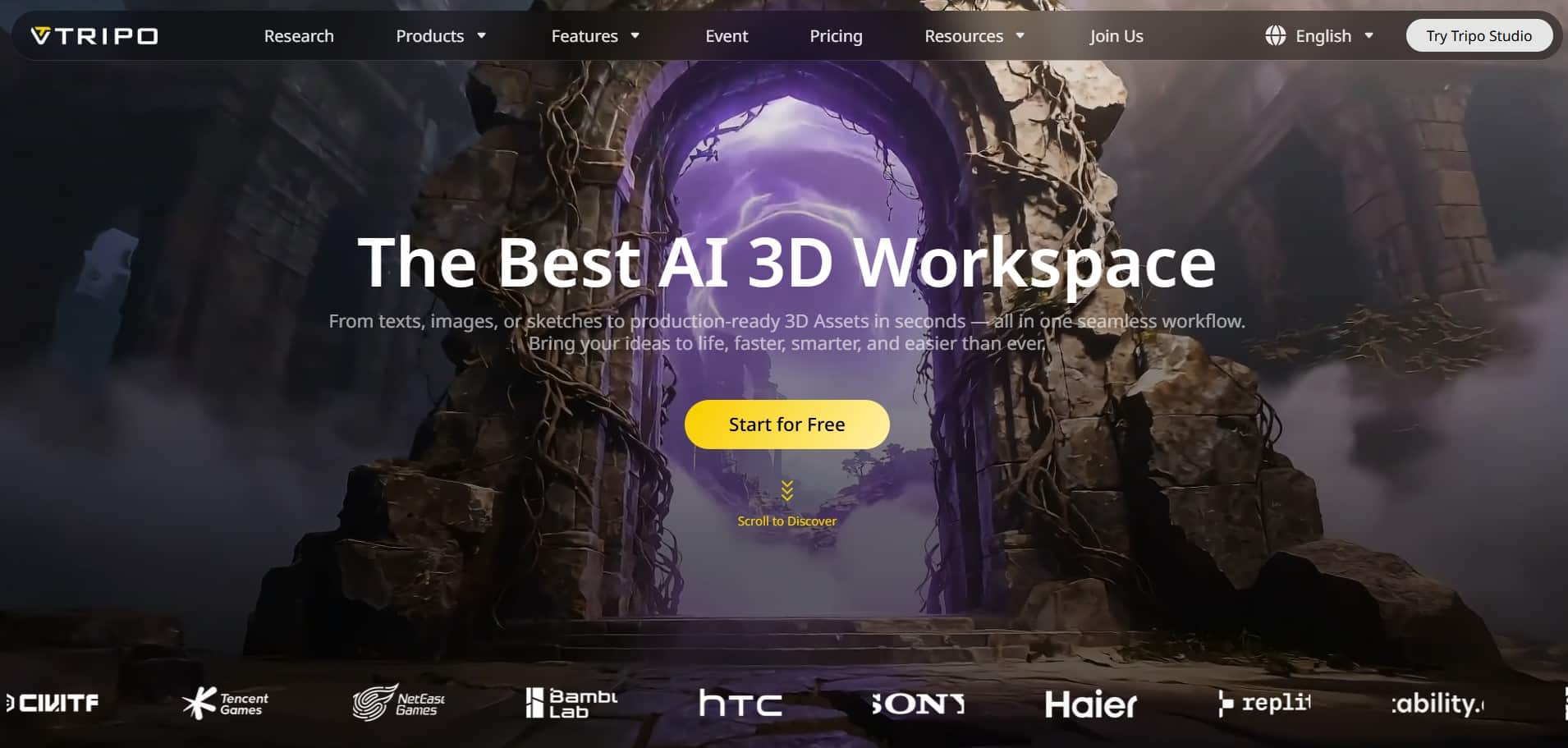
Next is Tripo AI, an AI 3D model generator that helps individual creators, game developers or designers to generate 3D models using images, sketches, or text.
How Text-to-3D works
To generate 3D models based on your text prompt, Tripo AI uses large vision-language models.
Step 1: Enter your text prompt in a special description box on Tripo AI’s website. The platform then analyzes your text to understand the object, structure, and context for accurate 3D model generation.
Step 2: Get your clean model generated and, if applicable, enhance it by applying rigging, animation, textures, or splitting parts.
Step 3: Once done, export your model in file formats compatible with 3D printing (STL, OBJ).
Other key features offered by Tripo AI
- Image to 3D Model
- AI Texturing
- AI Model Segmentation
- Smart Mesh
- High Detail Model
- Auto Rigging
- Model Stylization
Pricing
Tripo AI has a free tier with 200 monthly credits. For more credits and features, it also offers paid plans, starting at $19.9/ month (3000 monthly credits).
What to Look For in Text-to-3D Generators?
While working on the same logic, not all models generated by different text-to-3D tools are equally good. Here’s what actually matters when evaluating your options:
- Prompt accuracy and consistency
Test how closely your final output matches your text prompt or description. Did you get the right styling, material, or shape? - Mesh quality and topology
Look for tools that generate clean, sharp, and structured geometry, without messy or uneven edges. - Editing and refinements
Make sure the tools allow you to refine the generated model, its shape, color, or parts, right inside the platform interface, without having to install additional tools or start over. - Export format support
And finally, check whether the tool you decide to use supports file formats that are compatible for 3D printing, such as OBJ, STL, or 3MF.
To Sum Up
Whatever tool you pick in the end, the best one depends on your generation needs and which part matters to you most: speed, edit control, or raw generation power. Here’s how the three tools we discussed stack up.
Start with Meshy AI for its advanced built-in refinement tools and a 3D agent that guides you through the creation process. Try Hyper3D if you’re creating figurines or product prototypes for 3D printing. And finally, consider Tripo AI for its large vision-language models that power text-to-3D generation.
FAQs
- Can I convert a text prompt directly into an STL file?
Yes. Most of the tools like Meshy AI, Hyper3D, or Tripo AI let you generate a mesh from a prompt and export it directly to STL for slicing software. - Is text-to-3D AI generation free?
Most of the AI 3D generators offer free plans or free trials with limited credits for testing the generation process. Their paid plans unlock more credits and a higher level of functionality. - Can I use AI-generated 3D models commercially?
It depends on the specific license terms of the tool you use. Most, like Meshy AI, provide full commercial usage rights for your generated models, provided you give proper credit to the tool.
