


Best AI Presentation Makers: Design.com, Kimi or Canva?
Creating a presentation used to take a lot of time. You had to think about the structure of your content, design each slide, match colors, add visuals, and make sure everything looked clean, professional, and engaging. In 2026, this is no longer the case, as AI presentation makers are making this process much easier.
With the right tool, you can enter a topic or short description and get a ready-to-edit presentation in just a couple of minutes. But not all AI tools work the same way. Some focus on branding, others on speed, and some give you more design freedom. And as the market is full of similar tools, you must explore some options to understand which one suits your needs the best.
Top 3 AI Presentation Makers
In this article, we compare Design.com, Kimi Slides, and Canva AI to help you decide which one fits your needs the best.
1. Design.com
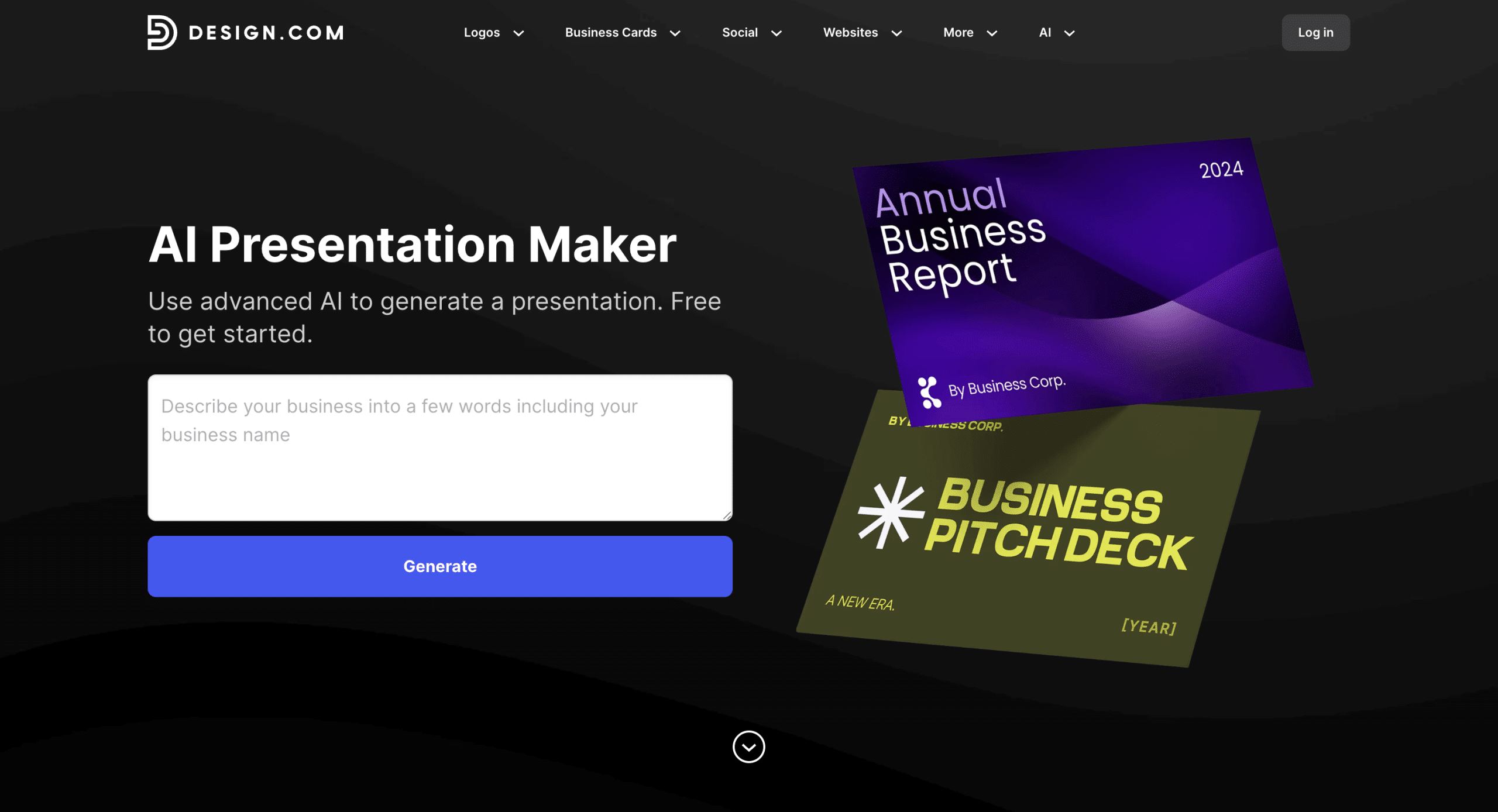
Design.com is a full design platform that includes logo creation, websites, marketing templates, and a tool to help you make AI presentations. What makes it stand out is how closely presentations connect with your brand identity.
How It Works
With Design.com’s AI presentation maker, you simply enter your business name and a short description. The AI then generates a professional presentation in seconds.
Some examples:
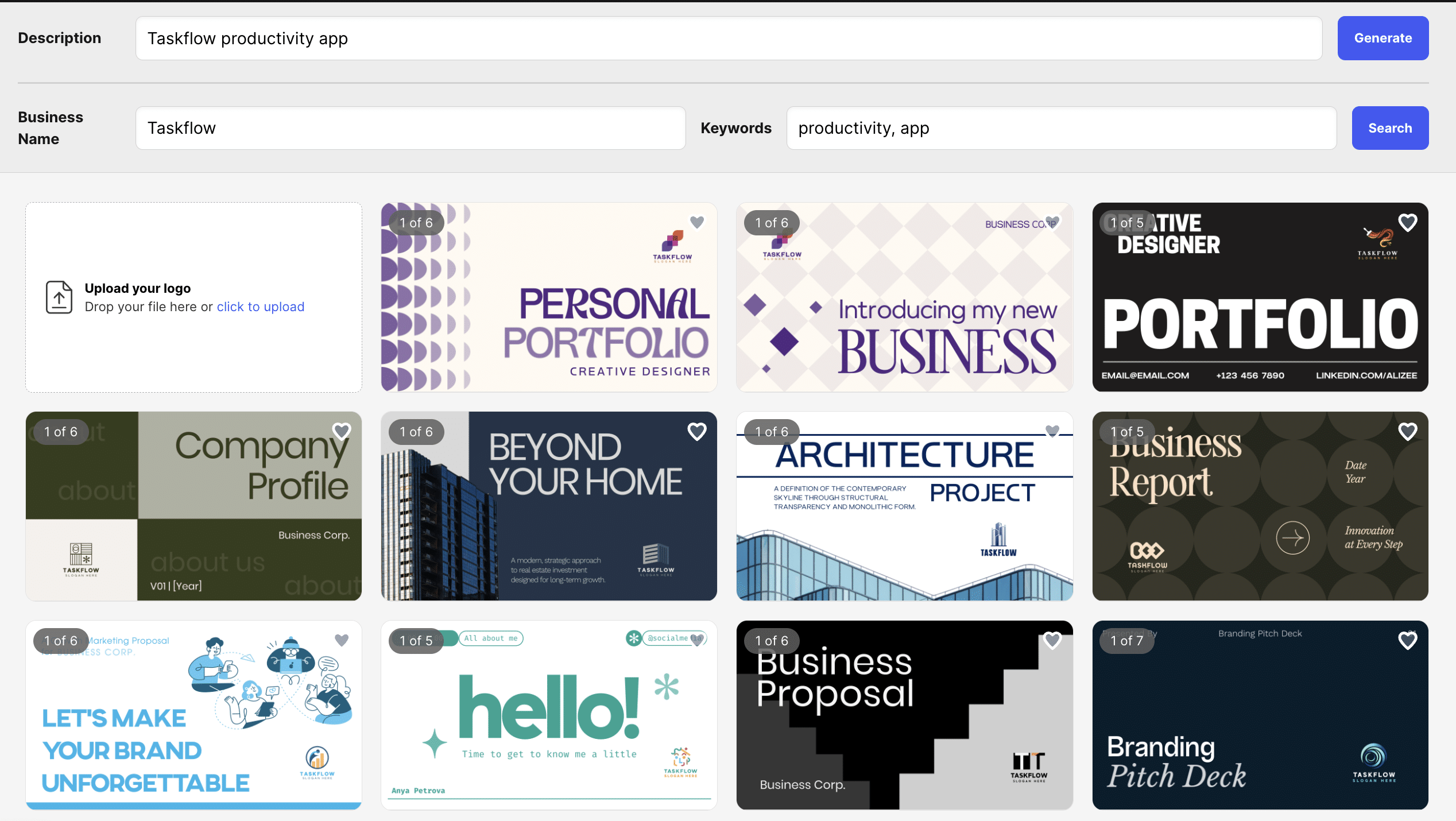
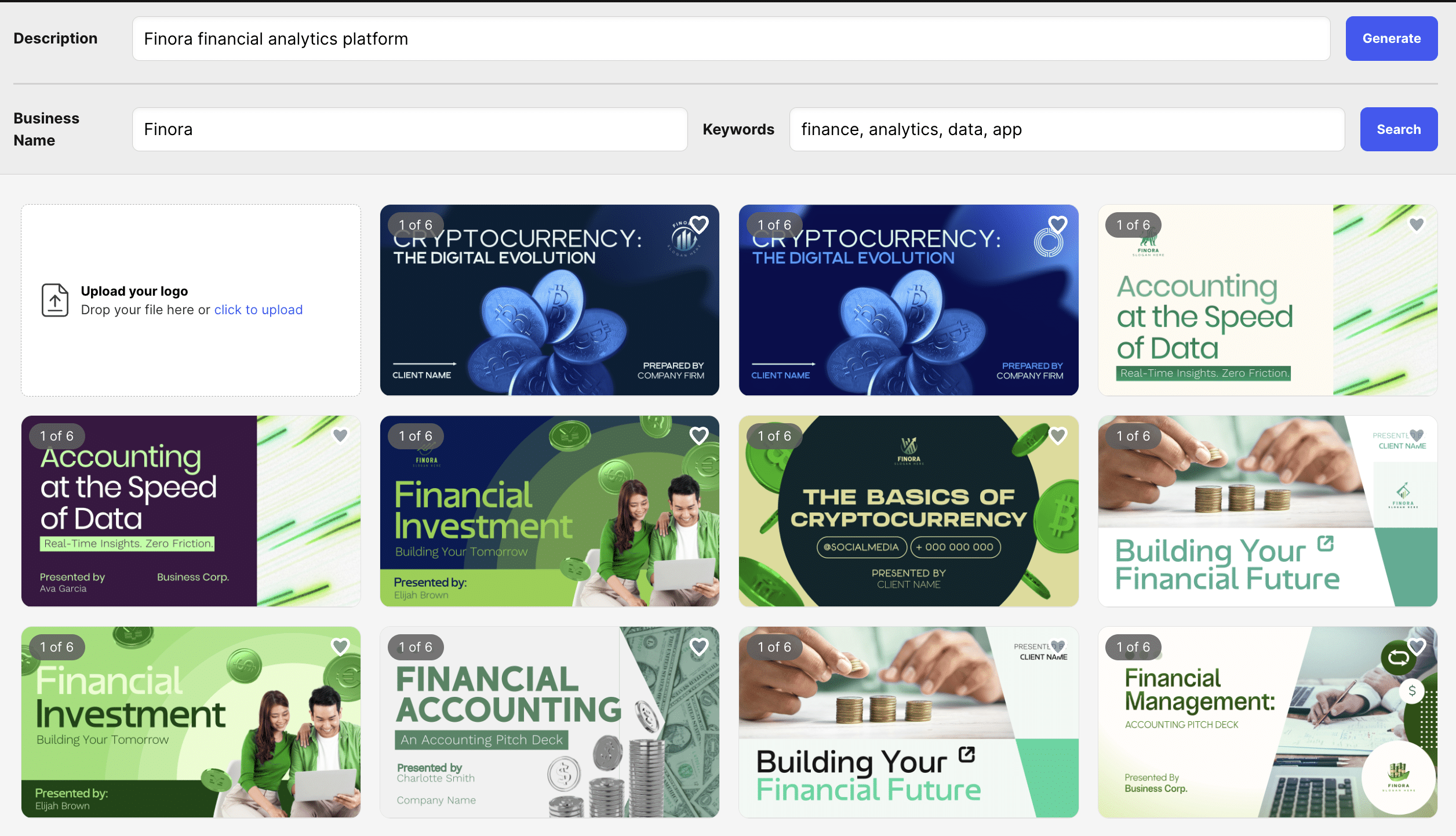
Thousands of Template Designs
It uses thousands of professionally designed templates built into its system. Whether you want something polished and corporate, bold and modern, or clean and minimal, the AI creates slide decks tailored to your input.
Tailored to Your Business
If you want something more specific, you can refine your input with keywords or adjust your business description. This lets you tailor the AI’s output to your exact needs and industry.
Easy Customization
Once your presentation is generated, you can fully customize it. You can:
- Change fonts and colors
- Adjust layouts
- Add shapes and design elements
- Apply gradient effects
- Fine-tune every slide
The editing tools are simple, so you don’t need design experience to create something professional.
Multiple Download Formats
After finishing your slides, you can download them in formats that work for:
- PowerPoint
- Google Slides
- High-resolution image files (PNG, JPG)
- Vector files (SVG, EPS, PDF)
Your designs are also saved in your account, so you can access them anytime.
Free to Get Started
Design.com allows users to generate and browse AI presentations for free. You can explore multiple designs and build a shortlist before finalizing your choice.
Best for: Businesses and creators who want presentations that match their brand and integrate with their broader design tools.
2. Kimi Slides
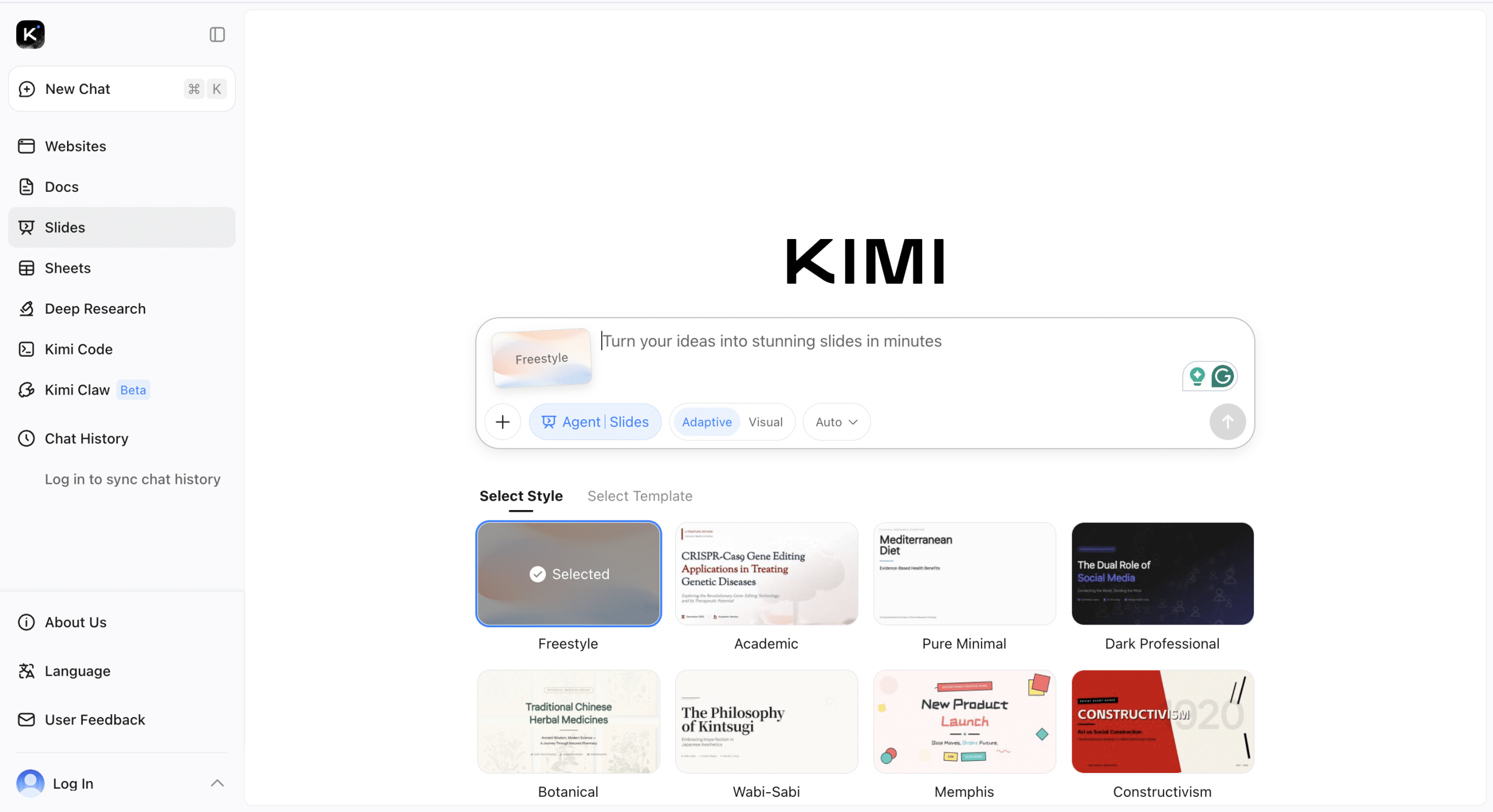
Kimi Slides focuses on turning ideas into structured presentations quickly. It is designed for users who want speed and simplicity.
Prompt to Slide Generation
You enter a topic, short outline, or notes. Kimi first generates a structured outline and then converts it into slides. This makes it easy to see the logical flow before the final deck is created.
Quick Editing
You can adjust the outline before slides are finalized. After generation, you can edit text and reorganize slides as needed.
Research and Content Support
Because Kimi is part of a broader AI ecosystem, it can assist with organizing information clearly and logically. This helps produce presentations that are structured and easy to follow.
Export Options
Presentations can be exported for use in tools like PowerPoint, making them easy to share or present offline.
3. Canva AI
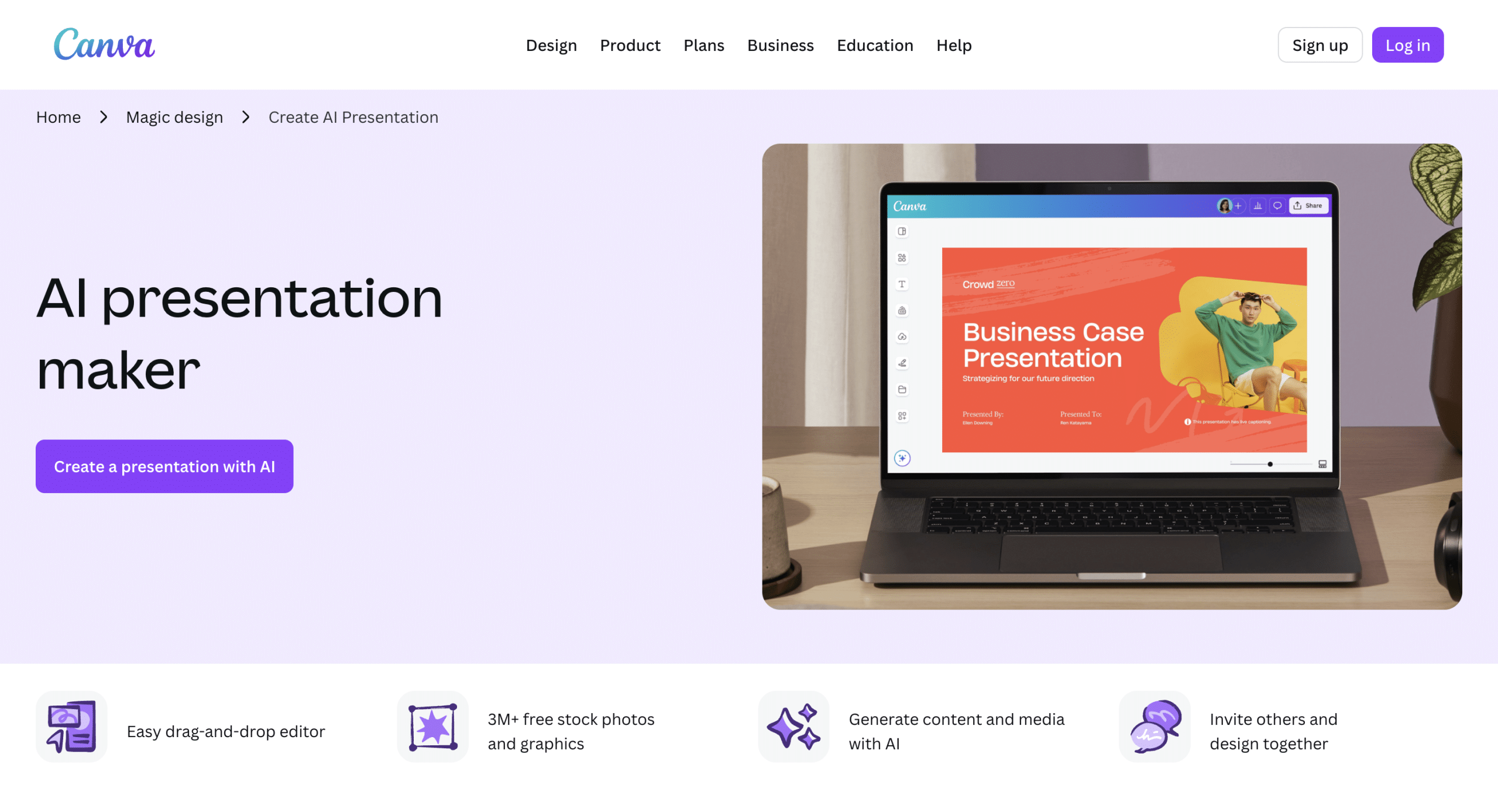
Canva is one of the most widely used online design platforms. It offers presentation templates along with AI tools to speed up slide creation.
AI-Powered Slide Creation
You can enter a topic or text and let Canva generate slides automatically. It suggests layouts, visuals, and formatting.
Full Creative Control
Unlike some tools that generate fixed designs, Canva allows full customization:
- Edit layouts
- Add animations and transitions
- Insert charts and graphics
- Use a large stock image library
- Adjust fonts and spacing
You can completely redesign slides if needed.
Brand Kit Support
Canva allows users to create a Brand Kit with logos, colors, and fonts. This ensures presentations stay visually consistent.
Collaboration Features
Canva supports real-time collaboration. Teams can edit slides together, leave comments, and share feedback directly in the platform.
How They Compare
Each platform has a different strength, so let’s see how they compare to each other:
| Platform | Core Strength | Best For | When to Choose It |
| Design.com | Brand consistency + AI-generated decks | Keeping everything aligned with your brand | When brand consistency is non-negotiable |
| Kimi Slides | Speed + structured content creation | Fast, organized presentations | When you need speed + clear outlines |
| Canva AI | Flexibility + creative control | Custom design & collaboration | When creativity & teamwork matter most |
Conclusion
AI presentation makers make it easier than ever to create professional slide decks. Instead of spending hours designing slides manually, you can now generate structured presentations in seconds.
The best tool depends on what you value most: brand integration, speed, or creative flexibility.
No matter which platform you choose, AI makes presentations faster, simpler, and more accessible – so you can focus more on your ideas and less on formatting.
