
Beginner’s Guide to Remote Desktop VPS Hosting
Most people looking at the cheapest dedicated server options are trying to solve a specific problem. They need computing power that they can access their server reliably from anywhere, without being tied to one physical machine or one physical location. Remote work has made this a mainstream requirement rather than a niche technical need. Whether you are running an online business, a cheap Forex VPS, managing applications across multiple locations, or simply tired of being dependent on one laptop that cannot leave your desk, remote desktop VPS hosting solves the problem in a way that is more accessible than most beginners expect.
This guide explains what remote desktop VPS hosting actually is, how it works in plain language, and when it genuinely makes sense to use it.
What Is Remote Desktop VPS Hosting?
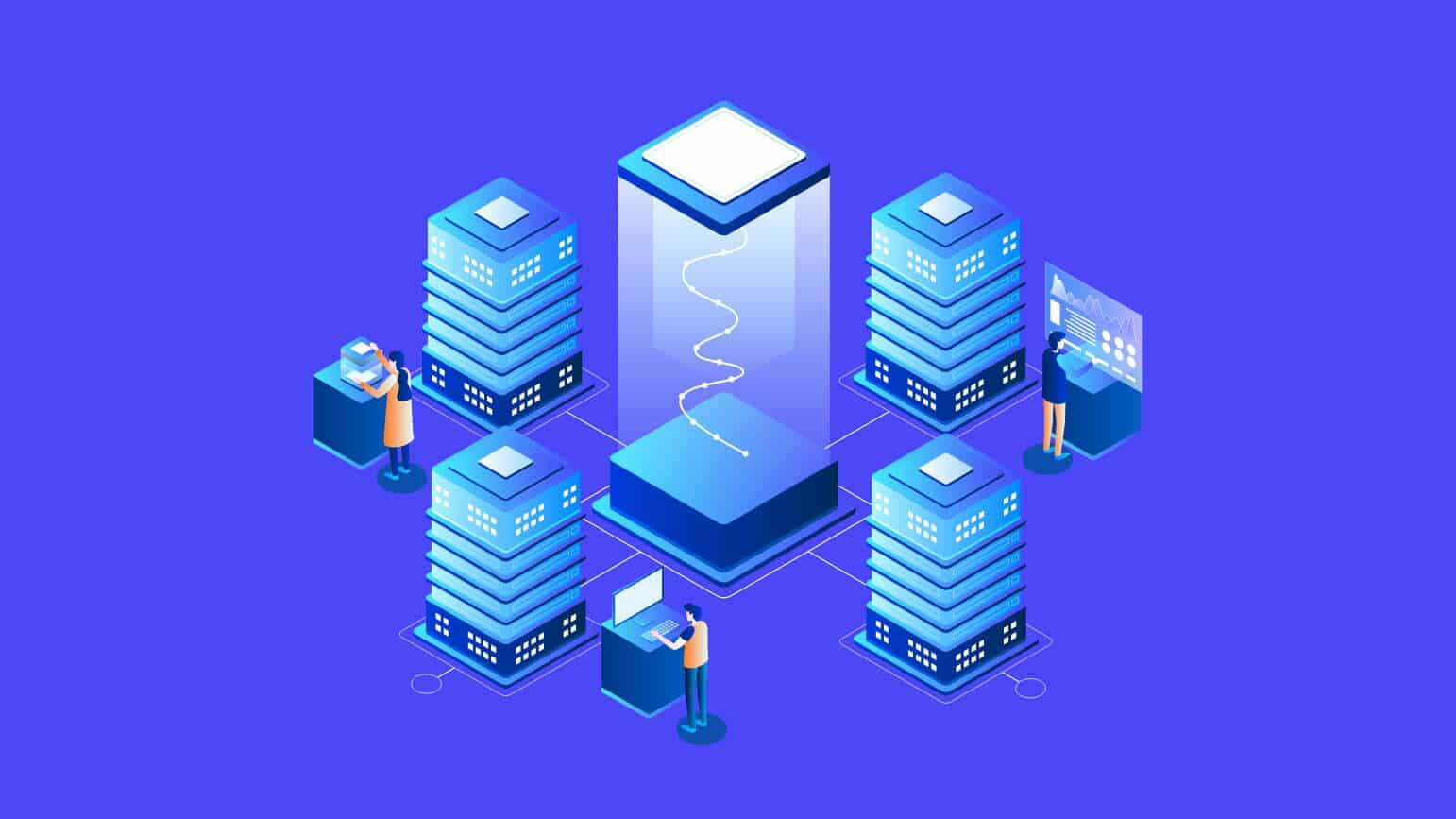
A remote desktop VPS is a virtual server hosted in a professional data center that you can access and use just like a regular desktop computer, except it runs in the cloud rather than sitting on your desk.
The VPS part means you have your own dedicated slice of a physical server with your own CPU allocation, RAM, and storage that nobody else shares. The remote desktop part means you connect to that server through your internet connection and interact with it through a visual desktop interface, the same way you would use your own computer, just from anywhere in the world.
From your end, you will feel like you are sitting in front of a physical computer. You see a desktop; you open applications; you manage files; you run software. The difference is that all of that processing is happening on a powerful server in a data center rather than on the device sitting in front of you. Your laptop, tablet, or even your phone is just a screen and keyboard. The actual work happens remotely. It is also a budget-friendly alternative for the cheapest dedicated server.
How Does Remote Desktop VPS Hosting Work?
The simplest analogy is accessing your office computer from home. When you do that through a remote access tool, you see your office computer’s screen on your home screen and control it as if you were sitting in front of it. The concept is almost the same: instead of connecting to a physical server in the office, remote desktop VPS hosting lets you access your virtual server hosted in a data center.
The server runs continuously in the background whether you are connected to it or not. When you want to use it, you open a remote desktop application on your device, enter your server credentials, and connect. Within seconds you are looking at your server’s desktop and working as normal. When you disconnect, everything on the server stays exactly as you left it, running or saved, ready for the next time you connect.
The software that makes this possible is called the Remote Desktop Protocol on Windows servers or similar tools in Linux environments. Your hosting provider handles the server setup and maintenance. You handle what runs on it.
Who Should Consider Remote Desktop VPS Hosting?
Remote desktop VPS hosting is genuinely useful for a wider range of people than most beginners assume.
- Freelancers and remote workers who need consistent access to a powerful computing environment from multiple devices or locations benefit immediately.
- Small businesses running Windows-based software that needs to be available to multiple team members find remote desktop VPS hosting a practical alternative to buying and maintaining individual machines for every person.
- Developers and technical teams who need a stable, always-on server environment for testing, running applications, or hosting tools that need to be continuously available use remote desktop VPS for exactly this reason.
- Anyone who has experienced the frustration of being unable to access important files or applications because they are stuck on one physical machine will also find it useful.
What to Look for in a Remote Desktop VPS Hosting Plan
A few things that really matter when choosing a plan for a remote desktop include the following:
- Processor quality determines how responsively the desktop environment behaves.
- RAM allocation affects how many applications you can run simultaneously without the server slowing down.
- NVMe SSD storage produces a noticeably more responsive experience than standard SSD in remote desktop environments.
- Network speed matters for how smooth the remote connection feels.
- Operating system support is worth checking if you need a specific environment.
Conclusion
Remote desktop VPS hosting takes the concept of a personal computer and removes the physical limitation entirely. Your work environment becomes something you access rather than something you carry, which is a genuinely practical shift for anyone whose work involves multiple locations, multiple team members, or simply the need to be reliably connected to a consistent computing environment.
Explore host.co.in’s VPS hosting plans and set up a remote desktop environment that works wherever your work takes you.
