

Astrocartography for WordPress Travel Bloggers: Exploring Destinations with AstroCarto
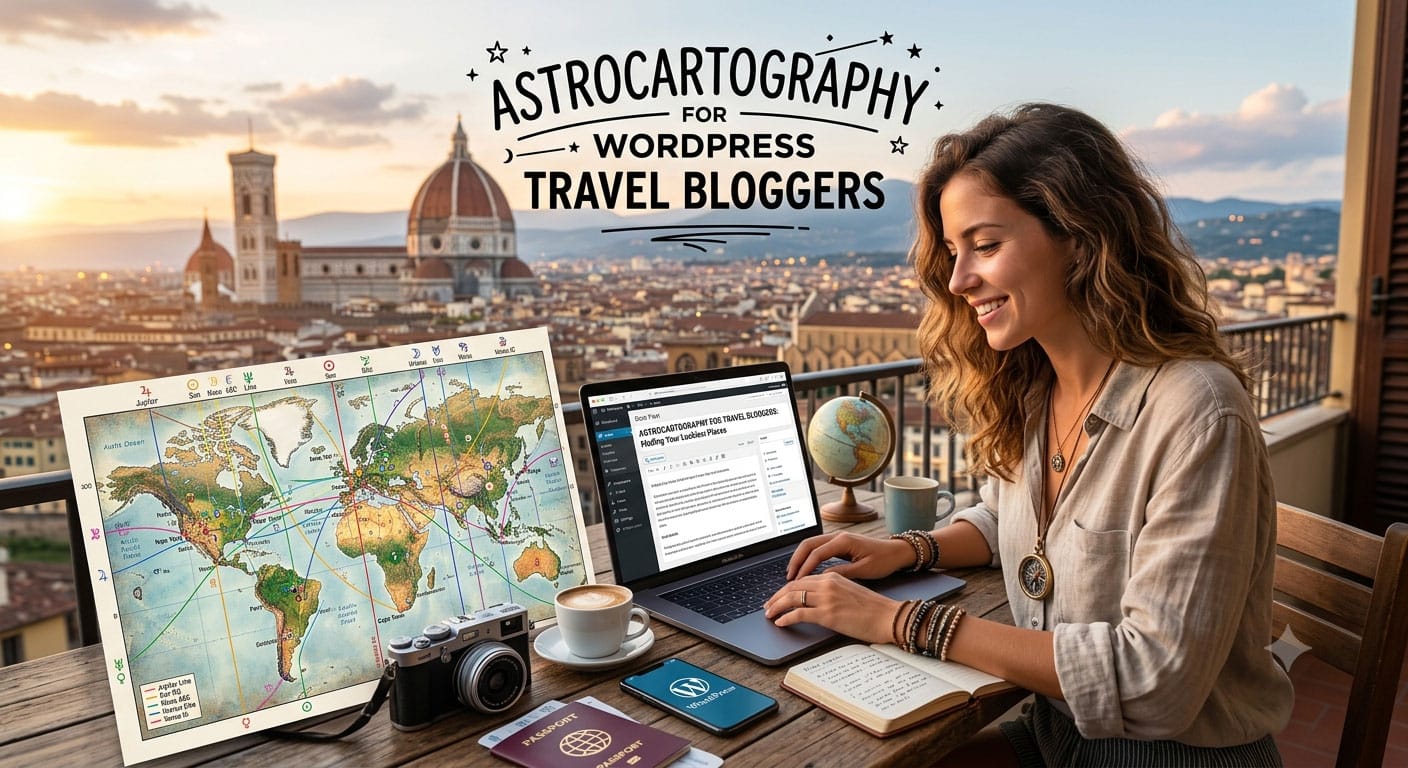
You have two cities in mind for your next trip and a story to tell on your WordPress travel blog. Suppose Edinburgh and Florence both appeal to you, and the trip is about discovery and inspiration. If you enjoy astrology, your personal map offers another way to explore that choice: which planetary themes appear around each place, and what do their differences mean for the experience you want?
AstroCarto makes astrocartography for travel bloggers easier to explore when planning a trip. Check a city, compare destinations using the same birth chart, and ask AI to explain why their readings differ. The city details accompany your questions, and the comparison shows supporting themes, cautions, and reasons for the ranking. You can understand the choices on your map before deciding how to describe that exploration to your readers.
Astrocartography is a branch of astrology that maps where planets occupied key angles in the sky at the time of birth. AstroCarto calculates those lines from your birth details. AI then helps explain the map and city results.
See How a Destination Appears on Your Map
Start with one destination from your shortlist. Looking up a particular city makes the map easier to read, especially when you are still learning what its lines and symbols mean.
Enter your birth date, accurate birth time, birthplace, and timezone to generate your map. Then use Check City to inspect the destination. It shows up to four of the closest visible planetary lines, including each planet, angle, approximate distance in kilometers, and proximity strength.
This is particularly useful when several lines cross the same region. A line that passes through a country can still be far from the city you are considering. Seeing the location’s distances helps you decide which details to examine first.
The angle also matters. Within astrology, MC relates to public life and direction, while IC concerns home and roots. A planet’s theme takes on different meanings through those angles. Having both labels in the result lets you describe the combination you checked and connect the explanation to your specific city reading.
Closeness gives a line more emphasis in the reading, but it does not automatically make a destination a better choice. Read the planet and angle together, then consider how the theme relates to your reason for travelling.
Ask About the City You Just Checked
A city result may show a line whose meaning you recognize and an angle you do not. Open Ask AI from that result, and AstroCarto sends the relevant location and line details with your question. You can ask about what you are seeing without copying labels, distances, or a screenshot into a separate chat.
Try a focused question: “What does this planet-angle combination mean in the context of a short visit?” If the answer uses unfamiliar terminology, ask it to explain that term and relate it to the line shown in your result.
If several lines appear around the city, ask how their themes fit together. You might follow up with: “Which part of this reading is most relevant to discovery and inspiration, and is there a tension I should understand?” The city result gives you named lines to refer back to as you read the answer.
This is useful both when you are new to astrocartography and when you already know the terminology. A beginner can ask for a simpler explanation; an experienced reader can focus on a particular combination. Your question can stay as specific as the city you are considering.
Give Two Destinations a Shared Point of Comparison
Once you have checked Edinburgh in this example, compare it with Florence. Keep the purpose of the trip consistent so you can understand the differences between the two readings.
Compare Cities accepts two to four places and uses your birth chart for all of them. Select Travel & exploration to focus on short stays, discovery, movement, and inspiration. The result presents supporting themes, cautions, and reasons for the ranking. It considers all calculated planetary lines, including those hidden from your map view.
Read each city’s supporting themes and cautions alongside the explanation for its position. If the leading option has both strong support and a significant caution, examine that combination before deciding how much weight to give the ranking. The alternative may raise a different question that matters to you. Having those reasons together helps you compare the readings without reconstructing each one from separate notes.
Open Ask AI from the comparison and ask: “How do these two cities differ in my chart for a trip focused on discovery and inspiration?” The answer draws on your calculated map and selected goal, so another person’s comparison of these cities may look different.
You can then ask, “What is the main trade-off behind the ranking?” and follow the explanation back to the cities being compared. A higher position becomes something you can investigate. You can see which planetary themes support the selected goal and where the reading calls for more care, while keeping your practical travel preferences in the decision.
Bring the Research into Your WordPress Article
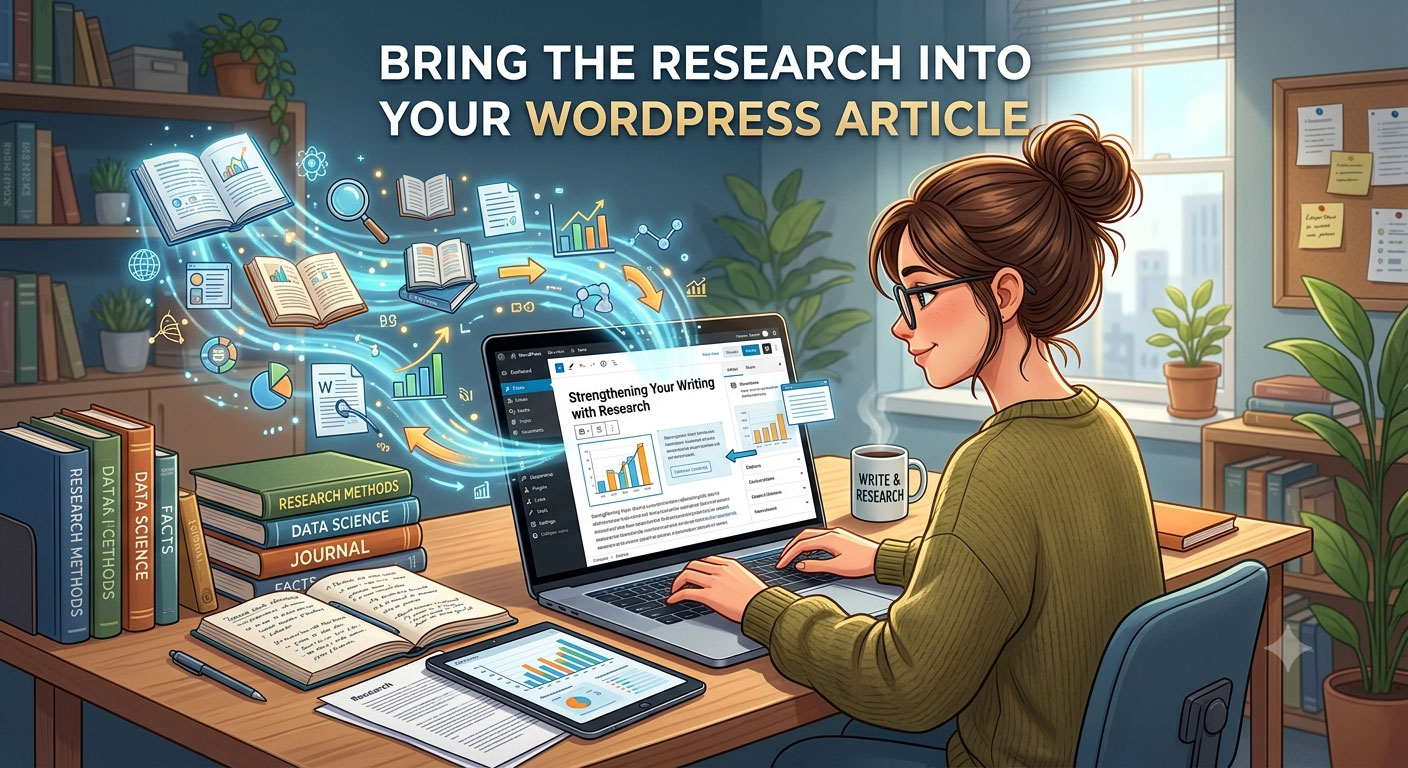
Once you understand the comparison, you have a clear process to share. For the Edinburgh and Florence example, a WordPress section titled “How I Explored the Two Destinations” could contain four short passages:
- Why these cities made my shortlist. Explain your actual interests and what you hope to get from the trip.
- What I checked on my map. Name AstroCarto and describe the city result you examined, including the line or angle that prompted a question.
- The comparison I wanted to understand. Explain the travel goal, the difference you investigated, and the interpretation you took from it.
- What I still needed to research. Record the practical details that remain, such as transport connections or the time available for each destination.
You can build this section with ordinary Heading and Paragraph blocks. Keep it focused on your own exploration, and distinguish plans from experiences you have actually had. Readers can follow how you used the tool while understanding that the map is personal to your birth details.
Explore the Choice Before You Write the Story
For your next trip, begin with the two places you keep coming back to. Generate your map in AstroCarto, check one city, and ask about a line or angle you want to understand. Compare both destinations under Travel & exploration and read the reasons behind the result.
You can leave that session with a personal comparison you can explain and a clearer sense of which themes deserve your attention. When you return to WordPress, the story can follow the choice you explored. Open AstroCarto and start with the destination already on your mind.
