

Ever notice how some Drupal sites load quickly while others drag? A lot of that comes down to hosting. Drupal is flexible and powerful, but it’s not light on resources. If your hosting isn’t up to the task, your site may run slowly, go down unexpectedly, or even face security problems.
Not all cloud hosting is the same, and picking the right Drupal hosting provider for your site can save you a lot of frustration. In this guide, I’ll go through six cloud hosting options for Drupal. I’ll explain what they offer, why it matters, and what you can expect when using them. This isn’t a sales pitch—it’s based on real experience with Drupal sites of different sizes.
What Is Drupal Cloud Hosting?
Before looking at hosts, let’s clear up what Drupal cloud hosting actually means. In simple terms, your site runs on virtual servers instead of a single physical machine. This makes it easier to handle traffic spikes, add more resources when needed, and keep the site running smoothly.
The “cloud” part means the CPU, memory, and storage come from a network of servers rather than just one. For Drupal, which can get heavy with modules, custom code, or lots of visitors, this setup makes a noticeable difference.
Good cloud hosting also usually includes things like automatic backups, security checks, SSL certificates, and caching. These features help your site stay secure and fast without you having to tweak everything yourself.
Think of it this way: shared hosting is like renting a small desk in a crowded office. Cloud hosting is like having a whole office building, where you can add more rooms as your team grows. For Drupal sites, that extra space and flexibility can make all the difference.
1. Cloudways
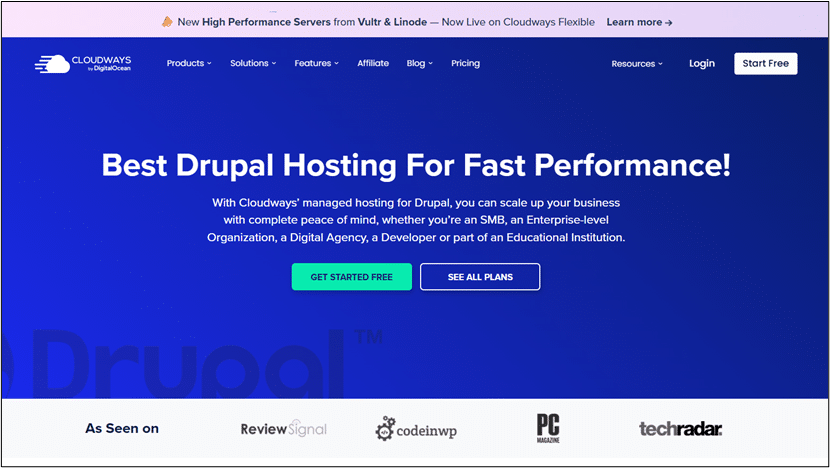
Cloudways is a managed cloud hosting platform that lets you deploy Drupal hosting without handling server setups. It runs on top of providers like AWS, Google Cloud, and DigitalOcean but keeps everything in a single dashboard.

Why it matters for Drupal:
- Handles server maintenance, updates, and security patches automatically.
- Built-in caching and CDN support to keep sites fast during traffic spikes.
- Automated backups and staging environments for testing modules or themes safely.
- Server-level security with firewalls and free SSL certificates.
- Reduces repetitive tasks, saving time for small teams without a full-time sysadmin.
2. Acquia Cloud

Acquia was co-founded by Drupal’s creator, so it is built with Drupal in mind.

Key features:
- Integration with Drupal workflows, including Dev, Stage, and Prod environments.
- Automatic security updates for Drupal core and popular modules.
- Built-in caching and CDN integration for faster page loads.
- Detailed monitoring tools to track uptime, slow queries, and database performance.
- Best for professional teams managing multiple sites or high-traffic projects.
Note: Can feel too complex for small sites.
3. Pantheon
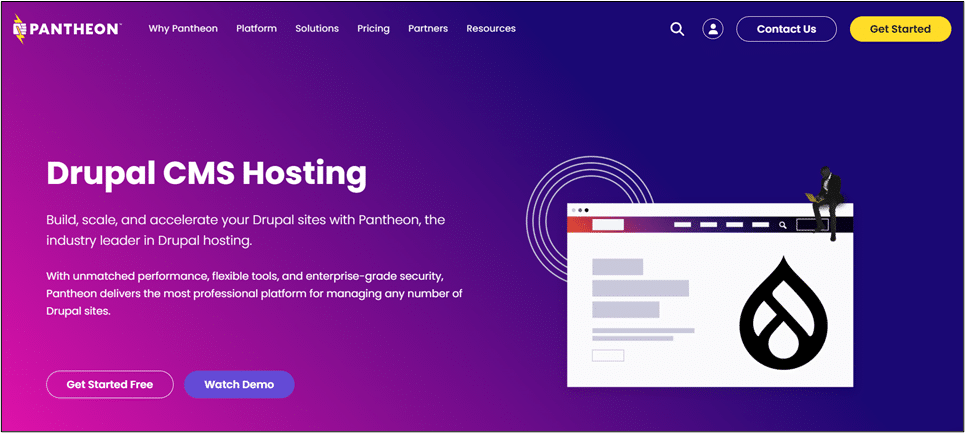
Pantheon is designed specifically for Drupal and offers workflow tools for continuous integration and development.

Highlights for Drupal users:
- Separate Dev, Test, and Live environments for safe updates.
- Built-in caching and static page caching for high-traffic sites.
- Integrates with major CDNs for faster global content delivery.
- User-friendly dashboard, but requires some knowledge of Git and Drupal best practices.
Best for: Teams with moderate technical skill who want faster development cycles.
4. SiteGround
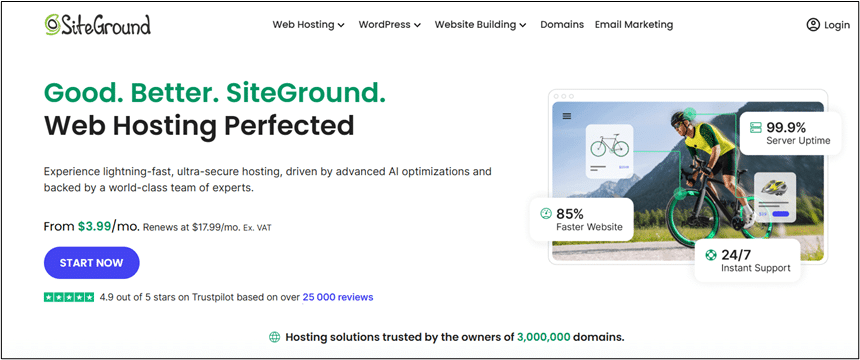
SiteGround is a general cloud host with beginner-friendly Drupal support.

Features:
- Managed cloud hosting plans with automated Drupal updates.
- Daily backups and free SSL certificates.
- SuperCacher tool combines dynamic and static caching to improve page speed.
- Easy-to-use dashboard for domains, databases, and email.
- Staging environment for testing module or theme changes safely.
Trade-off: Less control over advanced server settings compared to Cloudways or Pantheon.
5. DigitalOcean

DigitalOcean gives full control with a virtual server (droplet) you configure yourself.

What it means for Drupal:
- Complete control over PHP, Apache/Nginx, caching, and database optimization.
- Can implement Redis, OPCache, and optimize MySQL or MariaDB.
- Data centers around the world for international audiences.
- Requires technical knowledge to manage security, backups, and scaling.
Best for: Experienced developers who want maximum flexibility.
6. AWS (Amazon Web Services)
AWS is a highly flexible option, but it’s big and can be complex. Here’s what to know for Drupal:

- Run Drupal on EC2 instances, use RDS for managed databases, and CloudFront for content delivery.
- Handles traffic spikes easily. Auto-scaling groups, load balancers, and global CDNs ensure your site can grow with demand.
- You’re responsible for server setup, updates, patching, and caching. Misconfigurations can hurt performance or security.
Practical tip: Host drupal on aws with a managed control layer, like Cloudways, to get cloud power without the operational headaches.
6. Bluehost Cloud Hosting
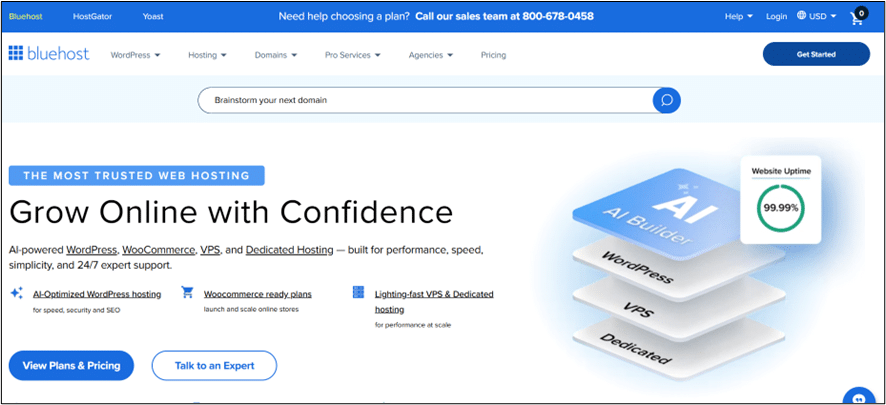
Bluehost offers beginner-friendly cloud hosting with a simple setup for Drupal.

Features:
- Automated updates and daily backups.
- Built-in caching for improved speed.
- Simple interface combining domain, email, and hosting management.
Best for: Small Drupal sites or first-time users.
Trade-off: May not provide enough resources for larger or high-traffic sites.
Comparing the Top 8 Drupal Cloud Hosting Providers
Choosing the right host can be confusing, so here’s a simple comparison of the key features for each provider. Instead of long lists, we’ll describe each one in practical terms.
| Hosting Provider | Ease of Use | Performance & Speed | Backups & Security | Best For | Notes |
| Cloudways | Easy to use with a simple dashboard | Built-in caching and CDN for fast pages | Automatic backups and security patches | Sites that need cloud power without managing servers | Works on top of AWS, Google Cloud, or DigitalOcean |
| Acquia Cloud | Designed specifically for Drupal | Performance monitoring and optimized for Drupal | Automatic updates and secure environments | Multiple Drupal sites, high-traffic websites | Focused on professional teams; smaller sites may not need it |
| Pantheon | Developer-friendly with Dev, Test, Live environments | Built-in caching and CDN | Staging environments for safe updates | Teams that code and deploy regularly | Requires some technical knowledge, but speeds up development |
| SiteGround | Beginner-friendly dashboard | SuperCacher speeds up pages | Daily backups and security | Small to medium Drupal sites | Very convenient, but fewer advanced controls |
| DigitalOcean | Full control over server settings | Can set up Redis, OPCache, and global server locations | You manage backups and security | Technical users who want performance control | Powerful but needs experience managing servers |
| AWS | Highly scalable with flexible server options | Can handle sudden traffic spikes | Security is managed by user | Large or growing sites, global audiences | Requires technical skills; best with managed platform like Cloudways |
| Bluehost | Simple setup for beginners | Decent speed for small sites | Daily backups and basic security | Small Drupal sites or first-time users | Easy to start, but may lack resources for bigger sites |
Practical Takeaways
For Drupal sites, the right cloud hosting depends on your team, site size, and traffic expectations:
- Managed platforms like Cloudways, Pantheon, and Acquia reduce operational overhead, letting developers focus on Drupal itself.
- General cloud providers likeDigitalOcean give maximum control but require technical skill.
- Beginner-friendly hosts like SiteGround and Bluehost offer ease of use but less fine-tuning.
Caching, staging, automated updates, and CDN integration are features you will appreciate once traffic grows. Security and backup tools become essential as the site matures.
Cloudways has a subtle practical advantage. It abstracts the complexities of cloud infrastructure while still giving enough control to customize the environment. For teams that want freedom without full-time server management, this saves both time and mistakes.
Conclusion
Drupal hosting is not one-size-fits-all. Teams must weigh control, ease of use, and technical skill. Managed providers like Cloudways and Pantheon simplify tasks, while cloud providers like AWS, GCP, and DigitalOcean offer flexibility and scale. Beginner-friendly hosts such as SiteGround and Bluehost prioritize convenience.
The key is choosing a platform that supports growth, performance, and secure content delivery, so you pick the best hosting Drupal for your needs. When your site demands more, the right platform makes a difference not just in uptime and speed but also in how smoothly your team can work.
FAQs
- Do I need managed hosting for Drupal?
Not always. Small sites with low traffic can run on shared or unmanaged servers. But managed hosting handles updates, caching, and security, reducing maintenance overhead. - Can I switch hosting providers without downtime?
Yes, but it requires planning. Using staging environments and full backups helps. Providers like Cloudways make migration smoother. - How important is a CDN for Drupal?
Very. A CDN speeds up delivery globally, reduces load on your server, and improves user experience. - Should I choose a provider based on traffic or features?
Both matter. High traffic demands scalable infrastructure, while features like automated backups, caching, and staging improve workflow and safety. - Can I optimize performance on general cloud platforms?
Yes. With technical knowledge, you can implement caching, OPCache, Redis, and database optimization to match managed hosting performance.